B21, China Town Mall, Midrand

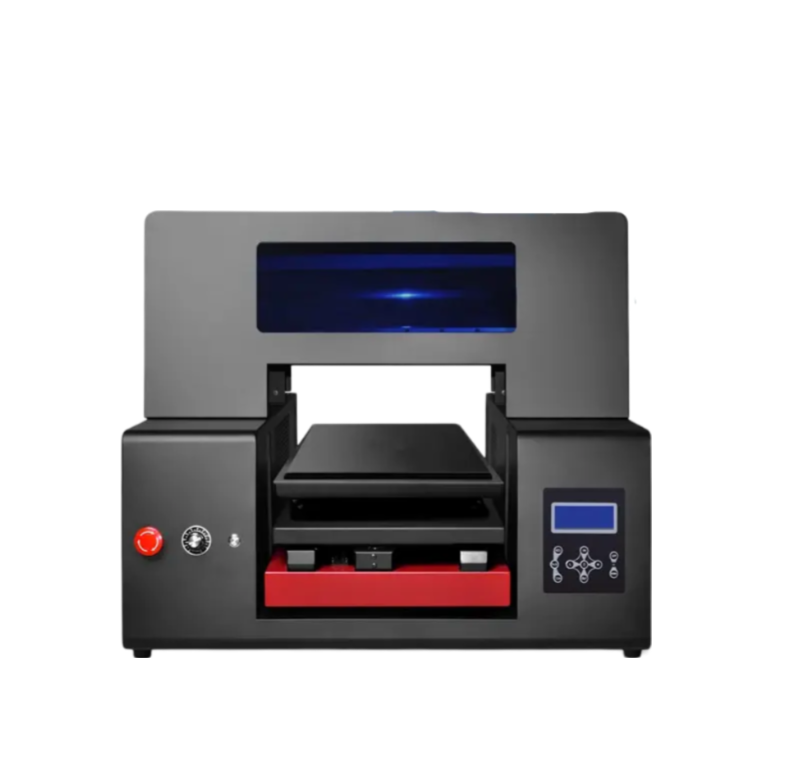
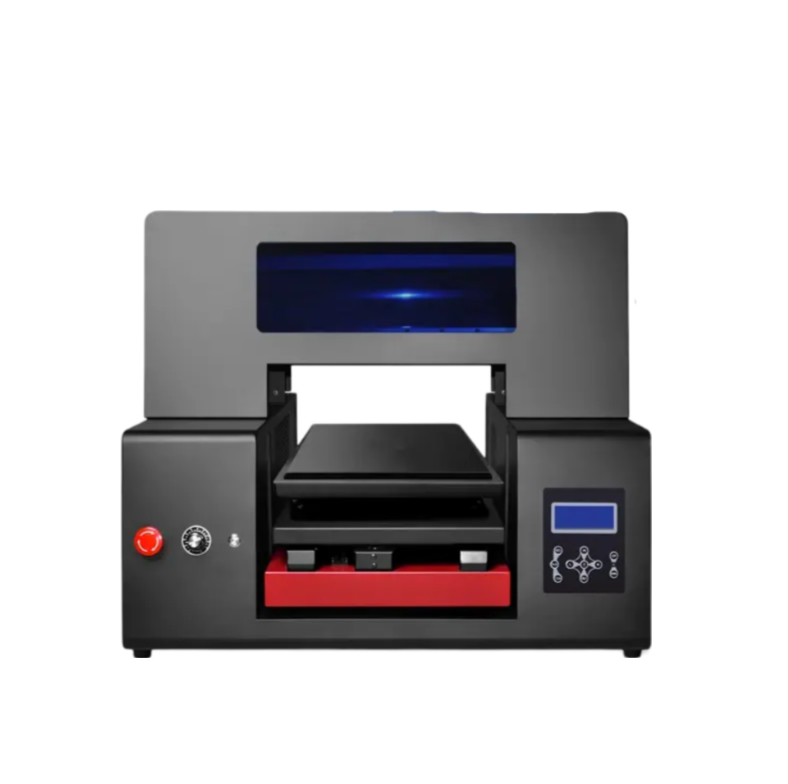
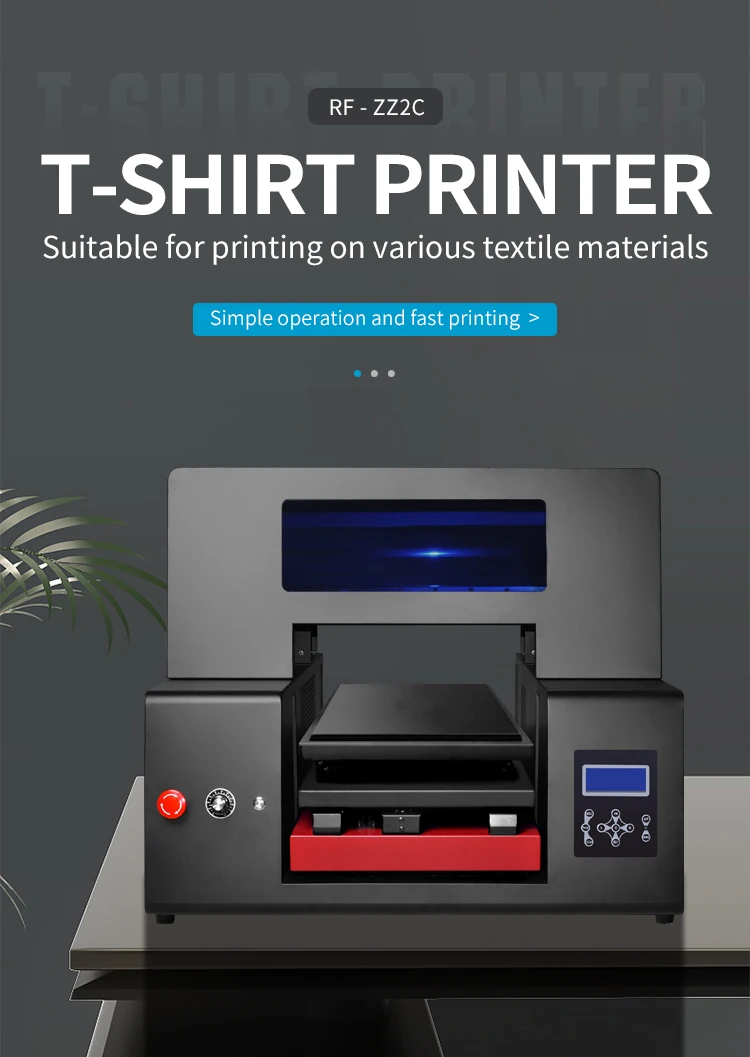
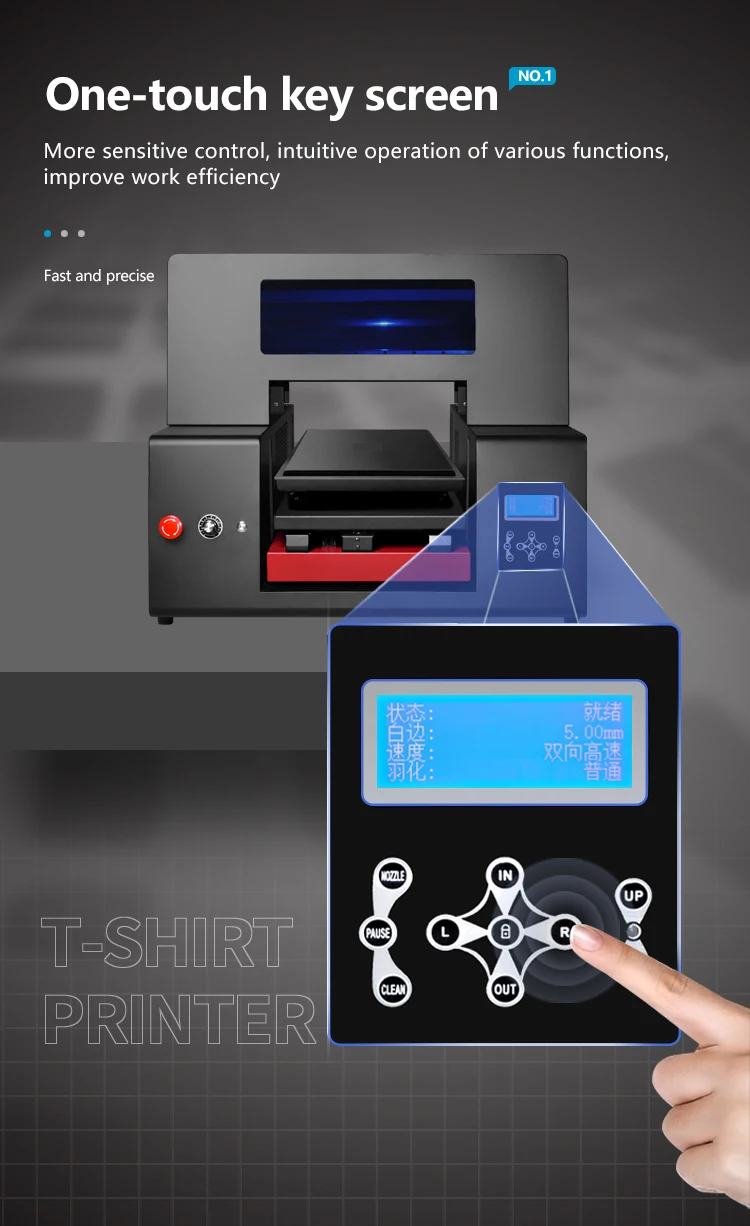
RF-ZZ2C Automatic T-shirt A3 DTG Printer 12 Color Ink Channels (with Double DX7) Textile Printing Machine
Asset finance available
Do you want funding for this equipment?
Afrimart can connect you with trusted funding partners who specialise in asset finance for businesses like yours. Compare options and apply in minutes — final approval is subject to provider review.
Check funding options
Secure & no obligation

- Section : Consumer Electronics
- Category : DTF Printers
- SKU : 1600150410579

Product Description
| Model | RF-ZZ2C digital DTG t-shirt printer | |
| Printing Speed | 21cm*29.7cm size picture | Double DX7 1Minutes |
| Double DX9 2Minutes | ||
| White & color inks printing at one time | ||
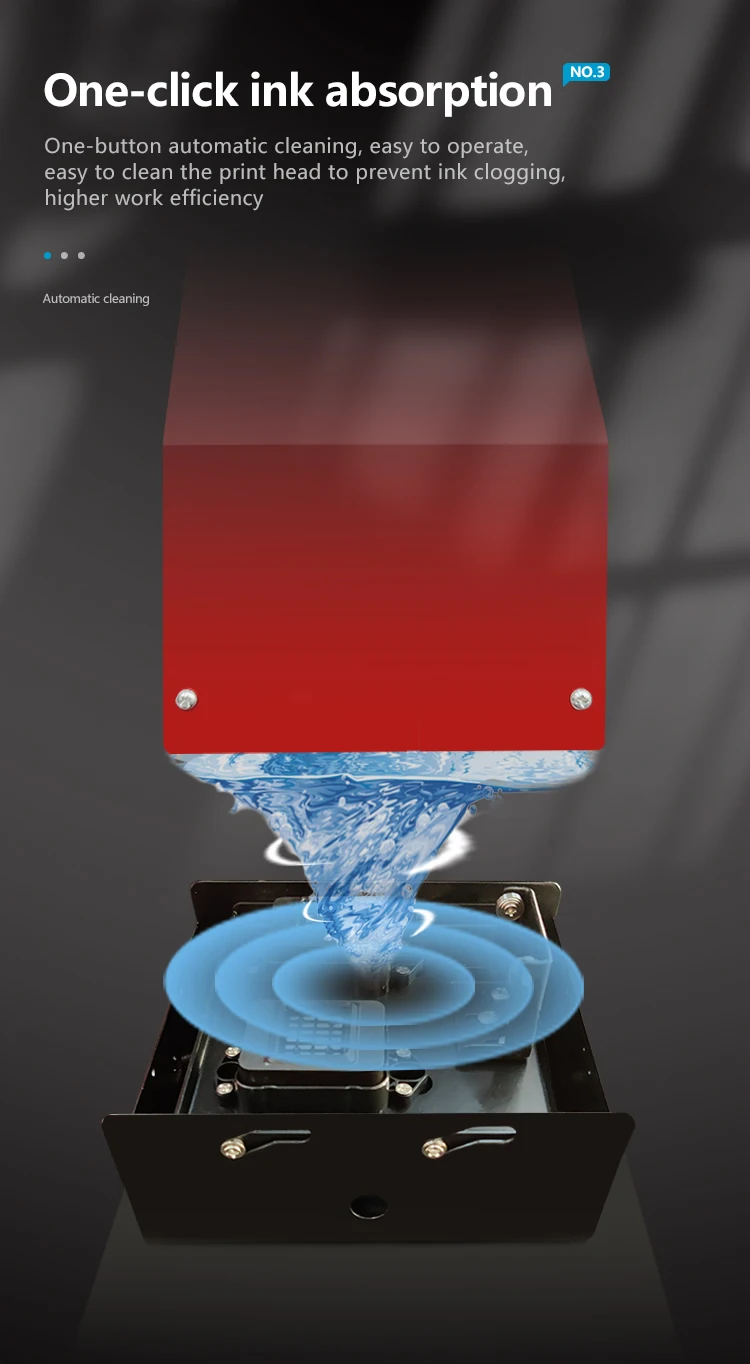
| Head Maintenace | Flash Inkjet Technology, Keep-wet system when idle. | |
| Ink system | Big bottle with Ink damper refill system | |
| Max. printing size | A3+ 12.95*23.6inches | |
| Printers uv head | Double DX7/ DX9 Head with 3200/ 1080pcs nozzles | |
| Inkjet printer Inks color | CMYK +6W | |
| Max. media thickness | 7.8inches | |
| Max. media weight | 66Pounds | |
| Net weight/Gross weight | 110Pounds/ 176Pounds | |
| tshirt printing size | 31.5*28.4*23.6 inches | |
| Packing size | 37.4*33.5*31.5 inches | |
| System require | Windows 7/ xp/ 10 | |


- Shipping Timeframes: All orders are processed within 2-5 business days (excluding weekends and holidays). After your order has been processed, the estimated delivery time is before 13 Aug, 2026, depending on customs, Please note that due to high demand, some items may experience longer shipping times, which will be communicated at order confirmation email.
- Order Processing Time: Please allow 2-5 business days for us to process your order before it is shipped . Orders placed after 16:00 on Fridays, or during weekends and public holidays, will begin processing on the next business day. Processing times may be extended during peak seasons or sales events.
- Manufacturing Time: Some products needs manufacturing time, the manufacturing process will take approximately 10-30 business days depending on the product. This timeframe may vary depending on the complexity of the product and current demand. but this will be communicated with you during order confirmation.
- Returns and Exchanges: We offer a 30-day return policy for most items. If you are not completely satisfied with your purchase, you may return it within 30 days of receipt for a refund or exchange. Items must be unused, in their original packaging, and accompanied by proof of purchase. Return shipping costs are the responsibility of the customer, unless the item was damaged or defective upon arrival.
1. What is the model name and primary purpose of this machine?
This is the RF-ZZ2C Automatic T-shirt A3 DTG Printer, a direct-to-garment (DTG) textile printing machine designed for printing high-quality images directly onto T‑shirts and other apparel up to A3+ size.
2. What print area and media size does the RF-ZZ2C support?
Maximum printing area is A3+ (approximately 12.95 x 23.6 inches). The machine supports media up to 7.8 inches thick and a maximum media/platform weight of up to 66 pounds.
3. What printheads and nozzle configurations are available?
The printer is offered with double DX7 or double DX9 printhead options. The specification lists nozzle counts as 3200 and 1080 pieces (head configuration depends on the selected head option).
4. How many ink channels and what ink colors are supported?
The RF-ZZ2C has a 12-color channel configuration and the ink set is listed as CMYK + 6W (enabling white and color printing). It uses textile DTG inks (color and white) suitable for direct-to-garment printing.
5. Can the machine print white and color inks at the same time?
Yes. The RF-ZZ2C is designed to print white and color inks simultaneously, enabling faster workflows for printing on dark garments.
6. What is the printing speed?
For a 21 x 29.7 cm (roughly A4) image, the listed speeds are approximately: Double DX7 configuration — about 1 minute per print; Double DX9 configuration — about 2 minutes per print. Actual throughput depends on image coverage, RIP settings, and curing time.
7. What maintenance features does the printer include?
The printer uses flash inkjet technology and a keep‑wet system to protect the heads when idle. It also employs a large-bottle ink with an ink damper refill system for continuous ink supply. Regular head cleaning, use of recommended inks, and periodic maintenance per the user guide are required.
8. What are the machine dimensions, weight, and packing size?
T-shirt printing platen area is listed as 31.5 x 28.4 x 23.6 inches. Net weight is approximately 110 pounds and gross weight about 176 pounds. Packing size is approximately 37.4 x 33.5 x 31.5 inches.
9. What fabrics and garments work best with this DTG printer?
DTG performs best on cotton and high-cotton blends. For dark garments, pre-treatment is usually required to ensure ink adhesion and vibrancy. While you can print on a range of garment types, very stretchy, coated or synthetic fabrics may require testing.
10. Is pretreatment and curing required?
Yes. For optimal wash-fastness and color vibrancy—especially on dark garments—pre-treatment of the print area is recommended. After printing, prints must be cured using a heat press or textile dryer according to ink manufacturer recommendations.
11. What computer and software requirements are there?
System requirements listed: Windows 7/XP/10. The printer typically works with RIP/driver software for DTG printing; confirm with the supplier whether RIP software is included or needs to be purchased separately.
12. What file formats and resolution should I use for best results?
DTG printers typically accept common image formats (TIFF, PNG, PSD, JPEG) through RIP software. Use high-resolution artwork (preferably 300 DPI at print size) and flattened or layered files per your RIP's recommendations. For best results use PNG for transparent backgrounds when needed.
13. Does the RF-ZZ2C include installation, training, or warranty?
Warranty, installation and training packages vary by seller. Check with your vendor or reseller for shipping, installation, on-site or remote training, and warranty terms before purchase.
14. What spare parts and consumables should I plan for?
Consumables include DTG inks (color and white), printhead maintenance supplies (cleaning solution, wipes), platens, and optional spare printheads or dampers. Keep recommended cleaning kits and an inventory of inks and filters to minimize downtime. For specific part numbers, consult the supplier.
Latest Order Arrivals
Discover our latest orders

12 Heads Embroidery Machine

Toilet Paper Machine Machine

Order Collection

Cross Border Clients

Order cros border countries Collected

Industrial Machine Cllection

Agriculture Processing Machines

Ready for collection

Water Pump Equipment

Packaging Machine and accessories

Fabrics Manufacturing Equipment

Mining Equipments

Food Processing Machine

Batch of Orders

Batch of Orders

Latest Orders Labelled

wheel alignment machines

new arrivals

Pre Orders Offloading

Latest Arrivals

Latest Arrivals

Latest Arrivals

Loading

Toilet paper making machine

Toilet paper making machine

Toilet paper Rewinding Machine

latest arrivals

offloading

order success

order collection

order offloading