B21, China Town Mall, Midrand

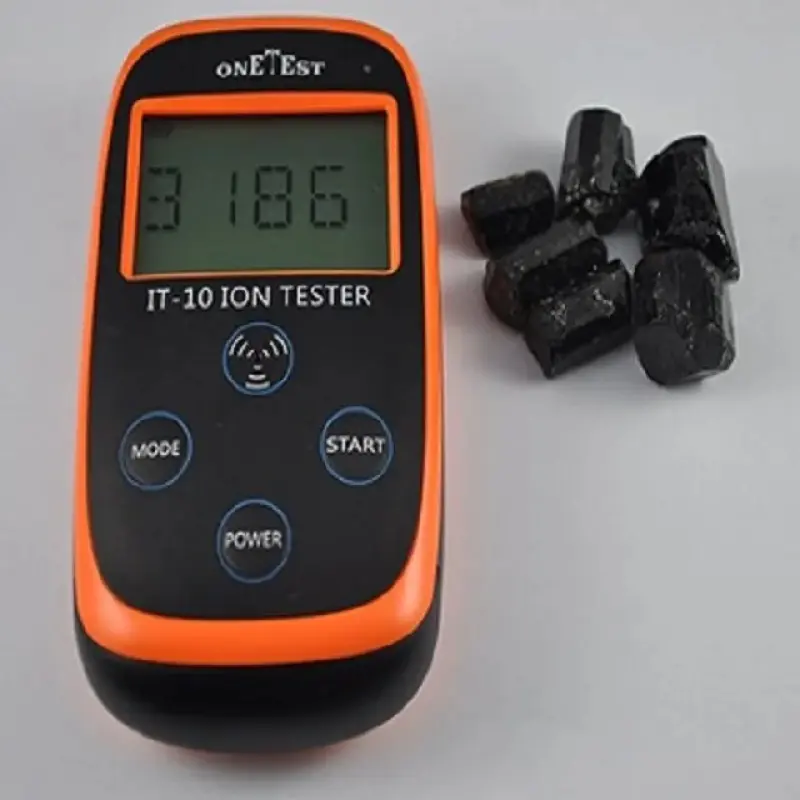
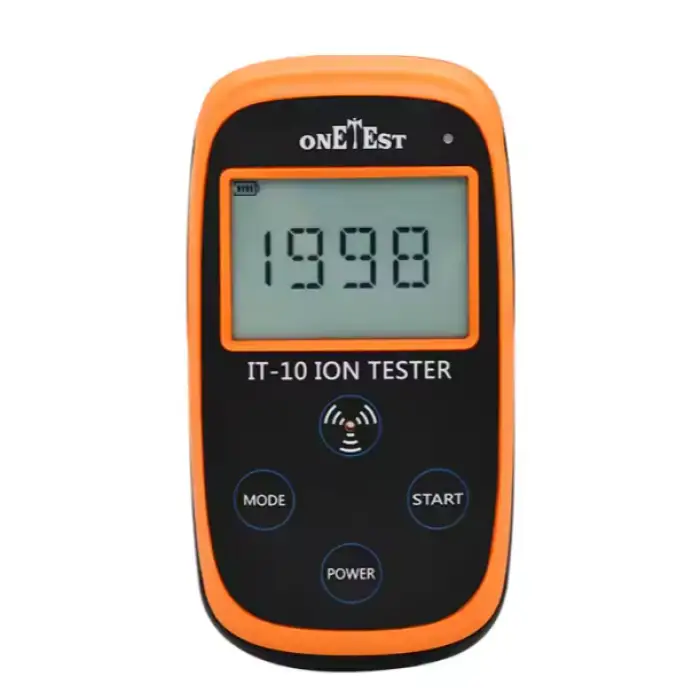
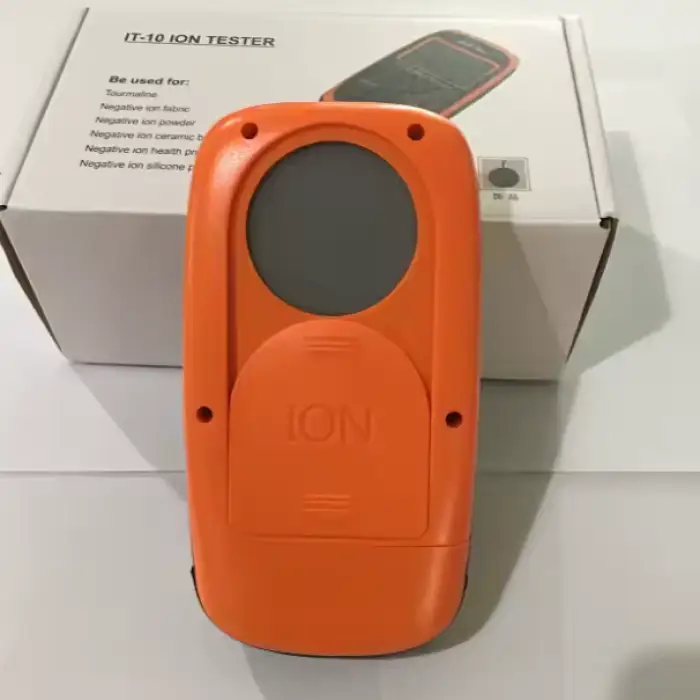
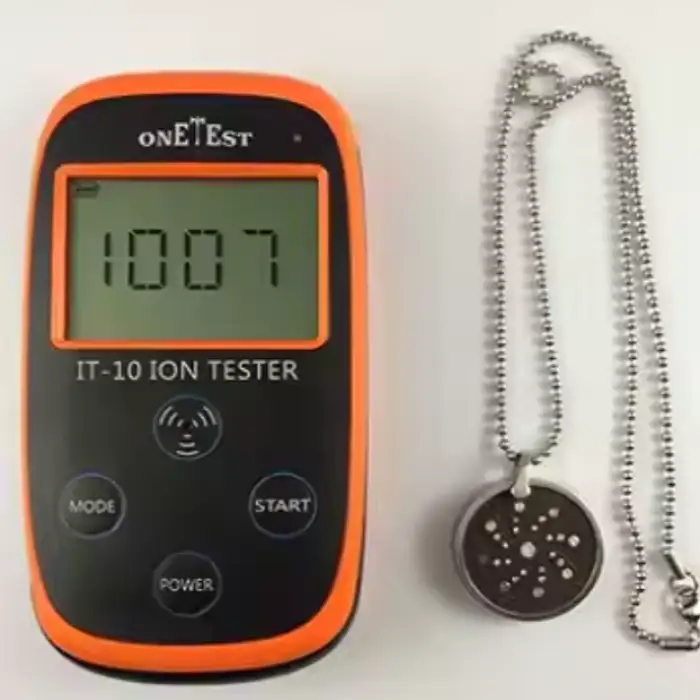
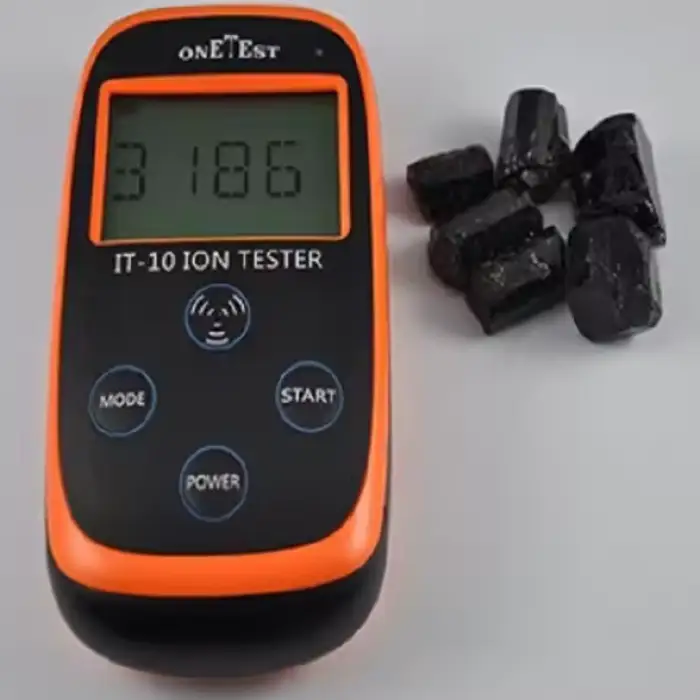
Negative ion test machine, Negative ion tester

- Section : Consumer Electronics
- Category : Test Instruments
- SKU : 60731431141

Negative Ion Tester: ONETEST IT-10
The ONETEST IT-10 Negative Ion Tester is a portable and reliable device designed to measure the concentration of negative ions in the air. Whether for personal use, environmental monitoring, or research purposes, this tester provides accurate readings, helping users assess air quality with ease.
Key Features
- Wide Measurement Range: The ONETEST IT-10 can measure negative ion concentrations ranging from 0 to 99,990 pieces/cm³, making it suitable for various testing environments.
- High Accuracy: With a measurement accuracy of < ±15%, this tester provides reliable results for precise assessments.
- Large LCD Display: The tester features a 4-digit LCD screen, allowing for easy reading of ion concentration values, even in low light conditions.
- Data Storage: The ONETEST IT-10 can store up to 28 recent test data, allowing users to track and compare measurements over time.
- Portable Power Supply: The device operates on a universal 9V dry battery, providing long-lasting power for field testing without the need for external power sources.
- Compact and Lightweight: With dimensions of 151x80x36mm and a weight of approximately 0.35 kg, the tester is easy to carry and handle, making it ideal for on-the-go measurements.
- Wide Operating Range: Designed to operate in a wide range of environments, it can function in temperatures from -20°C to 60°C and humidity levels from 5% to 95% RH, making it versatile for different conditions.
- Certification: The device is CE certified (EMC1674), ensuring that it meets international safety and quality standards.
| Model: | IT-10 ion tester |
| Product color: | Black+orange |
| size: | 151*80*36mm |
| Weight: | About 0.35kg |
| Measurement type: | Solid negative ion |
| Measuring principle: | High performance gm ion detector |
| Measurement range: | 0-99,990Pcs/cm ³ |
| resolving power: | 1Pcs/cm ³ |
| Use environment: | -20℃-60℃,5%-98%RH |
| Measurement mode: | Quick measurement/standard measurement/accurate measurement |
| Display: | With 4-bit LCD display, more than 9999 will display X10 magnification |
| Automatic shutdown: | Automatic shutdown without operation for 15 minutes |
| Power Supply: | Universal 9V dry battery |
| authentication: | CE(EMC1674) |
Applications
The ONETEST IT-10 Negative Ion Tester is perfect for a variety of uses, including:
- Environmental Monitoring: Assess the air quality in homes, offices, and public spaces to determine the presence of negative ions.
- Health and Wellness: Evaluate the negative ion concentration in environments designed to promote well-being, such as ionizers and air purifiers.
- Research and Development: Used in labs and research settings to study the effects and presence of negative ions in different environments.
Conclusion
The ONETEST IT-10 Negative Ion Tester is a convenient and efficient tool for measuring air quality. With its wide measurement range, high accuracy, and portable design, it is perfect for various personal, environmental, and research applications. Whether you're monitoring air quality for health purposes or conducting experiments, the ONETEST IT-10 delivers reliable results in a user-friendly package.
Product Info Gallery

- Shipping Timeframes: All orders are processed within 2-5 business days (excluding weekends and holidays). After your order has been processed, the estimated delivery time is before 25 Jun, 2026, depending on customs, Please note that due to high demand, some items may experience longer shipping times, which will be communicated at order confirmation email.
- Order Processing Time: Please allow 2-5 business days for us to process your order before it is shipped . Orders placed after 16:00 on Fridays, or during weekends and public holidays, will begin processing on the next business day. Processing times may be extended during peak seasons or sales events.
- Manufacturing Time: Some products needs manufacturing time, the manufacturing process will take approximately 10-30 business days depending on the product. This timeframe may vary depending on the complexity of the product and current demand. but this will be communicated with you during order confirmation.
- Returns and Exchanges: We offer a 30-day return policy for most items. If you are not completely satisfied with your purchase, you may return it within 30 days of receipt for a refund or exchange. Items must be unused, in their original packaging, and accompanied by proof of purchase. Return shipping costs are the responsibility of the customer, unless the item was damaged or defective upon arrival.
1. What does the ONETEST IT-10 Negative Ion Tester measure?
The IT-10 measures the concentration of negative ions in air and displays results in pieces per cubic centimeter (Pcs/cm³).
2. What is the measurement range and resolution of the device?
Measurement range is 0–99,990 Pcs/cm³ with a resolving power of 1 Pcs/cm³. Values above 9,999 are displayed using X10 magnification.
3. How accurate are the readings?
The stated measurement accuracy is less than ±15% under normal operating conditions.
4. What measurement modes does the IT-10 offer and when should I use them?
The IT-10 provides Quick Measurement, Standard Measurement, and Accurate Measurement modes. Quick is for fast checks, Standard for routine monitoring, and Accurate for more stable/precise readings (longer averaging).
5. How are results shown and stored?
Results appear on a 4-digit LCD display. The device can store up to 28 recent test data entries for review and comparison.
6. What power supply does the tester use and is it portable?
The tester is powered by a universal 9V dry battery, making it portable and suitable for field use.
7. What are the operating and storage environmental limits?
Operating temperature range is -20°C to 60°C and humidity range is 5%–95% RH, allowing use in a wide variety of environments.
8. How large and heavy is the ONETEST IT-10?
Dimensions are 151 × 80 × 36 mm and the weight is approximately 0.35 kg, so it is compact and lightweight for carrying.
9. What is the measurement principle or sensor type?
The IT-10 uses a high-performance GM (gm) ion detector as its measurement principle to detect negative ions.
10. Is the ONETEST IT-10 certified?
Yes, the device is CE certified (EMC1674), indicating compliance with relevant safety and electromagnetic compatibility standards.
11. Can I use this tester to check air purifiers and ionizers?
Yes. The IT-10 is suitable for evaluating negative ion concentrations produced by ionizers, air purifiers, and similar devices, as well as in rooms and public spaces.
12. Does the tester measure positive ions as well?
No. The ONETEST IT-10 is designed specifically to measure negative ion concentrations.
13. Will the device turn off automatically if left idle?
Yes. The tester automatically shuts down after 15 minutes of no operation to conserve battery power.
14. How should I maintain, clean, or calibrate the device?
Keep the unit dry and avoid exposure to extreme conditions beyond the specified ranges. For calibration or service procedures, refer to the user manual or contact the manufacturer or authorized service center for recommended calibration intervals and instructions.
15. What should I do if readings seem incorrect or unstable?
Allow the device a short stabilization time after power-on, ensure you are within the specified operating temperature and humidity, and verify battery condition. If problems persist, consult the user manual or contact customer support for troubleshooting and possible recalibration.
Latest Order Arrivals
Discover our latest orders

12 Heads Embroidery Machine

Toilet Paper Machine Machine

Order Collection

Cross Border Clients

Order cros border countries Collected

Industrial Machine Cllection

Agriculture Processing Machines

Ready for collection

Water Pump Equipment

Packaging Machine and accessories

Fabrics Manufacturing Equipment

Mining Equipments

Food Processing Machine

Batch of Orders

Batch of Orders

Latest Orders Labelled

wheel alignment machines

new arrivals

Pre Orders Offloading

Latest Arrivals

Latest Arrivals

Latest Arrivals

Loading

Toilet paper making machine

Toilet paper making machine

Toilet paper Rewinding Machine

latest arrivals

offloading

order success

order collection

order offloading