B21, China Town Mall, Midrand

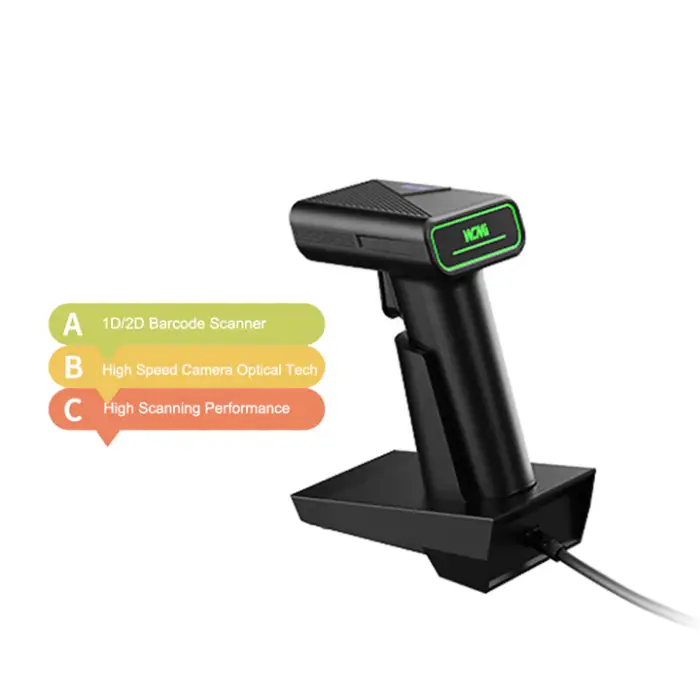
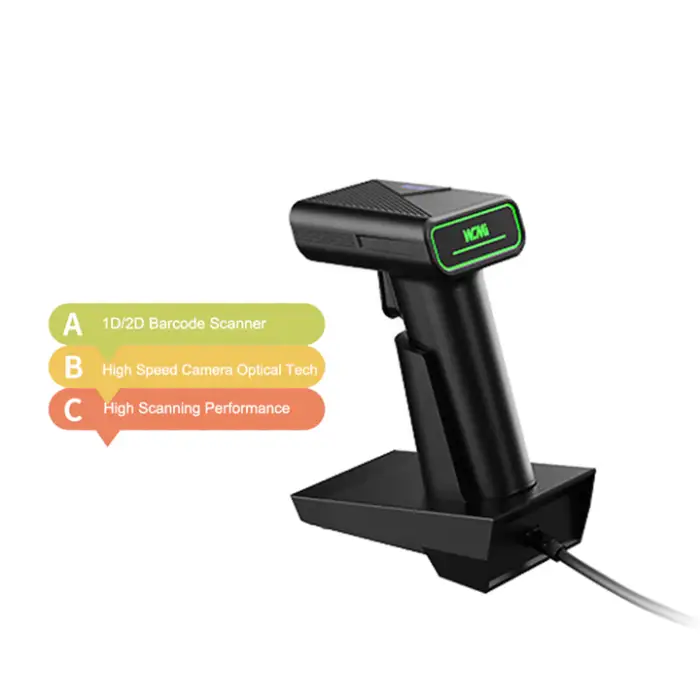
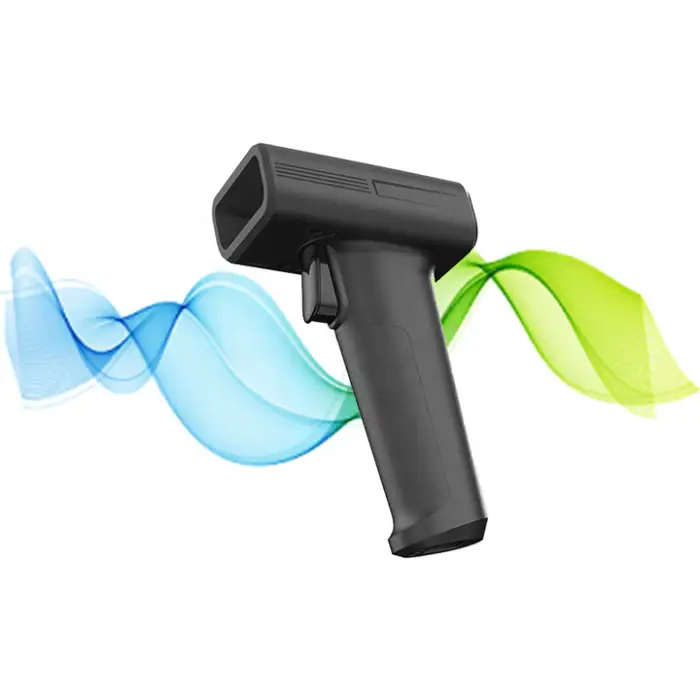
Wireless Barcode Scanner 1D QR USB Stand Handheld Barcode Scanner

| Quantity | Price |
|---|---|
| 10 | R10,930 |
| 15 | R16,395 |
| 20 | R2,186 |
- Section : Consumer Electronics
- Category : Computer Hardware & Software
- SKU : 1601317814367

Wireless Barcode Scanner 1D QR USB Stand Handheld Barcode Scanner
The Wireless Barcode Scanner 1D QR USB Stand Handheld Barcode Scanner is a powerful tool for businesses. It scans barcodes quickly and easily. This scanner works with both 1D and QR codes. It connects via USB, making it simple to use with your computer. Whether you're managing stock or processing sales, this scanner helps you do it all efficiently.
Specifications
| Attribute | Details |
|---|---|
| Product Status | Stock |
| Service | Return and Replacement, Repair, Free spare parts, Call Center and on-line Technical Support |
| Type | Barcode Scanner |
| Colour | Black |
| Interface Type | USB |
| Scan Element Type | CMOS |
| Private Mold | Yes |
| Software Development Kit (SDK) | Yes |
| Max Paper Size | A4 Size |
| Selling Units | Single item |
| Single Package Size | XX cm |
Key Features
- Wireless scanning for easy movement.
- Compatible with 1D and QR codes.
- USB interface for quick setup.
- Durable design for long-lasting use.
Applications
- Retail inventory management.
- Point of sale transactions.
- Warehouse tracking and logistics.
- Event ticketing and registration.
- Library book checkouts.
Product Info Gallery
- Shipping Timeframes: All orders are processed within 2-5 business days (excluding weekends and holidays). After your order has been processed, the estimated delivery time is before 03 Feb, 2026, depending on customs, Please note that due to high demand, some items may experience longer shipping times, which will be communicated at order confirmation email.
- Order Processing Time: Please allow 2-5 business days for us to process your order before it is shipped . Orders placed after 16:00 on Fridays, or during weekends and public holidays, will begin processing on the next business day. Processing times may be extended during peak seasons or sales events.
- Manufacturing Time: Some products needs manufacturing time, the manufacturing process will take approximately 10-30 business days depending on the product. This timeframe may vary depending on the complexity of the product and current demand. but this will be communicated with you during order confirmation.
- Returns and Exchanges: We offer a 30-day return policy for most items. If you are not completely satisfied with your purchase, you may return it within 30 days of receipt for a refund or exchange. Items must be unused, in their original packaging, and accompanied by proof of purchase. Return shipping costs are the responsibility of the customer, unless the item was damaged or defective upon arrival.
1. What barcode types does this scanner support?
It supports 1D barcodes and QR (2D) codes. Common 1D symbologies typically supported include UPC, EAN, Code 39, Code 128 and Interleaved 2 of 5. For the full list of supported symbologies check the product manual or SDK documentation.
2. How does the wireless connection work and how do I connect it to my computer?
The scanner connects to your computer via USB. In wireless mode the scanner communicates with the host through its USB interface/receiver so setup is usually plug-and-play. You can also use it in wired USB mode if needed. Refer to the quick start guide for exact pairing steps.
3. Is the scanner plug-and-play or do I need to install drivers?
For basic operation it functions as a standard USB HID (keyboard) device and is typically plug-and-play on major operating systems. An SDK is provided for advanced integration or custom drivers if required.
4. Which operating systems are supported?
It is compatible with major desktop operating systems (Windows, macOS and common Linux distributions) when used as a USB HID device. For use with mobile devices (Android/iOS) check whether OTG or specific drivers are required and consult the manual.
5. Does this scanner include an SDK for software development?
Yes — a Software Development Kit (SDK) is available to integrate the scanner with custom applications and POS/inventory systems.
6. What are the typical battery life and charging options?
Battery life and charging time depend on usage and the exact model variant. The scanner charges via USB. For precise battery capacity and run-time figures refer to the product datasheet or contact support.
7. What is the wireless range of the scanner?
Wireless range varies by environment (obstructions, interference). It is designed for retail and warehouse use so it covers typical POS and inventory distances. Consult the user manual or contact support for the exact radio range specification.
8. Can I use the scanner hands-free with the included stand?
Yes — the scanner supports handheld use and hands-free/stand (presentation) scanning. Place the scanner in the stand and present barcodes in front of the window for automatic scanning.
9. What is meant by 'Max Paper Size: A4'?
This indicates the scanner can reliably read barcodes printed on paper up to A4 size when positioned appropriately. It refers to typical printed-label/document scanning scenarios rather than physical scanning width limits.
10. How durable is the scanner and how should I care for it?
The product is designed with a durable housing for long-term use in retail and warehouse environments. To clean, wipe the exterior and optical window gently with a soft, lint-free cloth; avoid harsh solvents and liquids entering the device.
11. What should I do if the scanner is not reading barcodes?
Common troubleshooting steps: ensure the scanner is charged/powered, check the USB connection and pairing, verify correct scan mode is enabled, clean the optical window, ensure the barcode is not damaged or too small/low contrast, and test with a known-good barcode. If problems persist, contact technical support.
12. Can this scanner be integrated with my POS or inventory software?
Yes. For simple setups it can operate in keyboard-emulation mode and input scanned data directly into POS or inventory fields. For tighter integration or custom workflows use the provided SDK to access advanced features.
13. What after-sales service and warranty options are available?
The product offers support such as return and replacement, repair, free spare parts and on-line/call-center technical support. Warranty length and specific service terms may vary by seller — check your purchase documentation or contact the retailer/manufacturer for details.
14. Does the scanner require special maintenance or calibration?
No regular calibration is typically required for barcode scanning. Keep the window clean and avoid drops or severe impacts. Firmware updates or configuration changes are handled via the SDK or support tools if needed.
15. Where is this scanner commonly used?
Typical applications include retail inventory management and point-of-sale transactions, warehouse tracking and logistics, event ticketing and registration, and library book checkouts.
Latest Order Arrivals
Discover our latest orders

12 Heads Embroidery Machine

Dewatering Pump Machine

Order Collection

Portable Water Drilling Rig

Order Usefully Collected

Batch of Orders

Agriculture Processing Machines

Meat Grinder Machine

Water Pump Equipment

Packaging Machine and accessories

Fabrics Manufacturing Equipment

Mining Equipments

Food Processing Machine

Batch of Orders

Batch of Orders

Latest Orders Labelled

wheel alignment machines

new arrivals

Pre Orders Offloading

Latest Arrivals

Latest Arrivals