B21, China Town Mall, Midrand

Smart Home Security Autonomous Mobile Robot with Various Indoor Vision Sensors and Automatic Alarm Warning Patrol Roboter
Asset finance available
Do you want funding for this equipment?
Afrimart can connect you with trusted funding partners who specialise in asset finance for businesses like yours. Compare options and apply in minutes — final approval is subject to provider review.
Check funding options
Secure & no obligation

- Section : Machinery
- Category : Other Apparel Machines
- SKU : 1600779833228

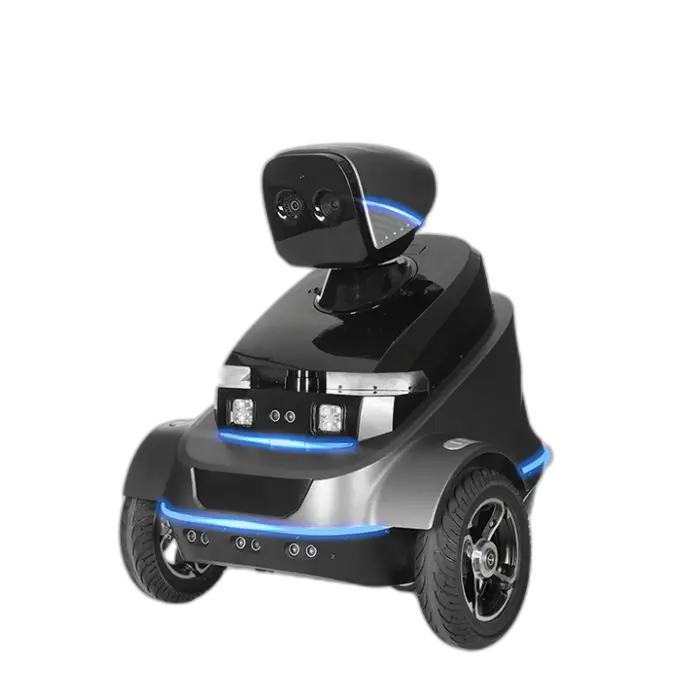
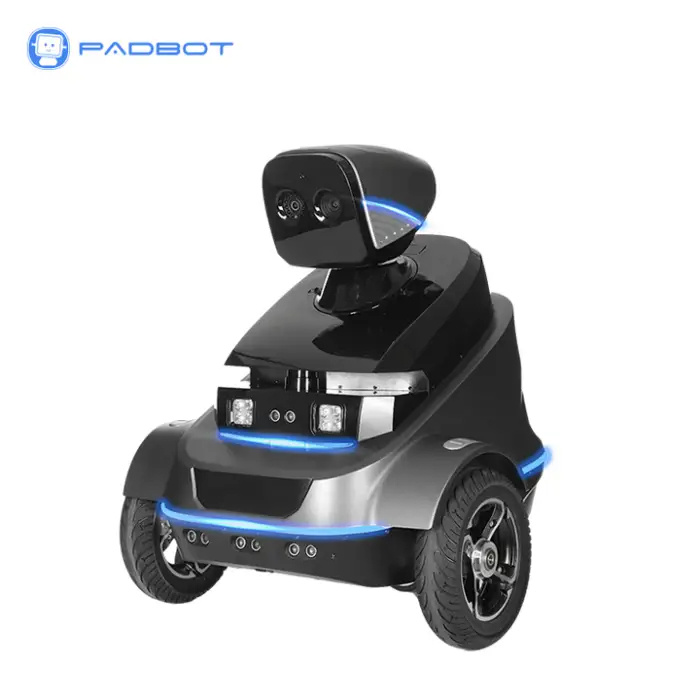
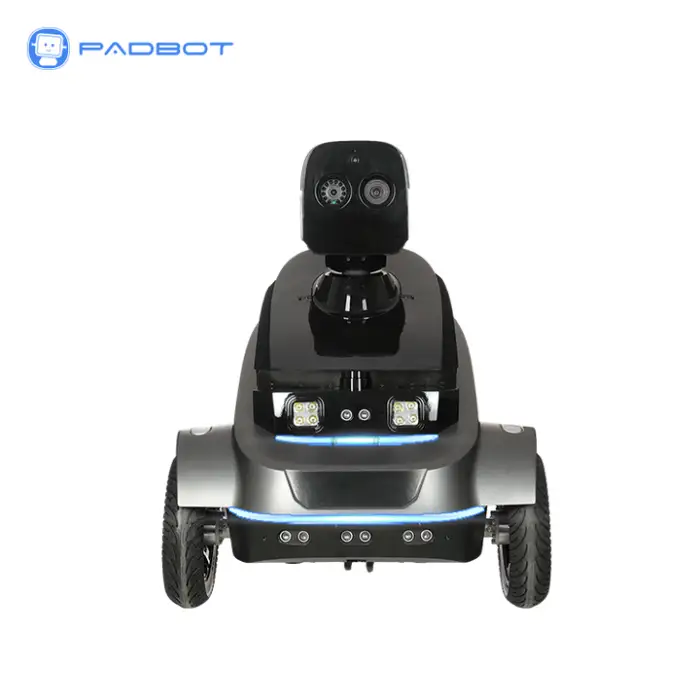
Smart Home Security Autonomous Mobile Robot with Various Indoor Vision Sensors and Automatic Alarm Warning Patrol Roboter
Meet the Smart Home Security Autonomous Mobile Robot, your new partner in home safety! This smart robot is designed to patrol your home and keep it secure. With a powerful battery and advanced sensors, it can navigate both indoors and outdoors. Let this robot help you protect what matters most.
Specifications
| Attribute | Details |
|---|---|
| Model Number | S2 |
| Brand Name | PadBot |
| Battery Capacity | 12800mAh |
| Charging Time | 9 Hours |
| Maximum Runtime | 10 Hours |
| Dimensions (L x W x H) | 650 x 700 x 670 mm |
| Net Weight | 24 kg |
| Navigation Mode | LDS SLAM |
| App-Controlled | Yes |
Key Features
- Autonomous navigation for large areas.
- Multiple indoor vision sensors for enhanced safety.
- Automatic alarm system for immediate alerts.
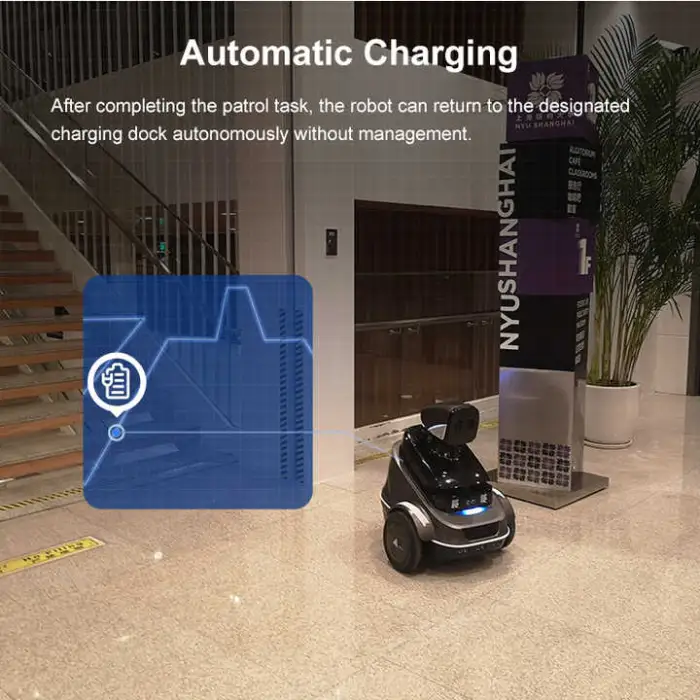
- Fast charging capability with auto charge support.
- Lightweight design for easy maneuverability.
Applications
- Home security monitoring.
- Factory and warehouse patrols.
- Office building surveillance.
- Shopping mall security.
- Public area safety checks.
The Smart Home Security Autonomous Mobile Robot is the perfect solution for keeping your environment safe and secure. It’s easy to use and highly efficient, making it a smart choice for any home or business!
Product Info Gallery
- Shipping Timeframes: All orders are processed within 2-5 business days (excluding weekends and holidays). After your order has been processed, the estimated delivery time is before 03 Aug, 2026, depending on customs, Please note that due to high demand, some items may experience longer shipping times, which will be communicated at order confirmation email.
- Order Processing Time: Please allow 2-5 business days for us to process your order before it is shipped . Orders placed after 16:00 on Fridays, or during weekends and public holidays, will begin processing on the next business day. Processing times may be extended during peak seasons or sales events.
- Manufacturing Time: Some products needs manufacturing time, the manufacturing process will take approximately 10-30 business days depending on the product. This timeframe may vary depending on the complexity of the product and current demand. but this will be communicated with you during order confirmation.
- Returns and Exchanges: We offer a 30-day return policy for most items. If you are not completely satisfied with your purchase, you may return it within 30 days of receipt for a refund or exchange. Items must be unused, in their original packaging, and accompanied by proof of purchase. Return shipping costs are the responsibility of the customer, unless the item was damaged or defective upon arrival.
1. What is the Smart Home Security Autonomous Mobile Robot (Model S2)?
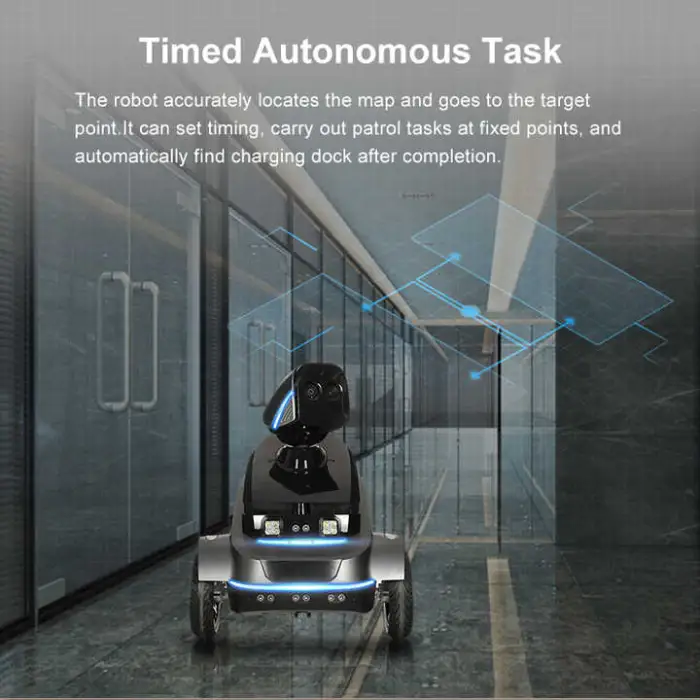
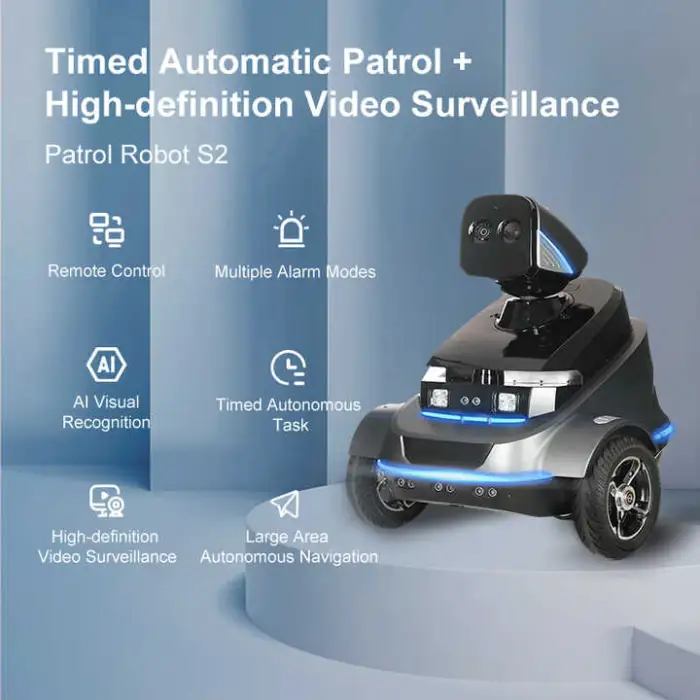
The S2 by PadBot is an autonomous mobile security robot designed to patrol homes and commercial spaces. It uses onboard vision sensors and LDS SLAM navigation to detect anomalies, send alerts, and perform scheduled patrols.
2. What are the key specifications of this robot?
Model S2 (PadBot) — Battery: 12,800 mAh — Charging time: ~9 hours — Maximum runtime: up to 10 hours — Dimensions: 650 × 700 × 670 mm — Net weight: 24 kg — Navigation: LDS SLAM — App-controlled: Yes.
3. How long can the robot patrol on a single charge and how long does it take to charge?
Under typical usage the robot can run up to about 10 hours on a full charge. Recharging takes approximately 9 hours.
4. Can the robot operate outdoors as well as indoors?
The robot is designed to navigate both indoor and certain outdoor environments, but it is optimized for indoor and smooth outdoor surfaces. Avoid using it in heavy rain, deep water, very rough terrain, or on steep inclines.
5. What kind of sensors and vision equipment does it use?
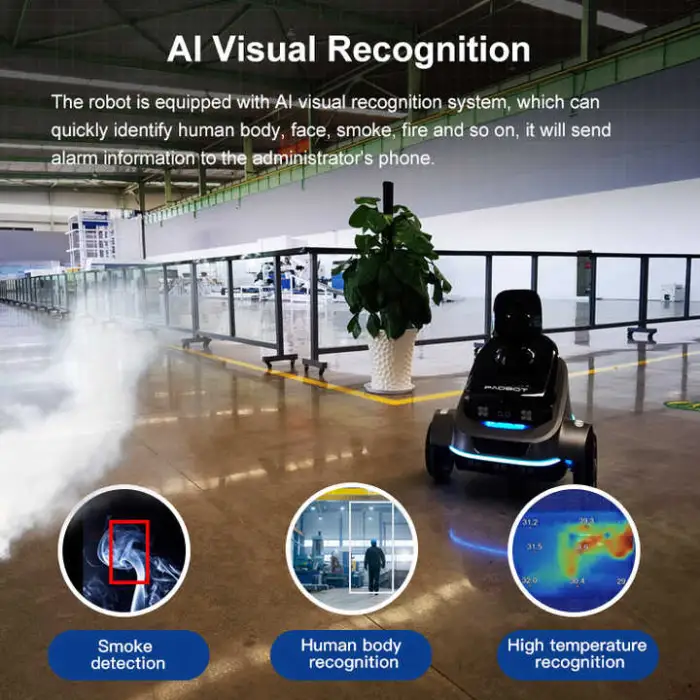
The S2 is equipped with multiple indoor vision sensors (the product describes various cameras and vision sensors). These typically include visible-light cameras and may include infrared or depth sensors for improved detection in different lighting conditions. Check the specific SKU for exact sensor types.
6. How does the robot navigate and avoid obstacles?
It uses LDS SLAM (Laser Distance Sensor Simultaneous Localization and Mapping) to build maps, localize itself, and plan routes. This enables autonomous navigation, path planning, and obstacle avoidance for patrols across large areas.
7. Is the robot controlled via an app and what features does the app provide?
Yes — the S2 is app-controlled. Typical app features include remote monitoring, live video feed, setting patrol schedules, receiving alarm notifications, and basic control/route commands. Exact app features can vary by firmware and region.
8. How does the automatic alarm and alert system work?
When sensors detect an anomaly (motion, unexpected human presence, etc.), the robot can trigger an automatic alarm and send immediate alerts to the connected app. Alarm behavior (siren, notifications, video capture) depends on settings in the app and system configuration.
9. Does the robot return to the charger automatically when the battery is low?
Yes. The S2 supports automatic charging behavior and can navigate back to its charging dock when the battery reaches a low threshold, subject to a clear path to the dock.
10. How easy is installation and initial setup?
Setup is generally straightforward: charge the robot, power it on, connect it to the companion app, and perform initial mapping or calibration runs. Follow the quick start guide provided with the unit for step‑by‑step instructions.
11. Where are recorded videos and patrol logs stored and how is privacy handled?
Storage options depend on system configuration and the app: footage may be stored locally on the robot (if supported), on a local network/NVR, or in cloud storage offered by the vendor. Check privacy settings in the app and the seller's policies for encryption, retention, and access control.
12. Can the robot integrate with other smart home or security systems?
Integration capabilities depend on firmware and vendor integrations. The robot is app-controlled and may support API, cloud integrations, or third-party smart platforms — verify compatibility with your existing systems before purchase.
13. What maintenance does the robot require?
Regular maintenance includes keeping sensors and cameras clean, checking wheels and drive components for debris, updating firmware when available, and following recommended battery care (avoid long-term storage with full or empty charge). Refer to the user manual for a maintenance schedule.
14. Are there any safety or handling considerations?
Yes. The unit weighs about 24 kg, so use proper lifting techniques or two people when moving it. It is not a toy — keep children and pets supervised around it. Also ensure patrol areas are free of hazards that could trap or damage the robot.
15. What warranty and customer support options are available?
Warranty terms and support services vary by seller and region. Check the product listing or contact the PadBot reseller for warranty length, coverage details, and available technical support or service plans.
Latest Order Arrivals
Discover our latest orders

12 Heads Embroidery Machine

Toilet Paper Machine Machine

Order Collection

Cross Border Clients

Order cros border countries Collected

Industrial Machine Cllection

Agriculture Processing Machines

Ready for collection

Water Pump Equipment

Packaging Machine and accessories

Fabrics Manufacturing Equipment

Mining Equipments

Food Processing Machine

Batch of Orders

Batch of Orders

Latest Orders Labelled

wheel alignment machines

new arrivals

Pre Orders Offloading

Latest Arrivals

Latest Arrivals

Latest Arrivals

Loading

Toilet paper making machine

Toilet paper making machine

Toilet paper Rewinding Machine

latest arrivals

offloading

order success

order collection

order offloading