B21, China Town Mall, Midrand

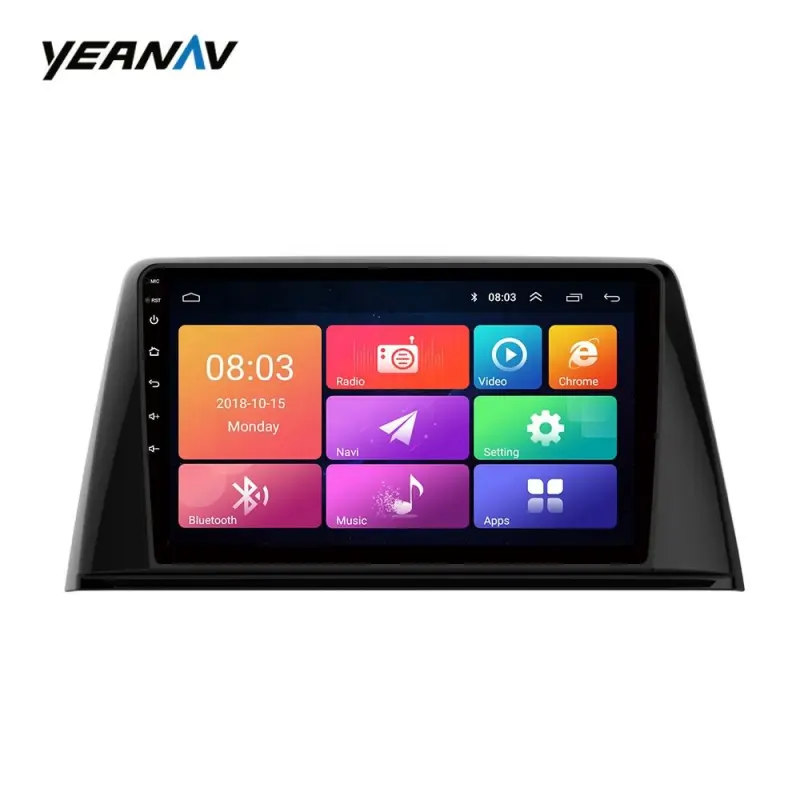
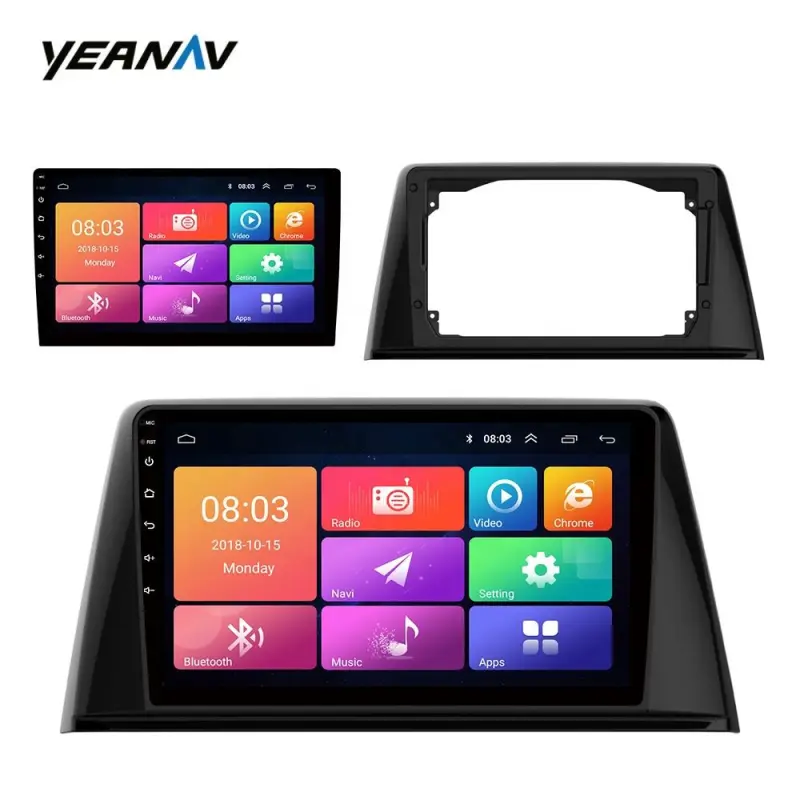
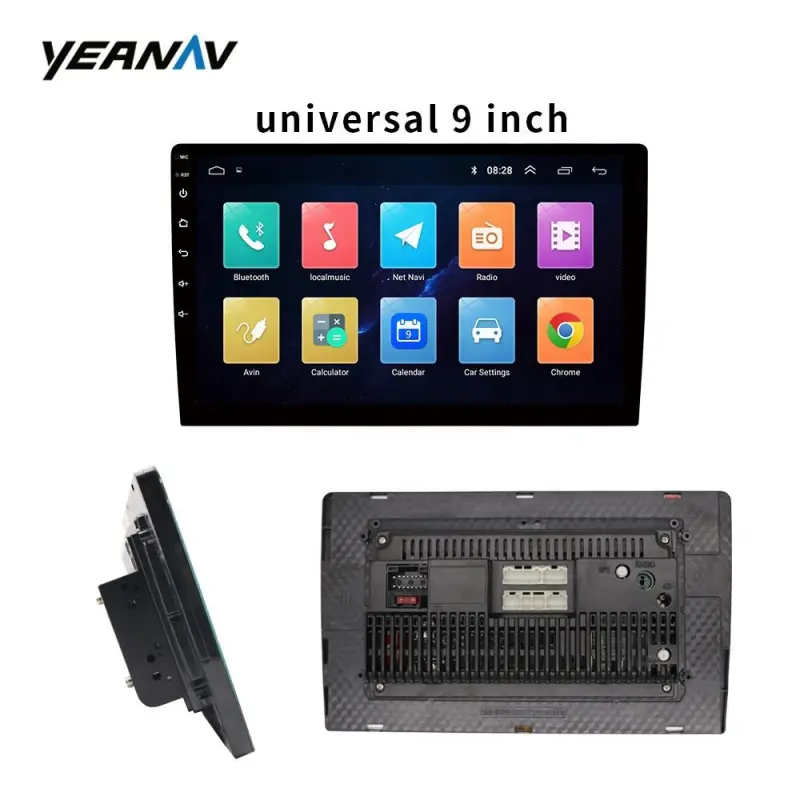
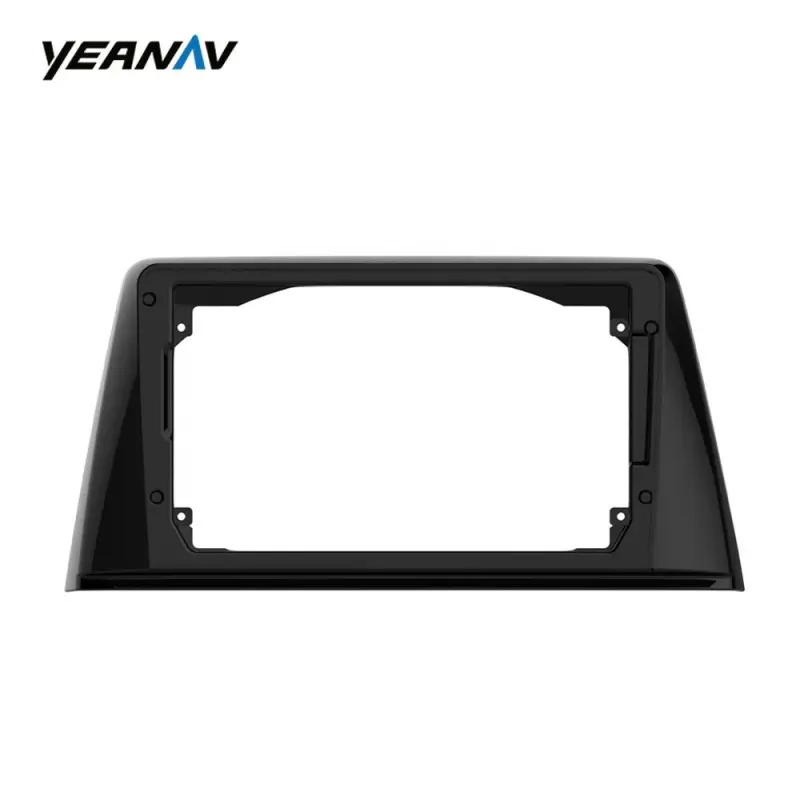
Large Touch Screen Car Multimedia System For Peugeot 308

- Section : Sports & Entertainment
- Category : Vehicle Accessories, Electronics, & Tools
- SKU : 62182663229

2.5D Large Touch Screen Car Video with Canbus Navigation & GPS 1G+16G Mirror Link Function Auto Radio For Peugeot 308
Product Description
1:Product Images:


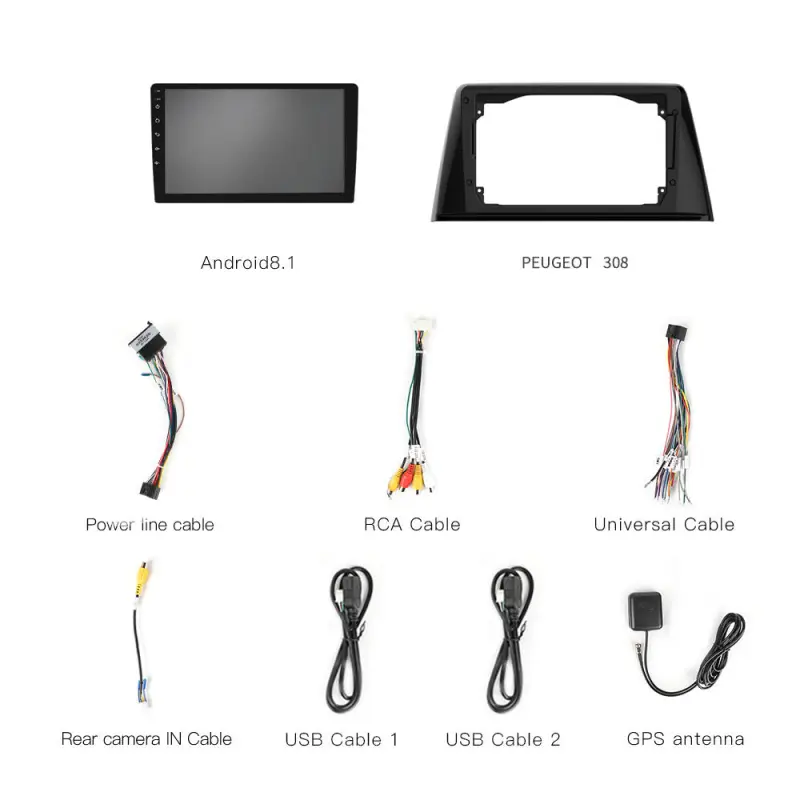
2:Accessories

Function


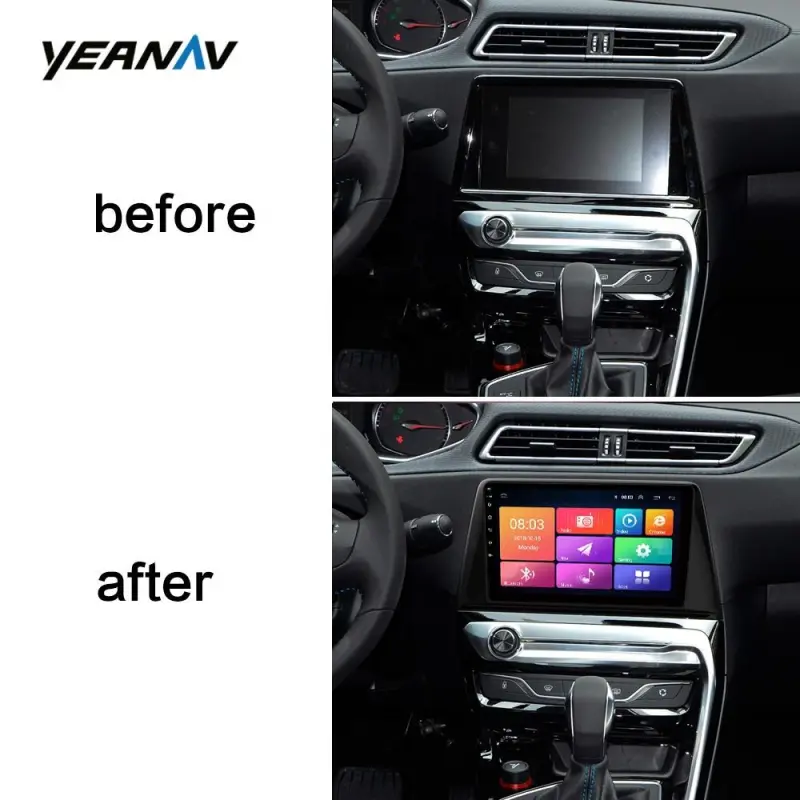
5:After Installation

- Shipping Timeframes: All orders are processed within 2-5 business days (excluding weekends and holidays). After your order has been processed, the estimated delivery time is before 03 Feb, 2026, depending on customs, Please note that due to high demand, some items may experience longer shipping times, which will be communicated at order confirmation email.
- Order Processing Time: Please allow 2-5 business days for us to process your order before it is shipped . Orders placed after 16:00 on Fridays, or during weekends and public holidays, will begin processing on the next business day. Processing times may be extended during peak seasons or sales events.
- Manufacturing Time: Some products needs manufacturing time, the manufacturing process will take approximately 10-30 business days depending on the product. This timeframe may vary depending on the complexity of the product and current demand. but this will be communicated with you during order confirmation.
- Returns and Exchanges: We offer a 30-day return policy for most items. If you are not completely satisfied with your purchase, you may return it within 30 days of receipt for a refund or exchange. Items must be unused, in their original packaging, and accompanied by proof of purchase. Return shipping costs are the responsibility of the customer, unless the item was damaged or defective upon arrival.
1. Is this unit compatible with my Peugeot 308?
This multimedia system is designed for Peugeot 308 dashboards, but fitment can vary by model year and trim. Before purchase, confirm compatibility by providing your car's model year, dashboard photos, or VIN to the seller.
2. What does '2.5D Large Touch Screen' mean?
2.5D refers to slightly curved-edge glass on the touchscreen that gives a slimmer bezel and smoother touch experience. 'Large' indicates a larger display size than the factory radio for easier viewing and touch control.
3. What do the 'Canbus' features do?
The CANbus interface communicates with the vehicle to retain factory functions such as steering wheel controls, parking sensor display, vehicle info on the cluster, and automatic on/off behavior. Proper CANbus connection is required to preserve these features.
4. What are the hardware specs '1G+16G'?
1G indicates 1 GB of system RAM and 16G indicates 16 GB of internal storage. The storage can usually be expanded via external USB drives or microSD cards for maps, music, and video files.
5. Does this unit include GPS navigation and maps?
Yes — the system supports GPS navigation and includes GPS antenna input. It typically supports both offline map applications (installable via SD/USB) and online navigation apps if internet access is available via phone hotspot or dongle.
6. How does Mirror Link work and which phones are supported?
Mirror Link mirrors your phone screen to the car display for apps, navigation and media. It works best with many Android phones; iOS support is limited and may require third-party apps or AirPlay adapters. Functionality can depend on phone model and USB/Wi-Fi connection.
7. Does the unit support Bluetooth hands-free calling and audio streaming?
Yes. The system supports Bluetooth for hands-free phone calls and audio streaming (A2DP). You can pair your phone to make/receive calls and play music wirelessly.
8. Can I connect a backup camera and will parking guidelines display?
Yes. The unit includes video input (usually RCA) for a reverse/backup camera. When wired to the reverse light trigger, it will automatically switch to the camera view when you shift into reverse. Parking guidelines are commonly supported but may need adjustment in settings.
9. Will my steering wheel audio and phone controls still work?
If the CANbus and steering wheel control wiring are correctly connected, steering wheel functions should be retained. Some buttons may need to be mapped in the unit's settings or by the installer.
10. What accessories are typically included in the box?
Typical accessories include a wiring harness, CANbus decoder/interface box, GPS antenna, USB cable, microphone for hands-free calling, mounting brackets or trim kit (if needed), and a user manual. Exact contents can vary — confirm with the seller.
11. Can I install this myself or should I use a professional?
Experienced DIYers familiar with car audio and CANbus systems may install it themselves. However, professional installation is recommended to ensure correct wiring, CANbus setup, steering wheel control mapping, and safe integration with airbags and vehicle electronics.
12. What should I do after installation?
After installation: verify all connections, test radio/GPS/Bluetooth/backup camera, configure CANbus settings and steering wheel button mappings, calibrate the touchscreen if available, and update/install maps and apps as needed. Re-check functions after reassembling the dash.
13. How do I update firmware or maps on the device?
Firmware and map updates are usually done via USB stick or microSD. Check the seller or manufacturer's support page for official firmware and map packages and step-by-step update instructions. Always follow official update files to avoid issues.
14. What audio and video formats does the unit support?
Most car multimedia units support common audio formats (MP3, WMA, AAC, FLAC) and video formats (MP4, AVI, MKV). File compatibility can vary, so check the manual or test your files. USB or SD is usually used for local media playback.
15. What warranty and after-sales support are provided?
Warranty terms vary by seller/manufacturer. Many units include a limited warranty (e.g., 1 year) and technical support for installation or software issues. Confirm the exact warranty period, return policy, and support contact with the seller before buying.
Latest Order Arrivals
Discover our latest orders

12 Heads Embroidery Machine

Dewatering Pump Machine

Order Collection

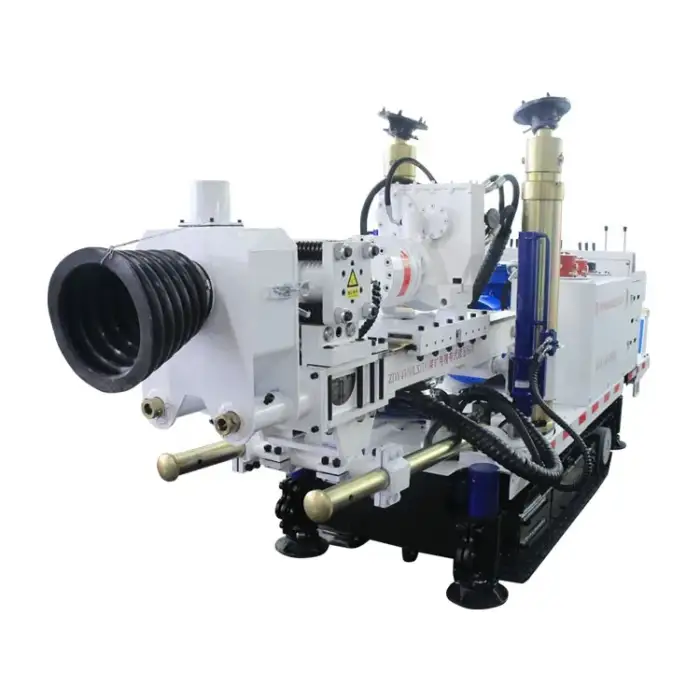
Portable Water Drilling Rig

Order Usefully Collected

Batch of Orders

Agriculture Processing Machines

Meat Grinder Machine

Water Pump Equipment

Packaging Machine and accessories

Fabrics Manufacturing Equipment

Mining Equipments

Food Processing Machine

Batch of Orders

Batch of Orders

Latest Orders Labelled

wheel alignment machines

new arrivals

Pre Orders Offloading

Latest Arrivals

Latest Arrivals