B21, China Town Mall, Midrand

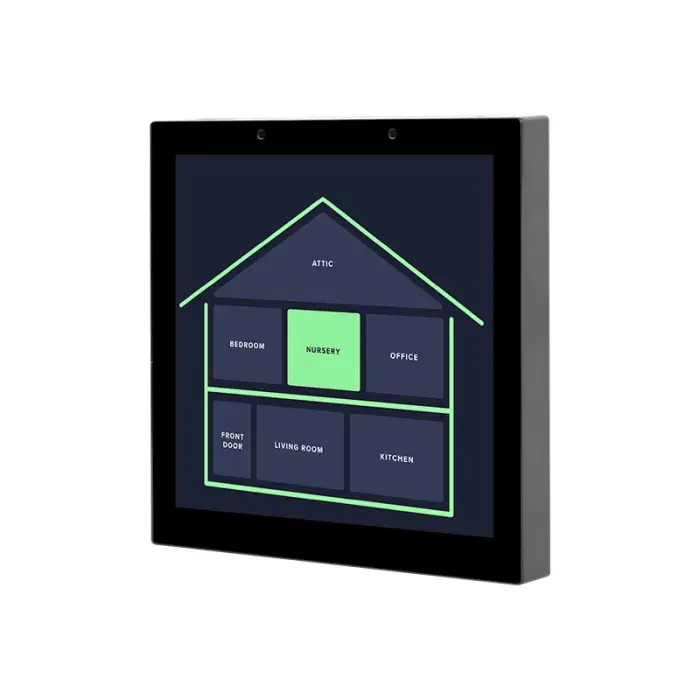
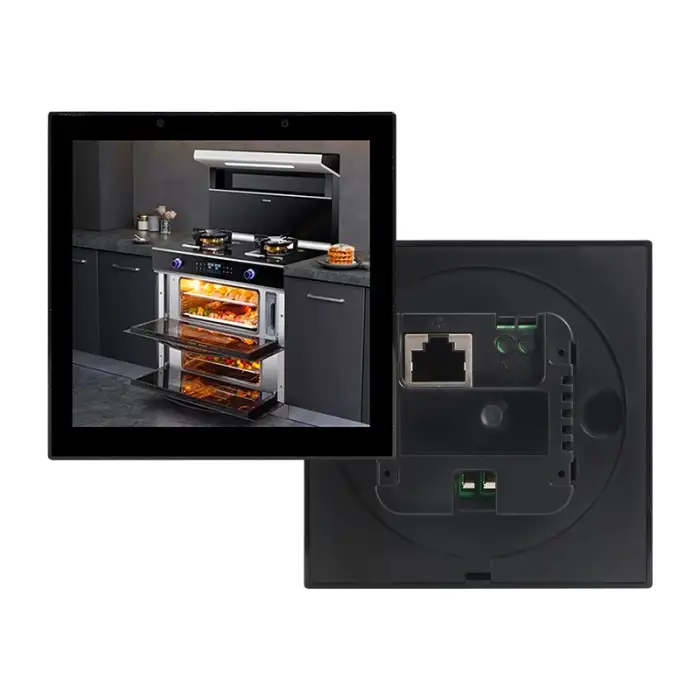
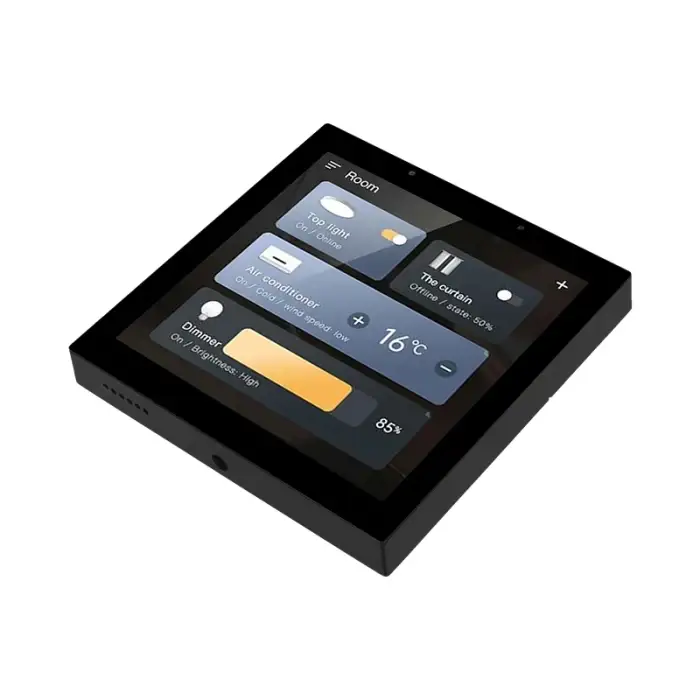
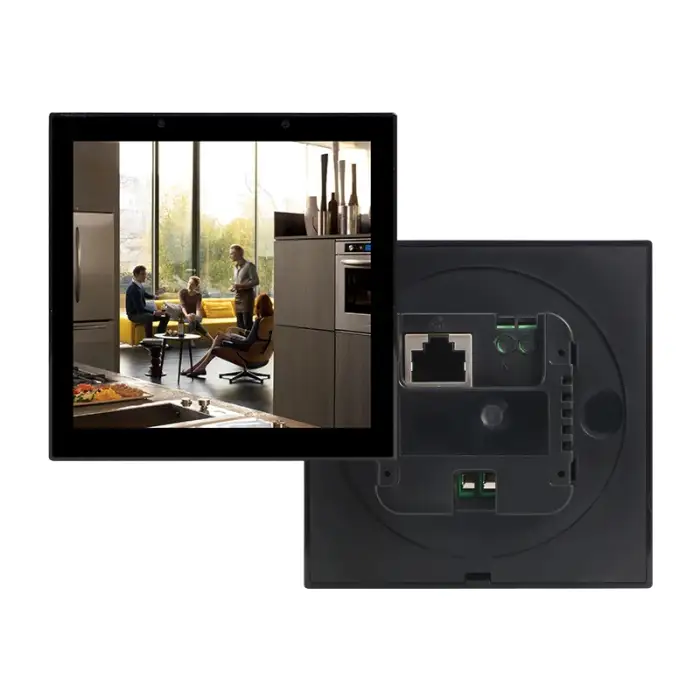
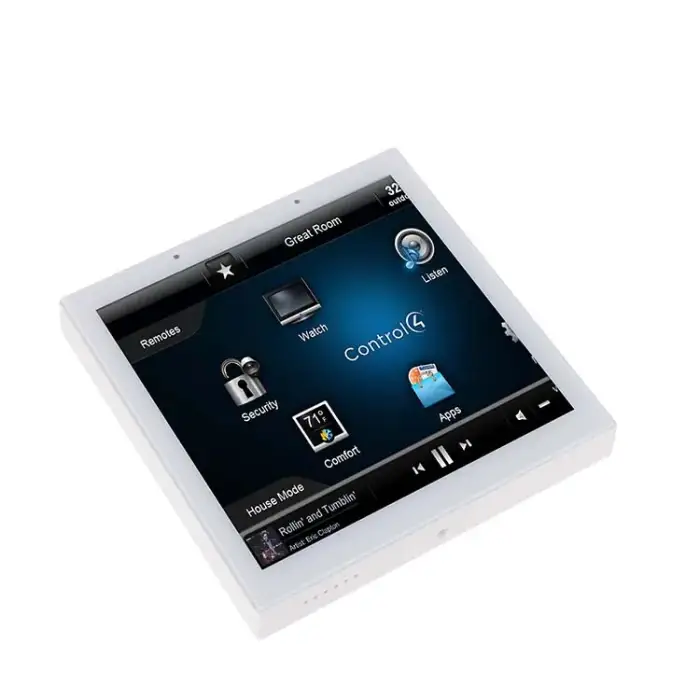
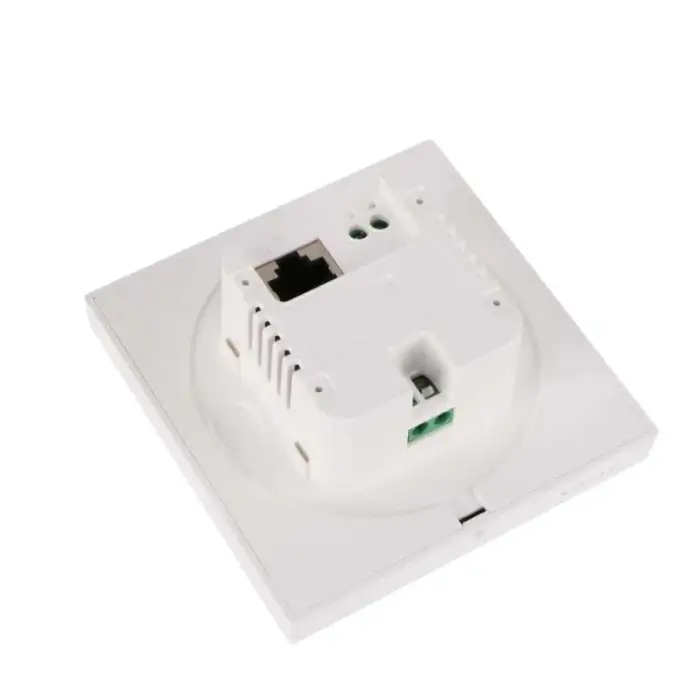
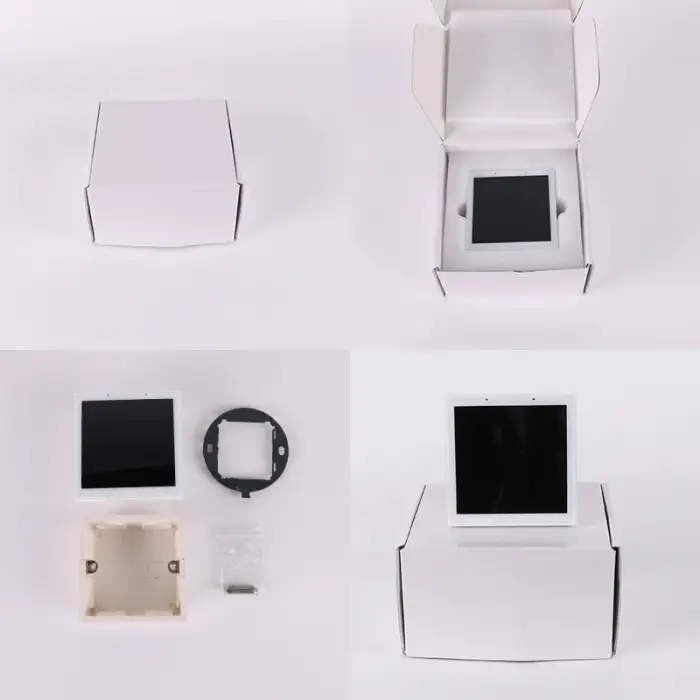
Android Linux OS 4 Inch Smart Home WiFi Touch Switch Control Screen Panel

- Section : Consumer Electronics
- Category : Smart Electronics
- SKU : 1600900239151

Product Description


Applications

- Shipping Timeframes: All orders are processed within 2-5 business days (excluding weekends and holidays). After your order has been processed, the estimated delivery time is before 25 Dec, 2025, depending on customs, Please note that due to high demand, some items may experience longer shipping times, which will be communicated at order confirmation email.
- Order Processing Time: Please allow 2-5 business days for us to process your order before it is shipped . Orders placed after 16:00 on Fridays, or during weekends and public holidays, will begin processing on the next business day. Processing times may be extended during peak seasons or sales events.
- Manufacturing Time: Some products needs manufacturing time, the manufacturing process will take approximately 10-30 business days depending on the product. This timeframe may vary depending on the complexity of the product and current demand. but this will be communicated with you during order confirmation.
- Returns and Exchanges: We offer a 30-day return policy for most items. If you are not completely satisfied with your purchase, you may return it within 30 days of receipt for a refund or exchange. Items must be unused, in their original packaging, and accompanied by proof of purchase. Return shipping costs are the responsibility of the customer, unless the item was damaged or defective upon arrival.
1. What is the Android Linux OS 4 Inch Smart Home WiFi Touch Switch Control Screen Panel?
It is a smart home control panel that uses Android Linux OS to manage various home devices via a 4-inch touchscreen interface.
2. How do I connect the touch switch to my WiFi network?
You can connect the touch switch to your WiFi network by following the setup instructions in the user manual, which typically involves selecting your network and entering the password.
3. What devices can I control with this smart switch?
You can control various smart home devices such as lights, thermostats, and security systems, depending on their compatibility with the panel.
4. Is the touch switch compatible with Amazon Alexa or Google Assistant?
Yes, the touch switch is compatible with both Amazon Alexa and Google Assistant, allowing for voice control of connected devices.
5. Can I customize the interface on the touch screen panel?
Yes, the interface can be customized based on your preferences, including arranging icons and adding shortcuts to frequently used devices.
6. Is it easy to install the smart home WiFi touch switch?
Installation is straightforward and can typically be completed by following the provided instructions. However, professional installation is recommended for complex setups.
7. What is the power consumption of the touch switch?
The power consumption is minimal, typically around 1-2 watts when in use, making it energy-efficient for smart home applications.
8. Does the panel require a specific operating system or app to function?
The panel operates on Android Linux OS, and you may need to download specific apps compatible with your smart devices to control them effectively.
9. What happens if my WiFi goes down?
If your WiFi goes down, the touch switch will lose its ability to control devices connected to the internet, but it may still control devices on a local network if set up that way.
10. Is the touch switch suitable for outdoor use?
No, the touch switch is designed for indoor use only and should not be exposed to outdoor elements.
11. What kind of warranty does the product come with?
The product typically comes with a one-year warranty, covering defects in materials and workmanship. Please refer to the warranty policy for more details.
12. Can I use the touch switch to create automation scenes?
Yes, you can create automation scenes that allow multiple devices to be controlled simultaneously based on your preferences and schedules.
13. Is there a limit to the number of devices I can connect?
The number of devices you can connect may vary based on your network capability and the specifications of the panel, but typically supports a wide range of devices.
14. What is the resolution of the touch screen?
The touch screen typically has a resolution of 800x480 pixels, providing clear and vibrant visuals for easy interaction.
15. How do I update the software on the panel?
Software updates can usually be done through the settings menu on the panel, where you can check for and install any available updates.
Latest Order Arrivals
Discover our latest orders

12 Heads Embroidery Machine

Dewatering Pump Machine

Order Collection

Portable Water Drilling Rig

Order Usefully Collected

Batch of Orders

Agriculture Processing Machines

Meat Grinder Machine

Water Pump Equipment

Packaging Machine and accessories

Fabrics Manufacturing Equipment

Mining Equipments

Food Processing Machine

Batch of Orders

Batch of Orders

Latest Orders Labelled

wheel alignment machines

new arrivals

Pre Orders Offloading

Latest Arrivals

Latest Arrivals