B21, China Town Mall, Midrand

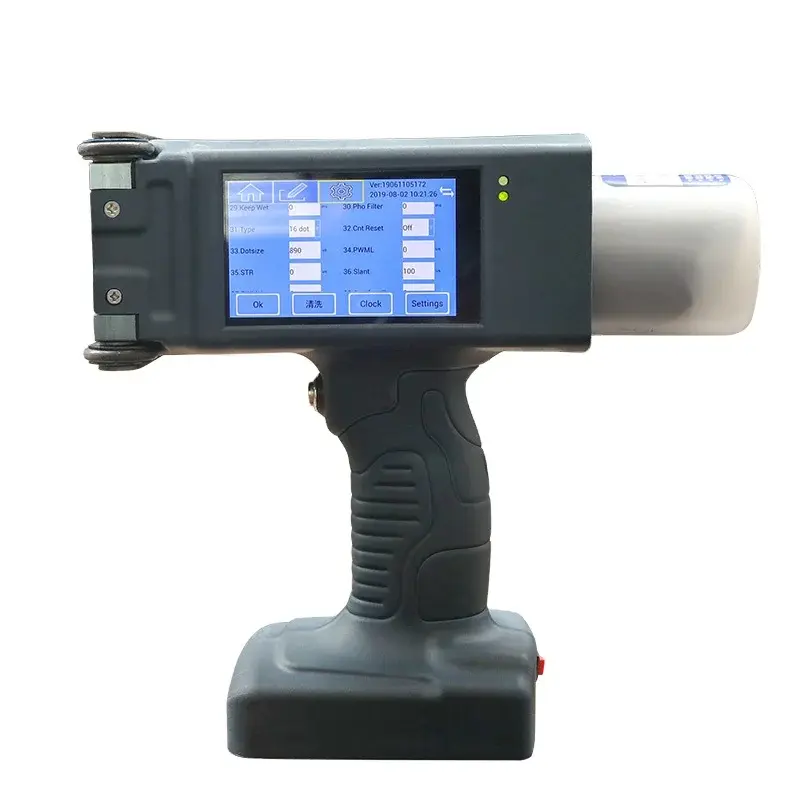
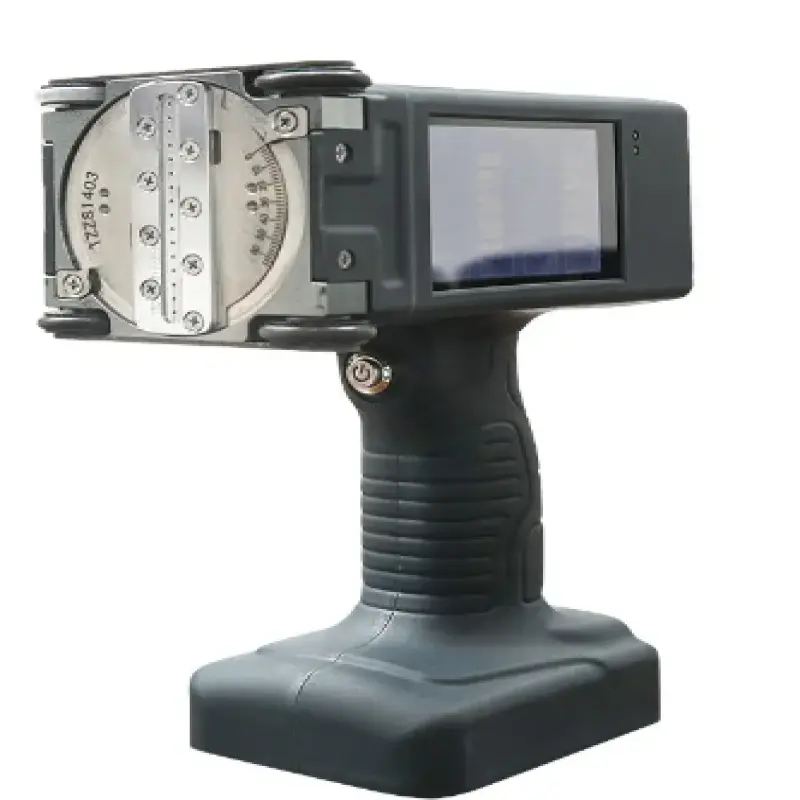
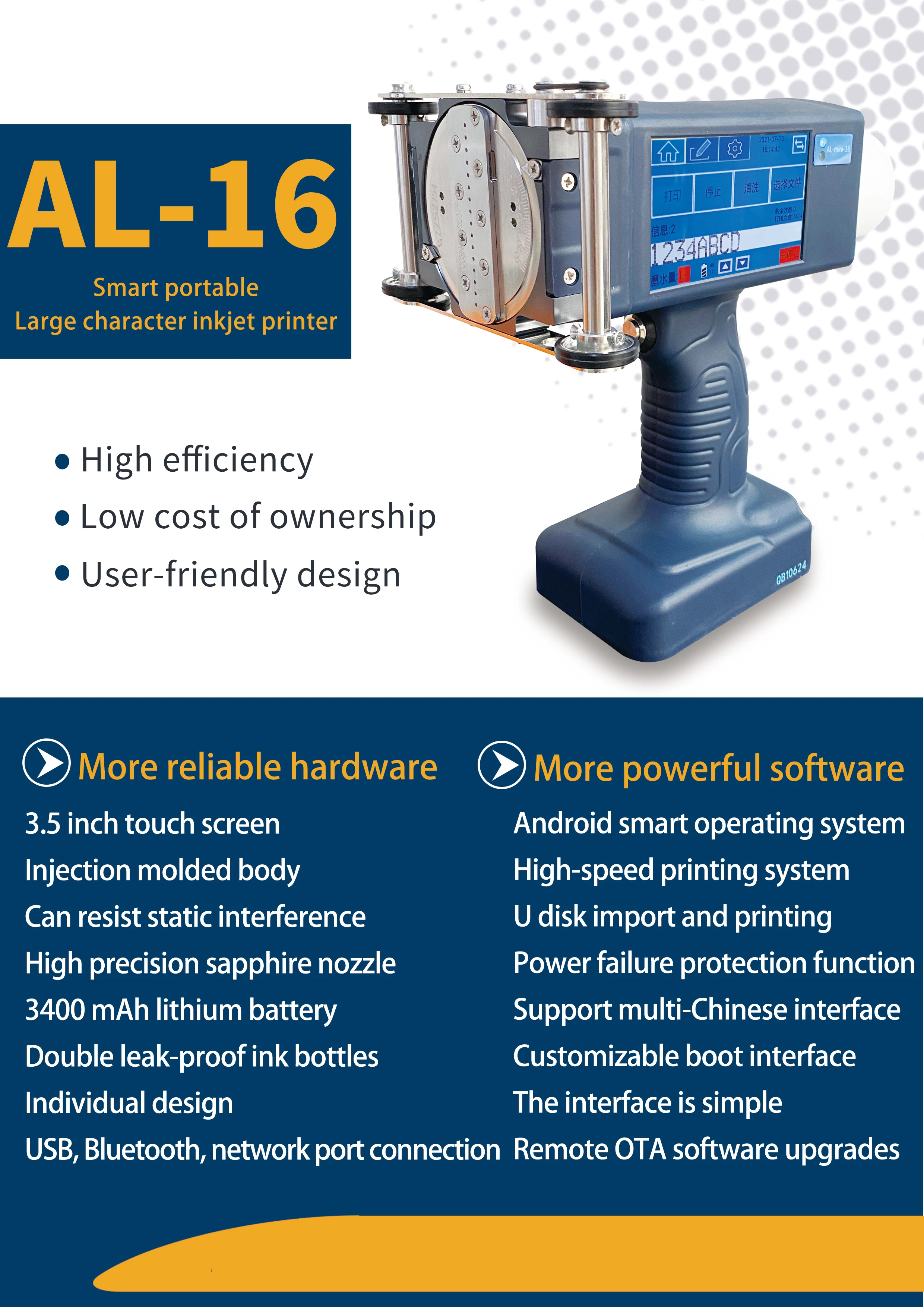
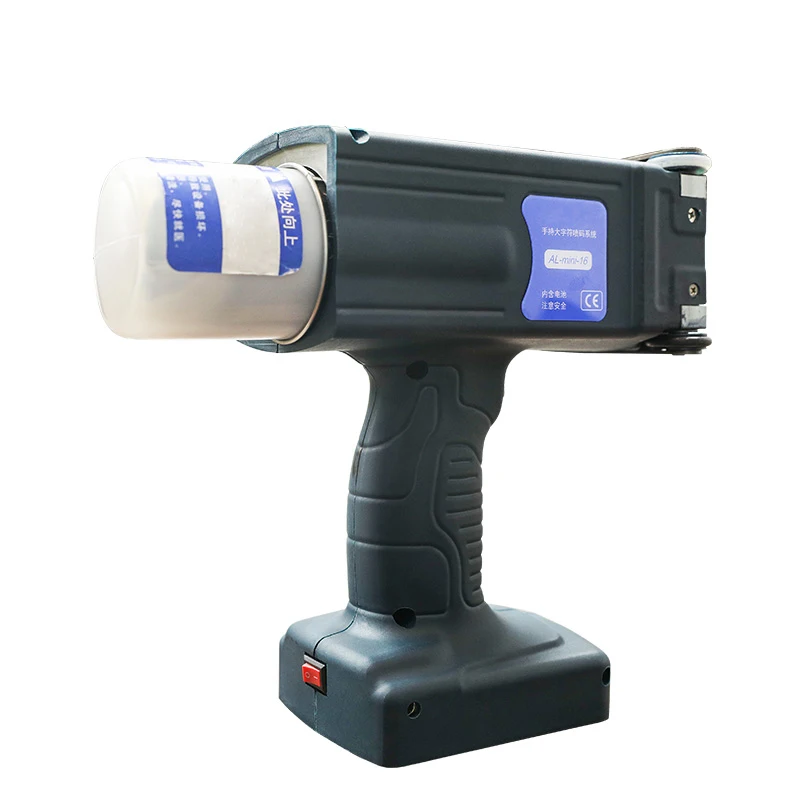
Advanced Al16 Handheld Printer For Box Carton Package Inkjet Printer Coding Machine

- Section : Machinery
- Category : Industrial Machinery
- SKU : 1600130391282

Advanced Al16 Handheld Printer For Box Carton Package Inkjet Printer Coding Machine
Product Description
Specification

| item | value |
| Type | Inkjet Printer |
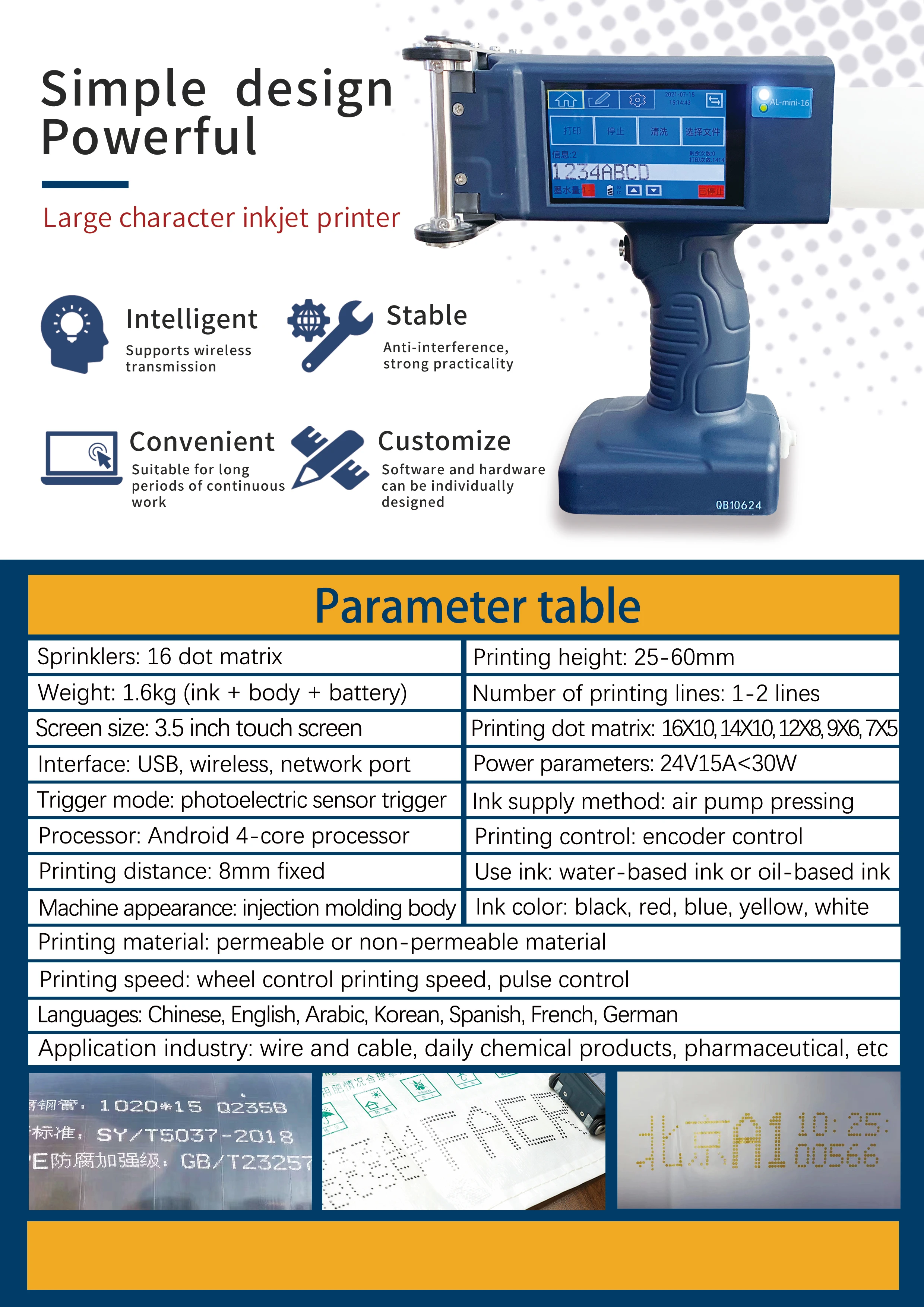
| Sprinkler | 16 dots |
| weight | 1.6kg |
| Printing dot matrix | 16*10 14*10 12*8 9*6 7*5 |
| Operating language | English, Arabic, Korean, Spanish, French, German |
| Printing distance | 8mm from the surface of the item |
| Use ink | Water-based ink or oil-based ink |
| Ink color | Black red blue yellow white optional |
| Core Components | Motor, Pressure vessel, Pump, PLC, Gear, Bearing, Gearbox, Engine |
| Clarity | 600dpi |
| Printing height | 25-60mm |
| 10Printing speed | 100 m/min |
- Shipping Timeframes: All orders are processed within 2-5 business days (excluding weekends and holidays). After your order has been processed, the estimated delivery time is before 01 Jul, 2026, depending on customs, Please note that due to high demand, some items may experience longer shipping times, which will be communicated at order confirmation email.
- Order Processing Time: Please allow 2-5 business days for us to process your order before it is shipped . Orders placed after 16:00 on Fridays, or during weekends and public holidays, will begin processing on the next business day. Processing times may be extended during peak seasons or sales events.
- Manufacturing Time: Some products needs manufacturing time, the manufacturing process will take approximately 10-30 business days depending on the product. This timeframe may vary depending on the complexity of the product and current demand. but this will be communicated with you during order confirmation.
- Returns and Exchanges: We offer a 30-day return policy for most items. If you are not completely satisfied with your purchase, you may return it within 30 days of receipt for a refund or exchange. Items must be unused, in their original packaging, and accompanied by proof of purchase. Return shipping costs are the responsibility of the customer, unless the item was damaged or defective upon arrival.
1. What is the Advanced Al16 Handheld Printer used for?
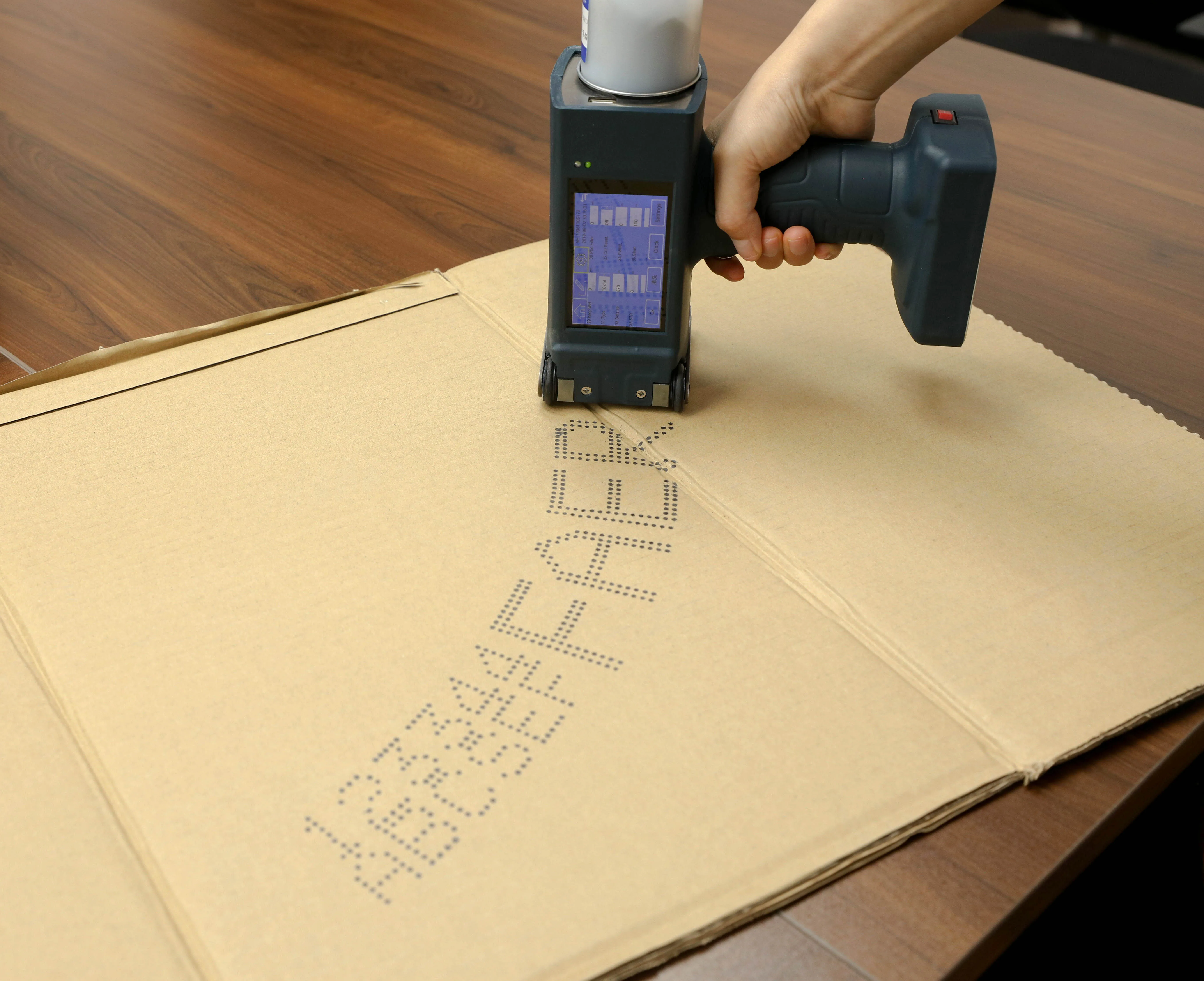
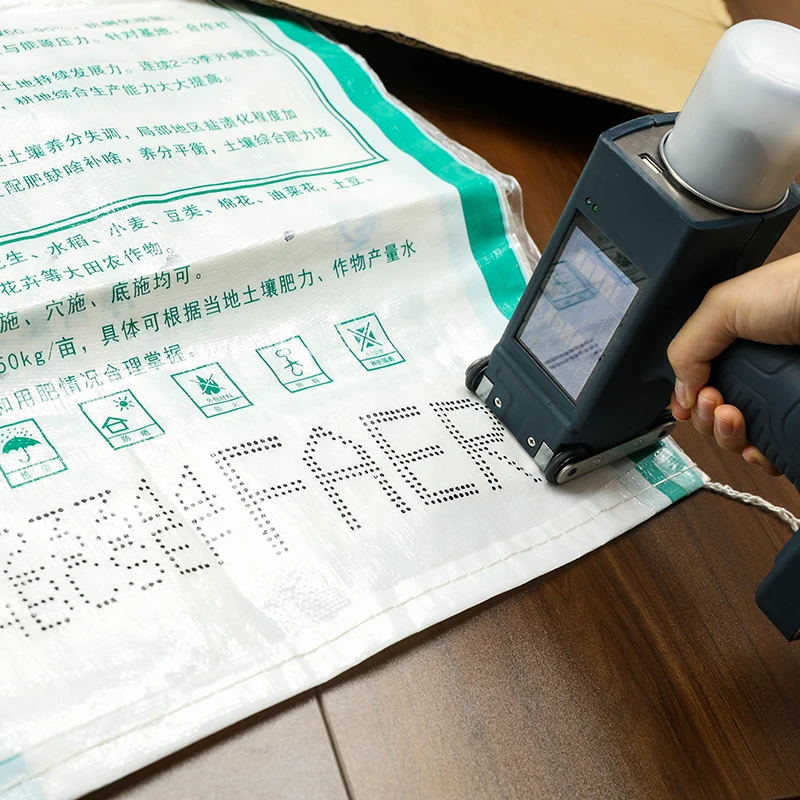
It is a handheld inkjet coding machine designed to print text, dates, codes and simple graphics on box, carton and other packaging surfaces for marking and coding applications.
2. What types of ink does this printer support?
It supports both water-based ink and oil-based ink. Choose ink type according to the substrate and desired dry/adhesion properties.
3. What ink colors are available?
Available ink colors include black, red, blue, yellow and white (optional).
4. What is the print resolution (clarity)?
Print clarity is 600 dpi, providing high-detail output for text and simple graphics.
5. How fast can the printer print?
Maximum printing speed is up to 100 meters per minute (actual speed depends on content, substrate and print settings).
6. What printing heights and dot matrix configurations are supported?
The printer supports multiple dot-matrix configurations (16×10, 14×10, 12×8, 9×6, 7×5). The stated printing height range is approximately 25–60 mm; check model/configuration details for specific height options.
7. How close does the printhead need to be to the surface?
Optimal printing distance is about 8 mm from the surface. Maintain a consistent gap for best print quality.
8. Which operating languages does the unit support?
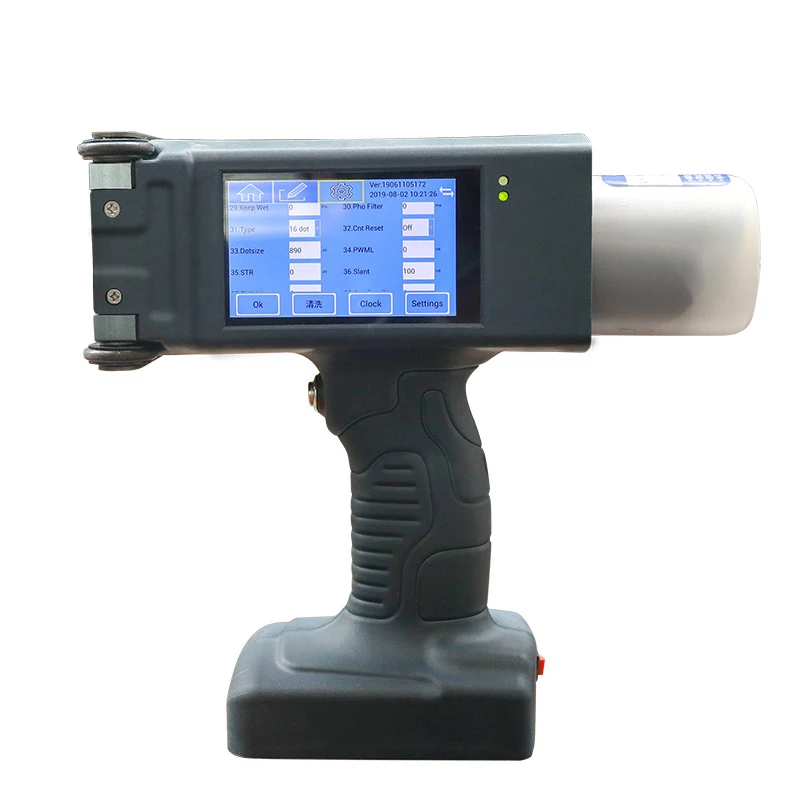
The user interface supports English, Arabic, Korean, Spanish, French and German.
9. What is the weight and portability of the device?
The handheld unit weighs approximately 1.6 kg, making it lightweight and easy to carry for manual coding tasks.
10. What are the key components inside the printer?
Core components include the motor, pressure vessel, pump, PLC (controller), gears, bearings, gearbox and engine assembly.
11. What types of packaging materials can it print on?
It is designed primarily for boxes and cartons (corrugated cardboard, paperboard and common packaging substrates). For coated or non‑porous surfaces, use appropriate oil-based or specialty inks and perform a test print.
12. What basic maintenance is required?
Regular maintenance includes cleaning the printhead/nozzles with the recommended solvent, capping or covering the printhead when idle, checking and replacing ink filters if present, and following the manufacturer’s service schedule for pumps and mechanical parts.
13. How do I set up and perform a test print?
Setup typically involves powering the unit, selecting the language, loading compatible ink, configuring print parameters (height, dot matrix, content), positioning the head ~8 mm from the surface, and running a test print. Refer to the supplied user manual for step-by-step instructions.
14. Where can I get replacement ink, parts or service, and what about warranty?
Purchase replacement ink and parts from your authorized dealer or the product supplier. Warranty terms and service availability vary by seller—contact the vendor or distributor you bought the unit from for warranty details and authorized service centers.
15. Are there any printing limitations or tips to improve quality?
For best results use the recommended ink type for your substrate, keep the printhead clean, maintain the ~8 mm gap, and select the appropriate dot matrix and print height for the message size. Always perform a sample test on the actual packaging material before full production.
Latest Order Arrivals
Discover our latest orders

12 Heads Embroidery Machine

Dewatering Pump Machine

Order Collection

Portable Water Drilling Rig

Order Usefully Collected

Batch of Orders

Agriculture Processing Machines

Meat Grinder Machine

Water Pump Equipment

Packaging Machine and accessories

Fabrics Manufacturing Equipment

Mining Equipments

Food Processing Machine

Batch of Orders

Batch of Orders

Latest Orders Labelled

wheel alignment machines

new arrivals

Pre Orders Offloading

Latest Arrivals

Latest Arrivals

Latest Arrivals
26 January 2026
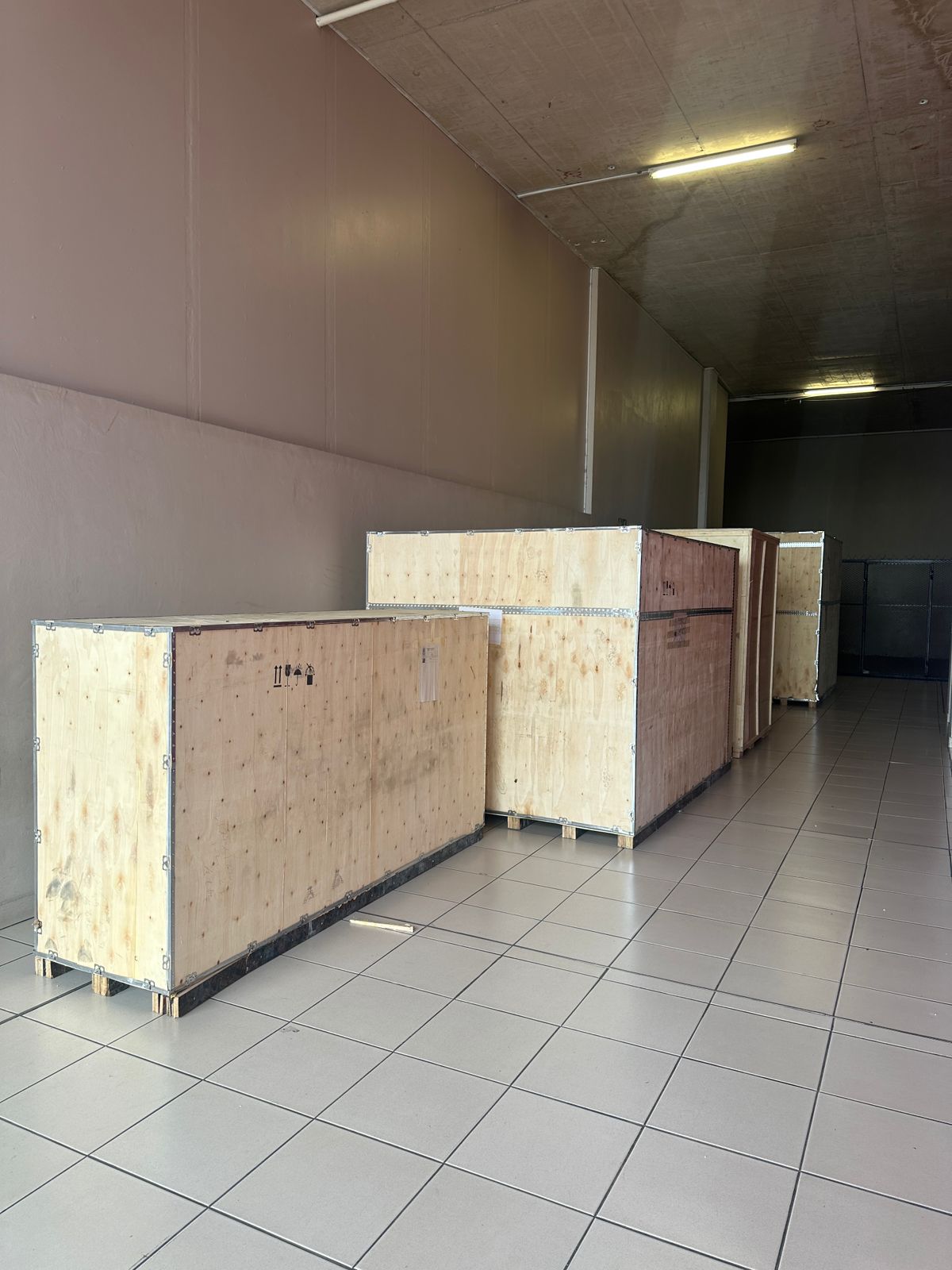
Toilet paper making machine
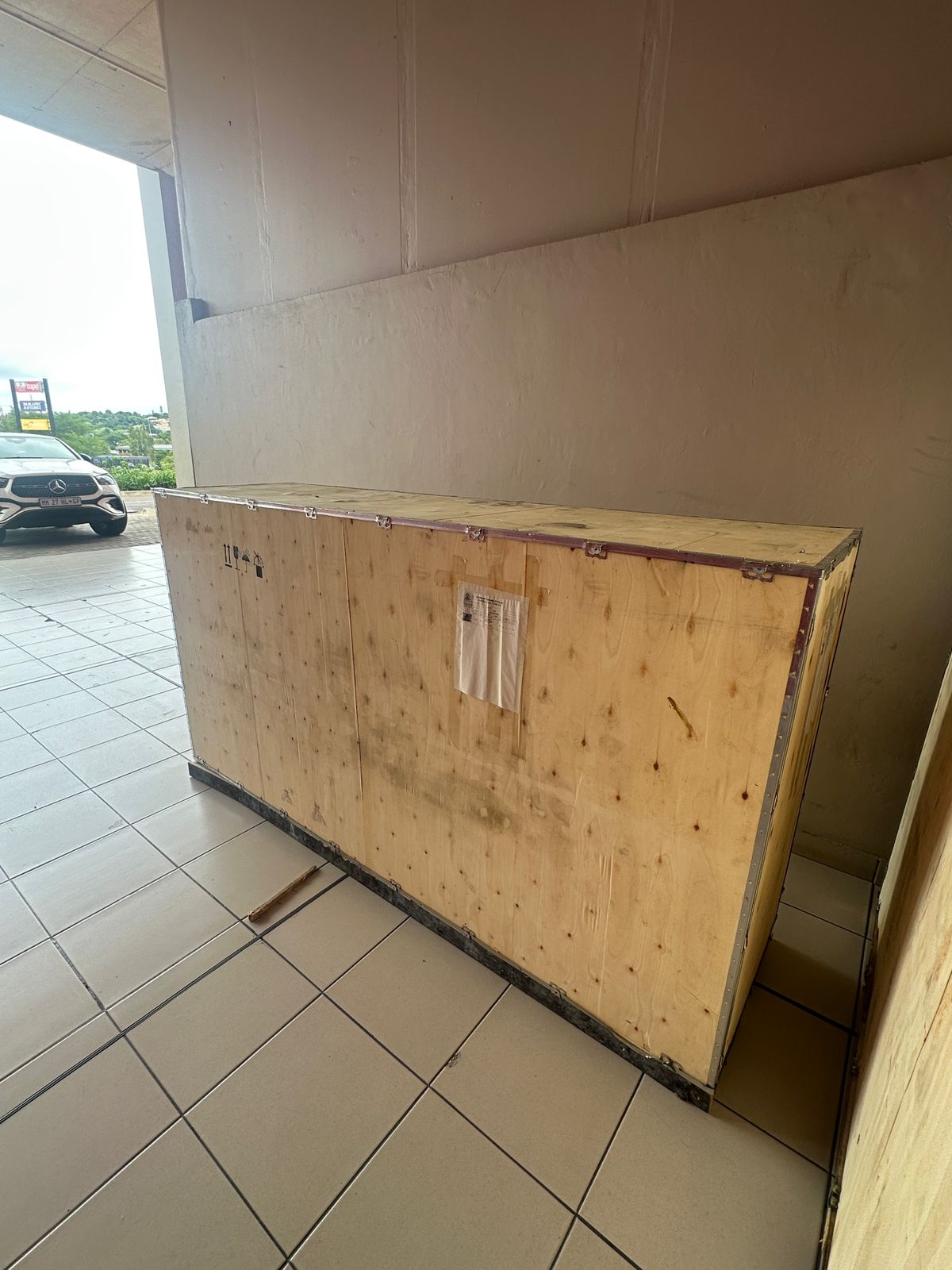
Toilet paper making machine
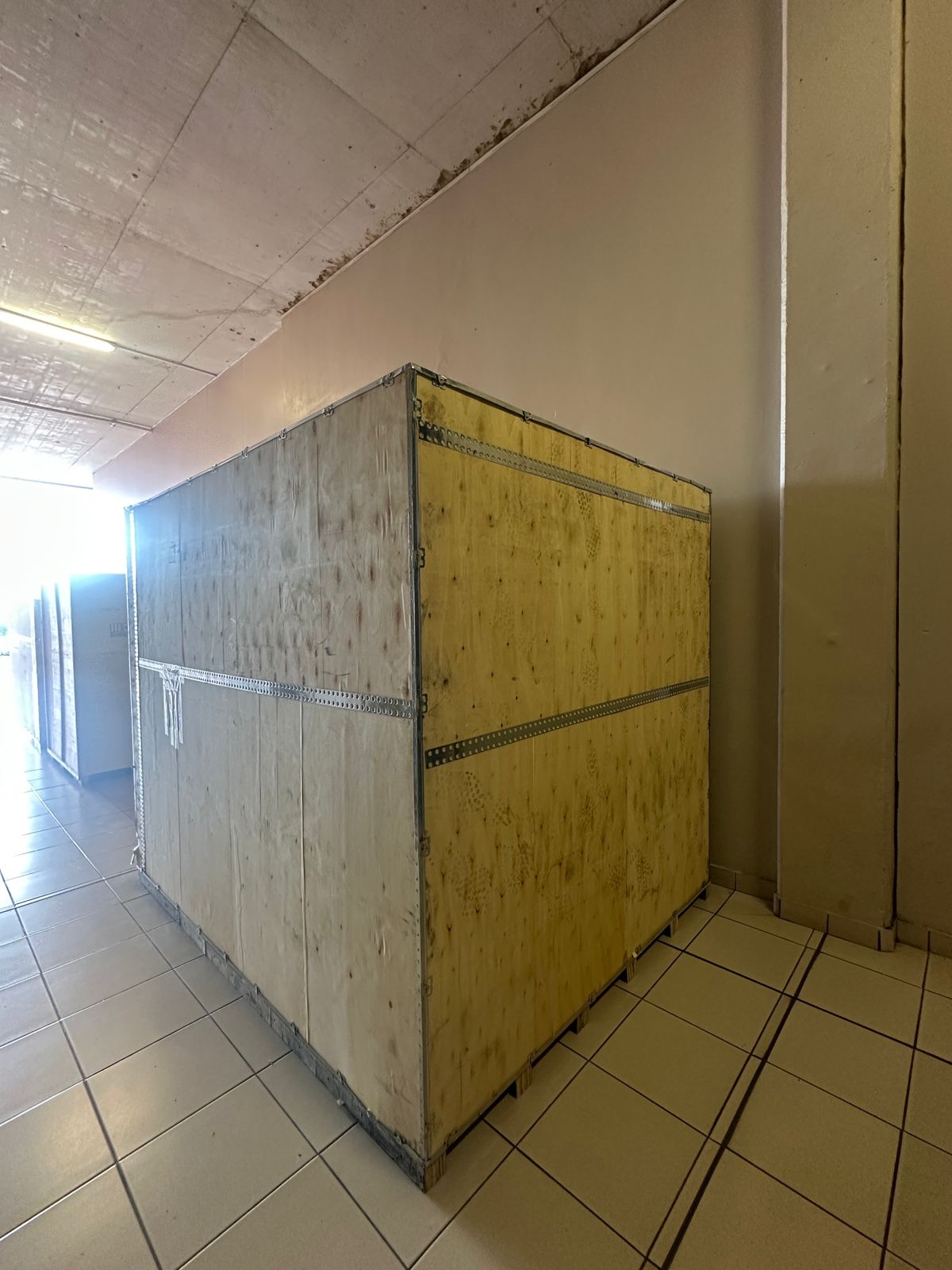
Toilet paper Rewinding Machine
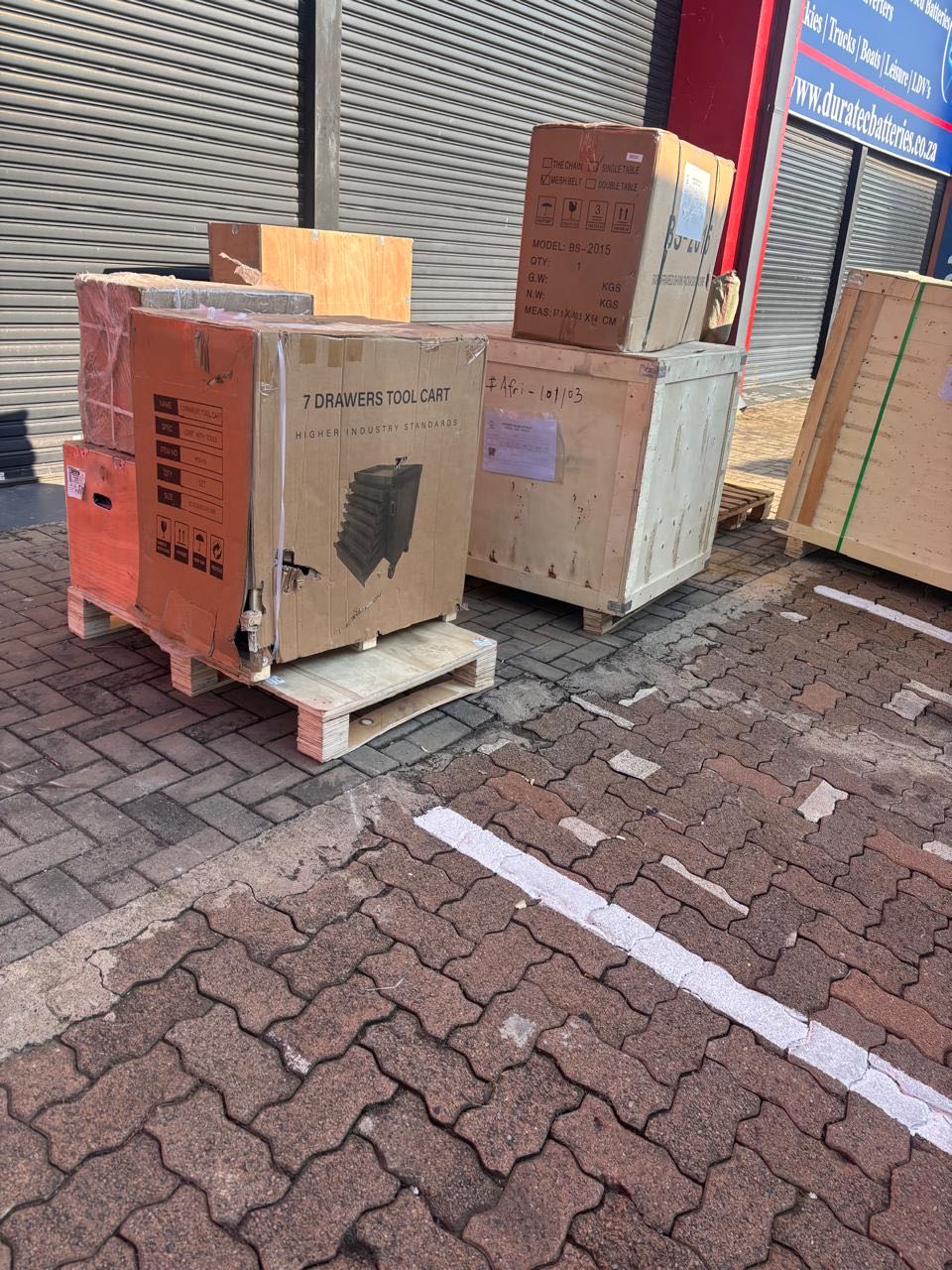
latest arrivals
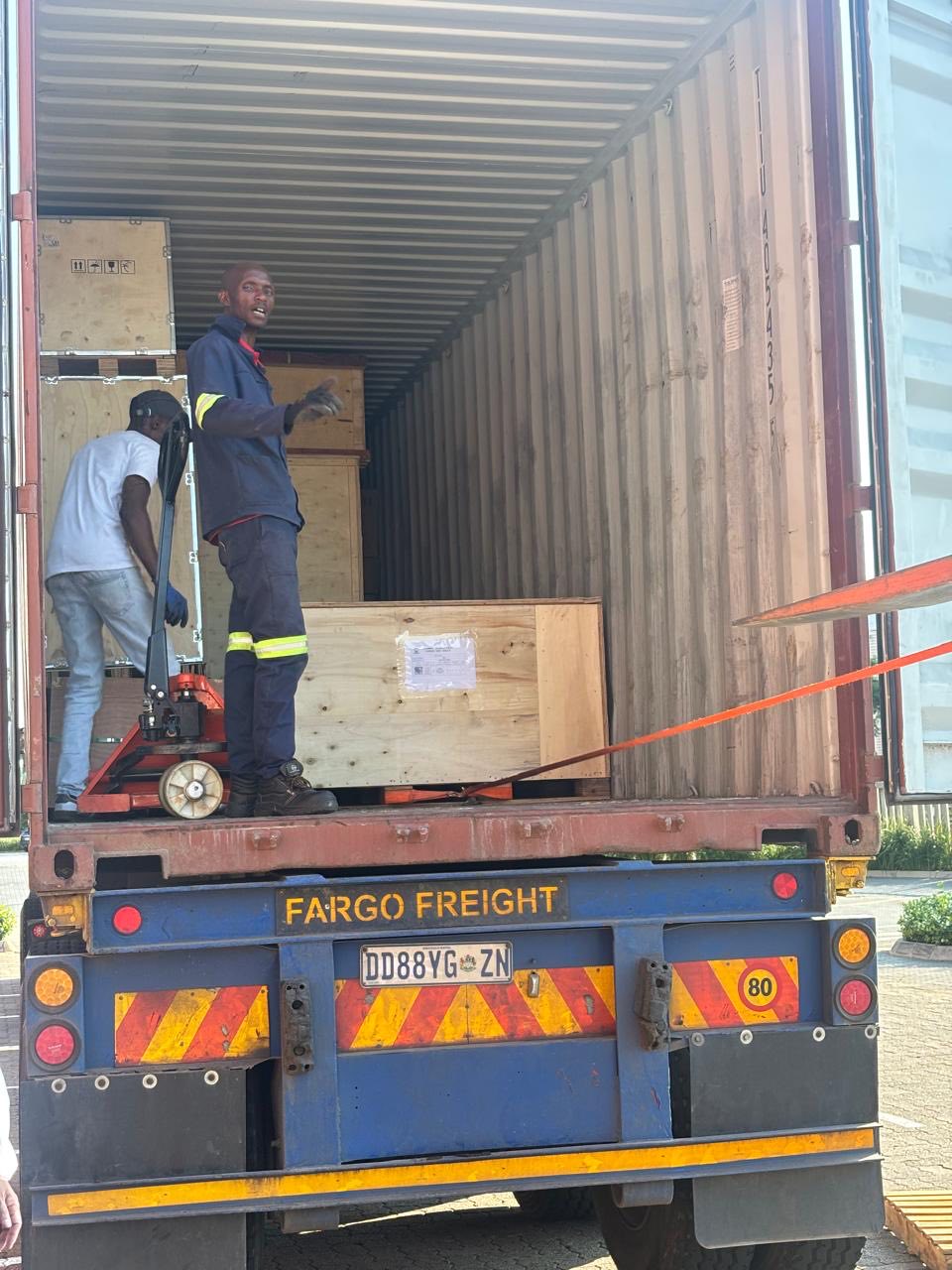
offloading
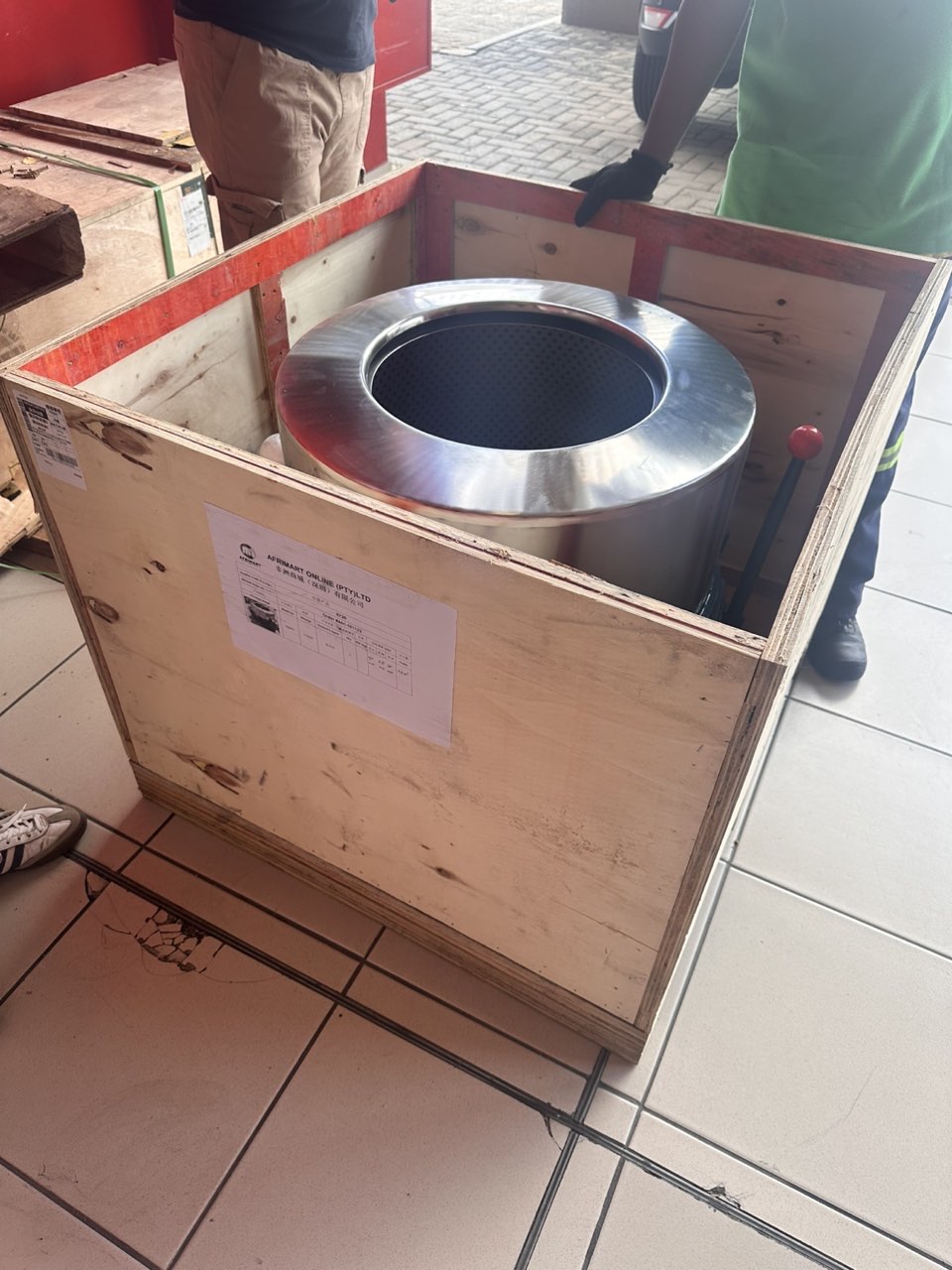
order success
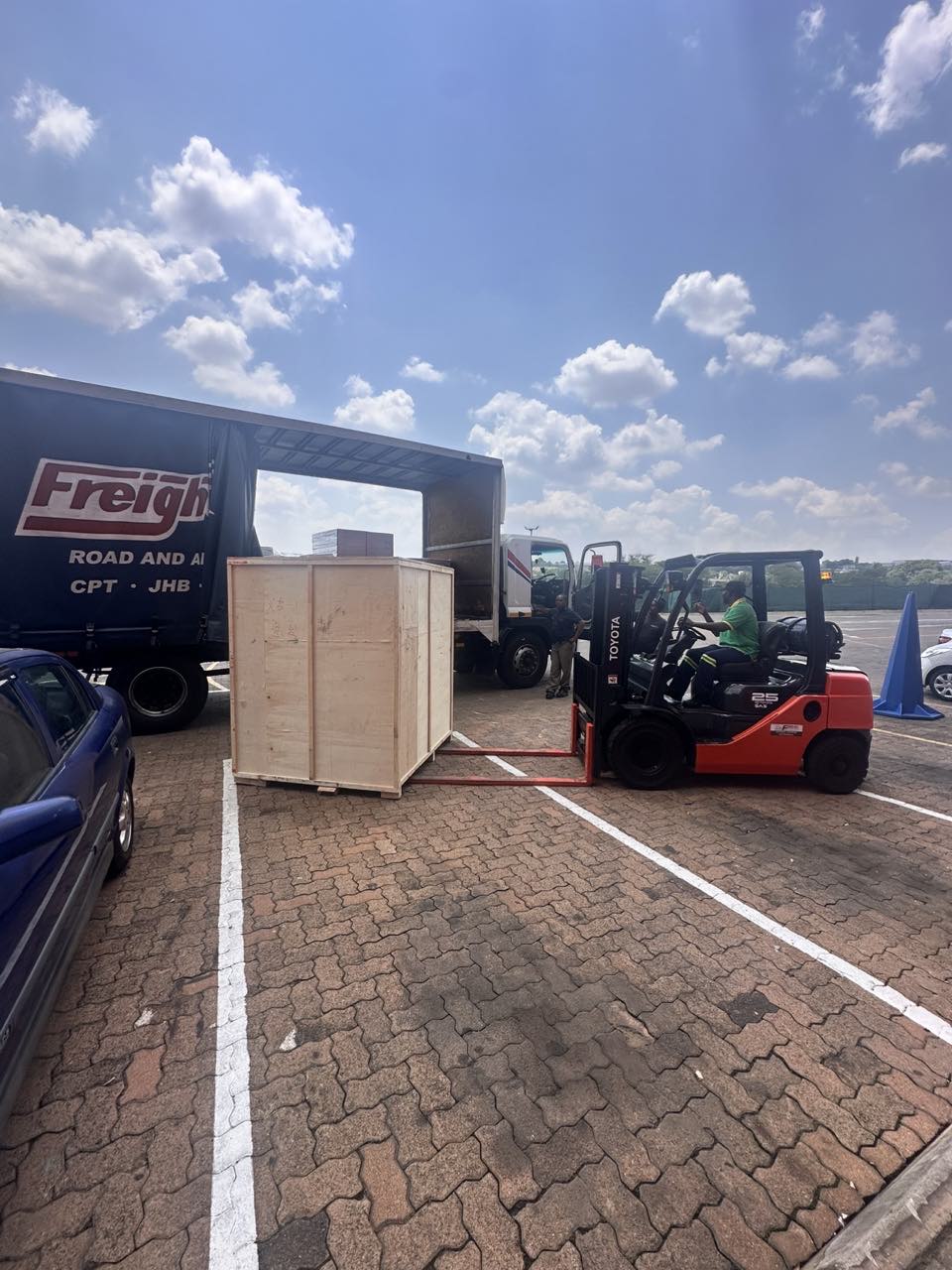
order collection
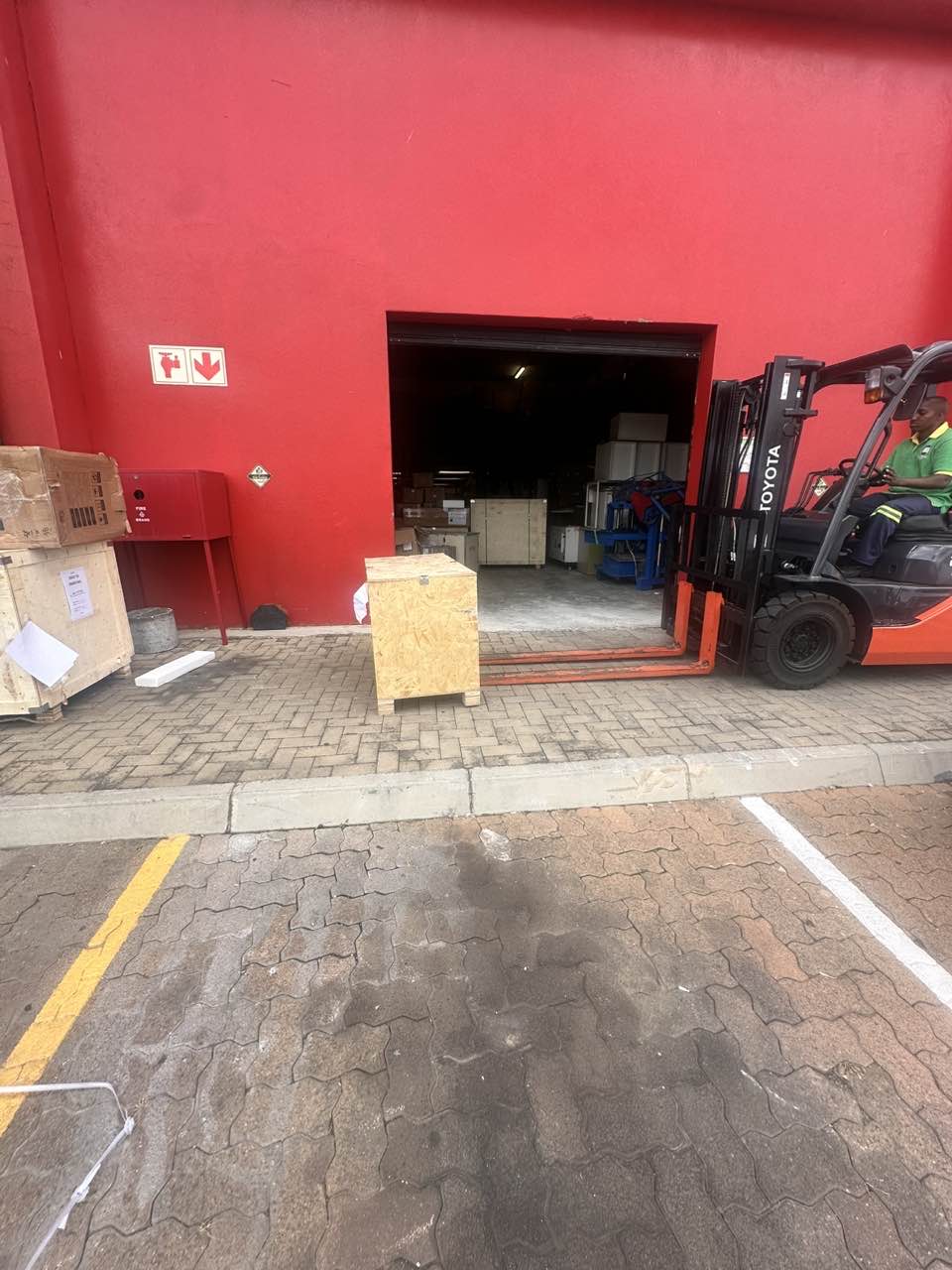
order offloading