B21, China Town Mall, Midrand


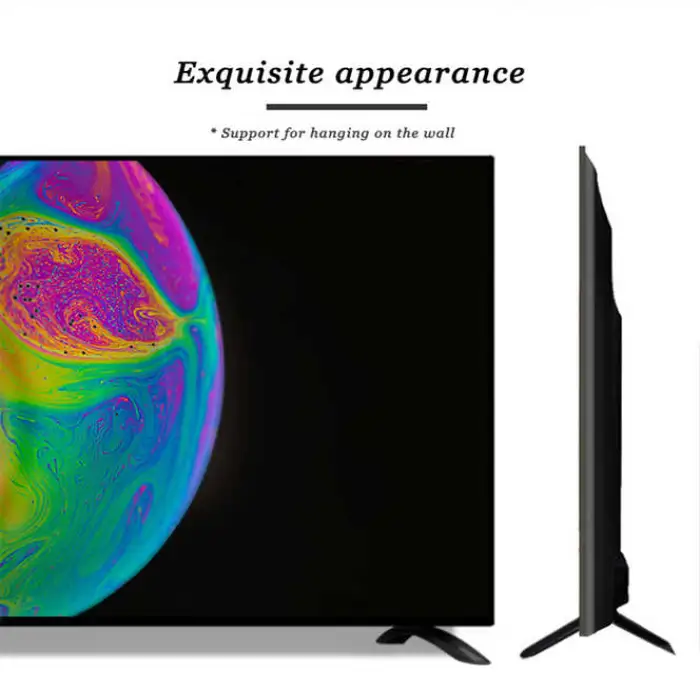
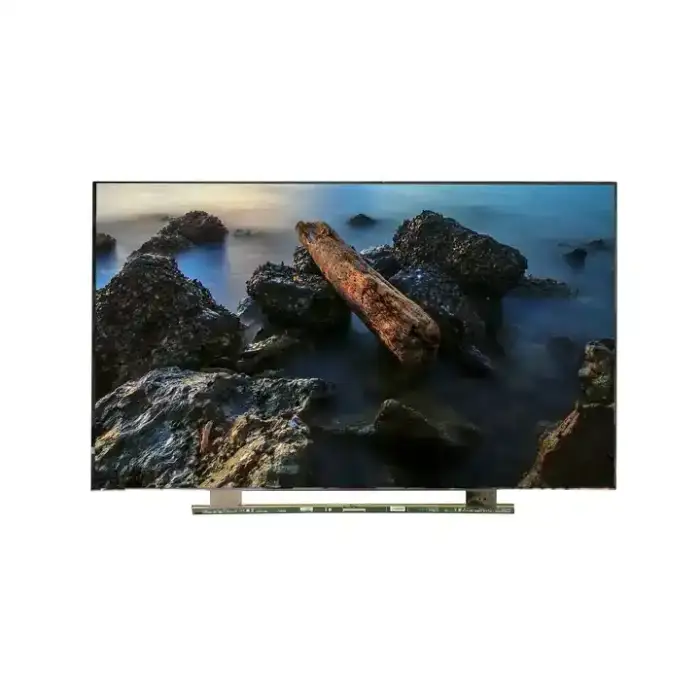
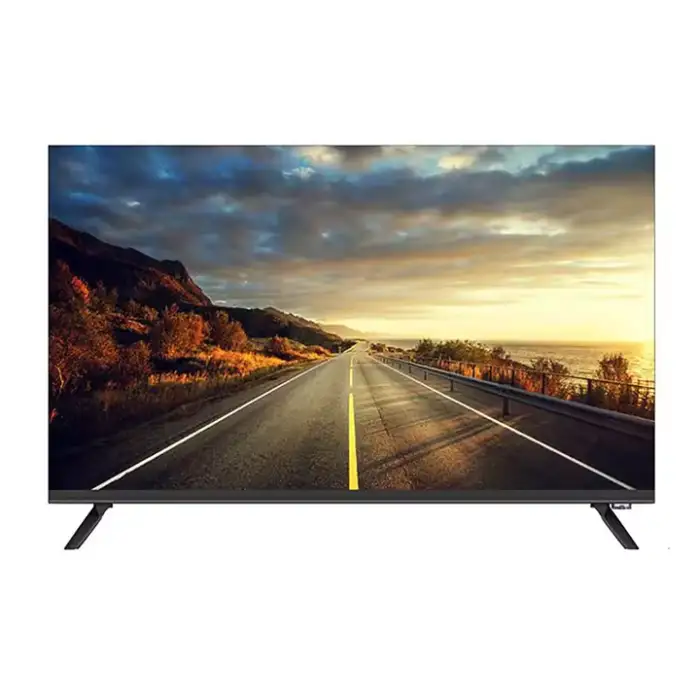
100-inch Smart TV Wireless Screen Is Convenient, Family Procurement Preferred

- Section : Consumer Electronics
- Category : Television, Home Audio, Video & Accessories
- SKU : 1601398275012

100-inch Smart TV Wireless Screen - Convenient Family Procurement Preferred
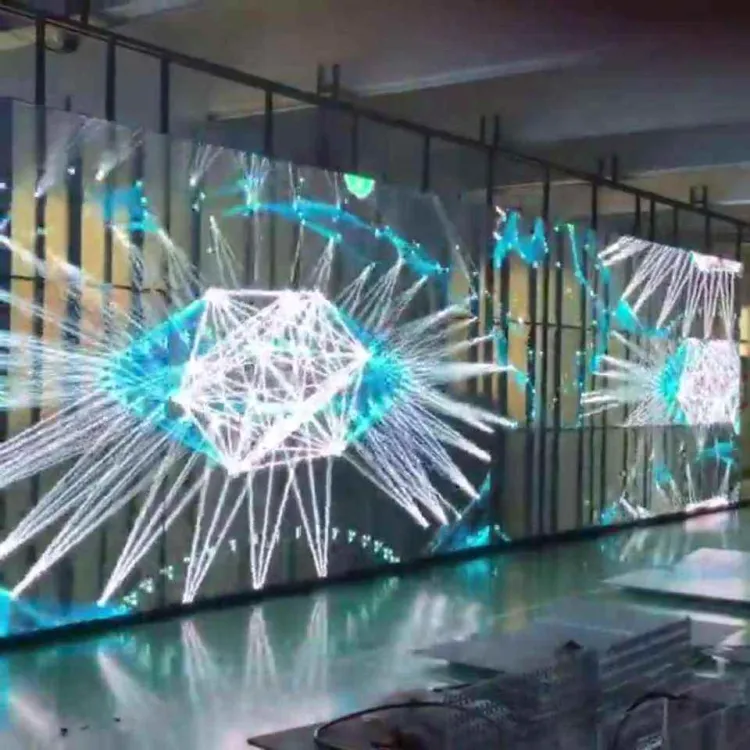
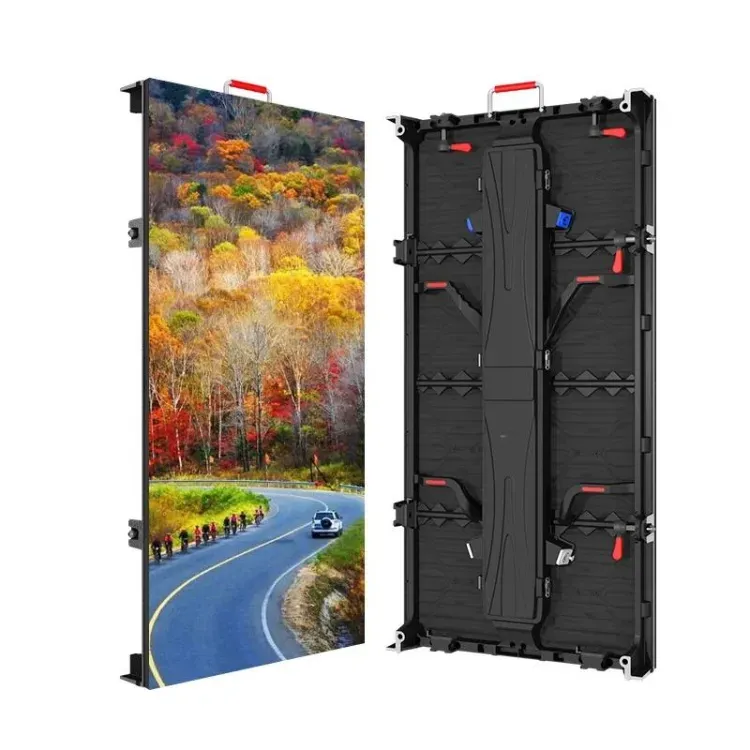
Experience entertainment like never before with the 100-inch Smart TV Wireless Screen. This stunning TV offers a large display for family movie nights, gaming sessions, or binge-watching your favorite shows. Its advanced features and sleek design make it a perfect addition to any home. Enjoy high-definition visuals and smart capabilities with this powerful television.
Specifications
| Attribute | Details |
|---|---|
| Cabinet Color | Black |
| Definition | HDTV |
| Display Format | 1080p (Full-HD) |
| Screen Size | 100 inches |
| Resolution | 3840x2160 / 1920x1080 |
| Smart System | Android 9.0/11.0/12.0/webOS |
| Power Supply | AC 100V-240V / DC 12V |
Key Features
- Stunning 100-inch display for an immersive viewing experience
- High-definition picture quality with 1080p resolution
- Smart capabilities with the latest Android versions
- Supports a variety of streaming applications like Netflix and YouTube
- Sleek black design fits well in any room
Applications
- Perfect for family movie nights at home
- Great for gaming and interactive entertainment
- Ideal for use in hotels or waiting areas
- Excellent for presentations and business meetings
- Enhances any event or gathering with large-screen visuals
Product Info Gallery
- Shipping Timeframes: All orders are processed within 2-5 business days (excluding weekends and holidays). After your order has been processed, the estimated delivery time is before 16 Aug, 2026, depending on customs, Please note that due to high demand, some items may experience longer shipping times, which will be communicated at order confirmation email.
- Order Processing Time: Please allow 2-5 business days for us to process your order before it is shipped . Orders placed after 16:00 on Fridays, or during weekends and public holidays, will begin processing on the next business day. Processing times may be extended during peak seasons or sales events.
- Manufacturing Time: Some products needs manufacturing time, the manufacturing process will take approximately 10-30 business days depending on the product. This timeframe may vary depending on the complexity of the product and current demand. but this will be communicated with you during order confirmation.
- Returns and Exchanges: We offer a 30-day return policy for most items. If you are not completely satisfied with your purchase, you may return it within 30 days of receipt for a refund or exchange. Items must be unused, in their original packaging, and accompanied by proof of purchase. Return shipping costs are the responsibility of the customer, unless the item was damaged or defective upon arrival.
1. What is the native resolution of this 100-inch Smart TV?
The TV's native display is Full HD (1920x1080). It can accept 3840x2160 (4K) input and will handle or downscale that signal, but the native panel is Full HD — confirm the exact model details if native 4K is required.
2. Is the TV wireless and how do I connect devices wirelessly?
Yes — the TV supports wireless connectivity for streaming and casting. Depending on the installed smart system (Android/webOS) you can use built‑in Wi‑Fi, Chromecast/Miracast-style casting or AirPlay (if supported). Bluetooth is typically available for pairing speakers or headphones. Exact wireless features depend on the OS version on your unit.
3. Which smart operating systems are available on this TV?
The product is offered with Android 9.0, Android 11.0, Android 12.0 or webOS. The available OS will be indicated on the product listing — features and app availability vary by OS version.
4. Can I stream apps like Netflix and YouTube?
Yes. Major streaming apps such as Netflix and YouTube are supported on the smart platforms listed, though some apps may be preinstalled while others can be downloaded from the device's app store. App availability can vary by OS version and region, and subscriptions are required where applicable.
5. Does the TV support screen mirroring from phones and laptops?
Yes. Screen mirroring is supported (Miracast/Chromecast/AirPlay functionality depends on the installed OS). For best results follow the TV's on-screen instructions and ensure both devices are on the same Wi‑Fi network.
6. What audio options does the TV have? Are there built-in speakers?
The TV includes built-in speakers adequate for everyday viewing. For a more immersive or cinematic sound experience (especially for a 100" display), a dedicated soundbar or external AV system is recommended. Bluetooth audio output is typically available for wireless speakers or headphones.
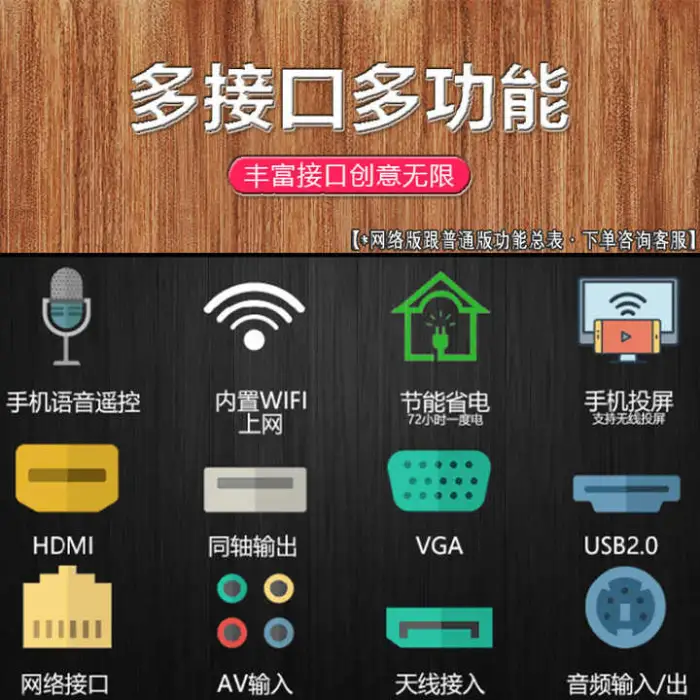
7. What input/output ports are available?
Common ports for models like this include HDMI, USB, Ethernet (LAN), AV, and optical audio. Exact port types and counts may vary between model variants — check the specific product spec sheet or listing for the exact port configuration.
8. Can the TV be wall-mounted and what mount do I need?
Yes — the TV can be wall‑mounted. It uses a VESA mounting pattern (size varies by model). Due to the large 100" size and weight, professional installation is recommended and you should confirm the exact VESA dimensions on the model's spec sheet before purchasing a mount.
9. Is this TV suitable for gaming?
Yes. The large screen is great for immersive gaming. For the best gaming experience, enable any low‑latency or game mode in the TV settings and use HDMI-connected consoles/PCs. Note that actual input lag and refresh rate depend on the model and firmware.
10. What are the power requirements?
The TV supports AC 100V–240V and DC 12V input options. Actual power consumption depends on usage, brightness settings and model variant — refer to the product energy specifications for detailed wattage figures.
11. What accessories are included in the box?
Typical packages include the TV panel, a remote control, power cable(s) and basic documentation. A stand or base may be included depending on the variant. Exact accessories vary by seller — check the product listing for the included items.
12. How do I update the TV operating system and apps?
Use the TV's system settings menu to check for firmware or OS updates. On Android-based models, apps are updated via Google Play Store; on webOS, use the platform's app store. Keep the TV connected to the internet and follow on-screen prompts to install updates.
13. Is this TV suitable for commercial or hotel use?
Yes — the large format works well in hotels, waiting areas, events and meeting rooms. For continuous commercial use you should verify the commercial warranty, firmware features for signage, and any licensing required for public display of content with the seller or manufacturer.
14. What warranty and after‑sales support are available?
Warranty terms vary by manufacturer and retailer. Check the product listing or contact the seller for warranty period, what it covers, and available service options. Registering the product with the manufacturer and keeping purchase documentation is recommended.
15. What is the recommended viewing distance for a 100‑inch TV?
For a 100" 16:9 screen, recommended viewing distance for Full HD (1080p) is typically around 6–10 feet (about 1.8–3.1 meters). If you are using higher-resolution content (4K), you can sit closer without noticing pixelation. Personal preference and room layout will influence the ideal distance.
Latest Order Arrivals
Discover our latest orders

12 Heads Embroidery Machine

Toilet Paper Machine Machine

Order Collection

Cross Border Clients

Order cros border countries Collected

Industrial Machine Cllection

Agriculture Processing Machines

Ready for collection

Water Pump Equipment

Packaging Machine and accessories

Fabrics Manufacturing Equipment

Mining Equipments

Food Processing Machine

Batch of Orders

Batch of Orders

Latest Orders Labelled

wheel alignment machines

new arrivals

Pre Orders Offloading

Latest Arrivals

Latest Arrivals

Latest Arrivals

Loading

Toilet paper making machine

Toilet paper making machine

Toilet paper Rewinding Machine

latest arrivals

offloading

order success

order collection

order offloading