B21, China Town Mall, Midrand

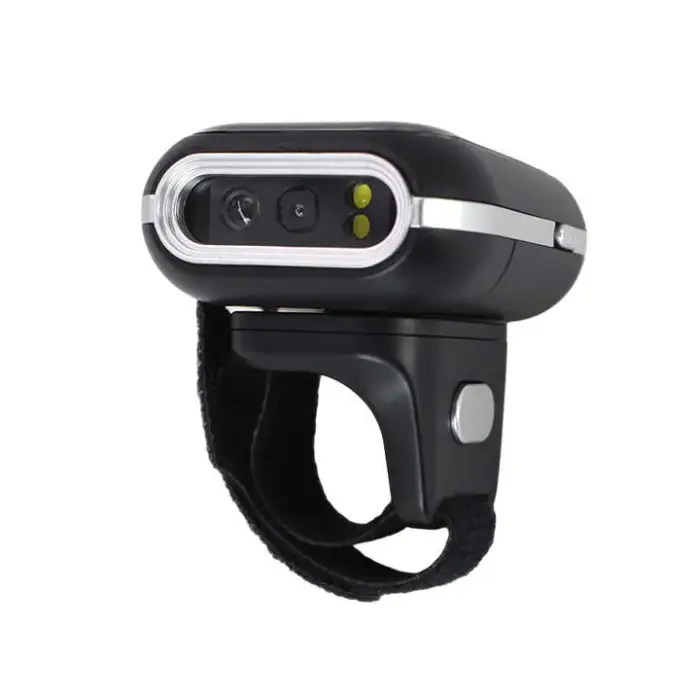

Mini Finger Ring Barcode Scanner High-Speed Wireless Bluetooth Portable Suitable for Warehouse

- Section : Consumer Electronics
- Category : Computer Hardware & Software
- SKU : 1601078560502

Mini Finger Ring Barcode Scanner - High-Speed Wireless Bluetooth Portable for Warehouse Use
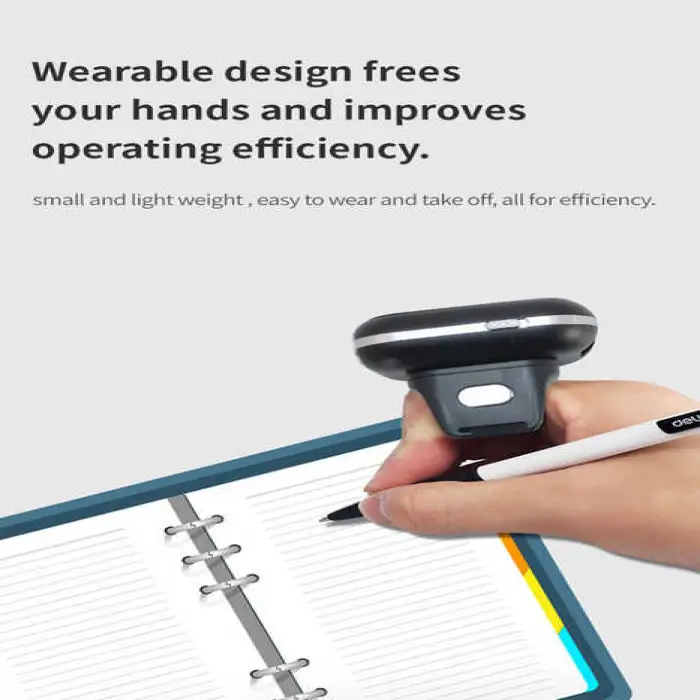
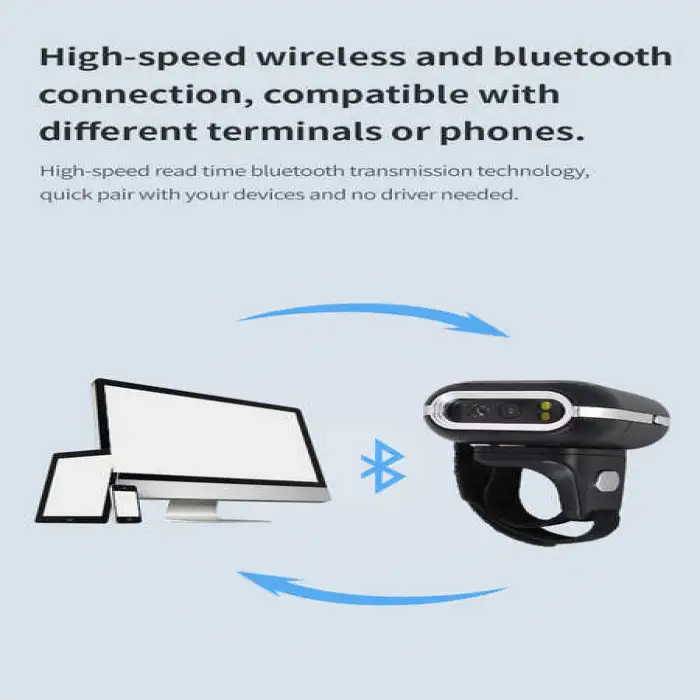
The Mini Finger Ring Barcode Scanner is a compact and efficient tool designed for quick scanning in warehouses. With its wireless Bluetooth connection, it allows users to easily scan barcodes without the hassle of cords. This portable scanner is lightweight and fits comfortably on your finger, making it ideal for busy environments.
Specifications
| Attribute | Details |
|---|---|
| Product Status | Stock |
| Type | Barcode Scanner |
| Color | Black |
| Interface Type | USB, Bluetooth |
| Scan Element Type | CMOS |
| Color Depth | 32 Bit |
| Private Mold | Yes |
| Software Development Kit (SDK) | Yes |
| Max Paper Size | A4 |
| Selling Units | Single Item |
| Single Package Size | 15X12X10 cm |
| Single Gross Weight | 0.600 KG |
Key Features
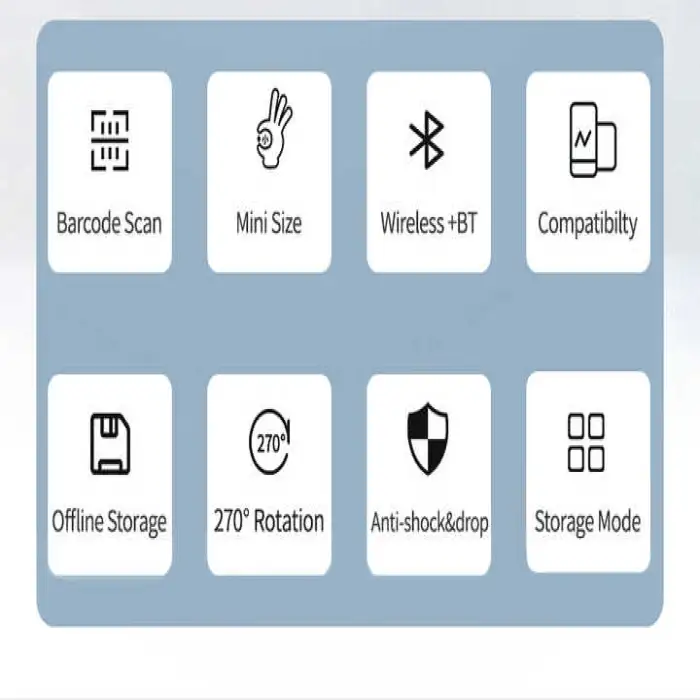
- Compact and lightweight design for easy use.
- High-speed wireless Bluetooth connection.
- 32-bit color depth for clear scanning.
- Compatible with USB for versatile use.
Applications
- Ideal for warehouse inventory management.
- Perfect for retail point-of-sale systems.
- Useful in logistics for tracking shipments.
- Great for events to manage guest check-ins.
- Helpful in libraries for quick book scanning.
Product Info Gallery

- Shipping Timeframes: All orders are processed within 2-5 business days (excluding weekends and holidays). After your order has been processed, the estimated delivery time is before 04 Feb, 2026, depending on customs, Please note that due to high demand, some items may experience longer shipping times, which will be communicated at order confirmation email.
- Order Processing Time: Please allow 2-5 business days for us to process your order before it is shipped . Orders placed after 16:00 on Fridays, or during weekends and public holidays, will begin processing on the next business day. Processing times may be extended during peak seasons or sales events.
- Manufacturing Time: Some products needs manufacturing time, the manufacturing process will take approximately 10-30 business days depending on the product. This timeframe may vary depending on the complexity of the product and current demand. but this will be communicated with you during order confirmation.
- Returns and Exchanges: We offer a 30-day return policy for most items. If you are not completely satisfied with your purchase, you may return it within 30 days of receipt for a refund or exchange. Items must be unused, in their original packaging, and accompanied by proof of purchase. Return shipping costs are the responsibility of the customer, unless the item was damaged or defective upon arrival.
1. What devices and operating systems is this Mini Finger Ring Barcode Scanner compatible with?
The scanner connects via Bluetooth and USB. It is compatible with most Bluetooth-enabled Android and Windows devices and with computers via USB (typically as a HID/keyboard device). iOS compatibility depends on the Bluetooth profile—check the vendor/spec sheet or use the provided SDK for full iOS support.
2. How do I pair the scanner with my smartphone or tablet?
Turn on the scanner, enable Bluetooth on your device, and search for the scanner name in Bluetooth settings. Select it to pair; some models require entering a PIN (commonly 0000 or 1234). Refer to the quick start guide for model-specific pairing steps.
3. Which barcode types does this scanner read?
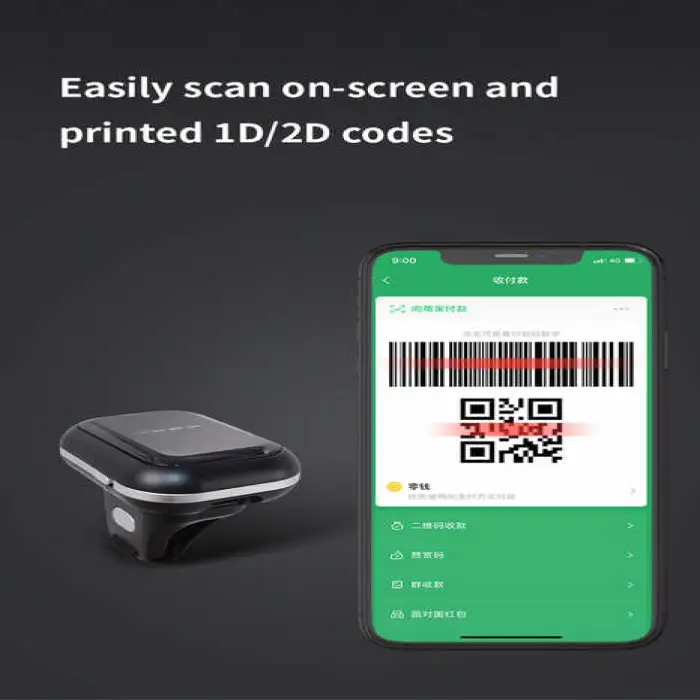
The scanner is designed for common warehouse and retail use and typically reads standard 1D barcodes (e.g., UPC, EAN, Code128) and many 2D codes (e.g., QR). For a definitive list of supported symbologies, check the full technical specs or ask the supplier.
4. What is the wireless range of the Bluetooth connection?
Typical Bluetooth range in open space is around 8–10 meters (25–33 feet). Actual range will vary with obstacles, interference, and device antennas.
5. How is the scanner powered and how do I charge it?
The unit uses an internal rechargeable battery and charges via USB. Charging time and battery duration depend on usage; the battery is intended to support normal warehouse shifts under typical intermittent scanning conditions—refer to the product listing for exact charge time and capacity.
6. Can I use the scanner while it is charging?
In many cases the scanner can be used while connected to a USB power source, but this can depend on the firmware. If uninterrupted operation is critical, confirm this behavior with the seller or test the unit before deployment.
7. Is the scanner durable enough for warehouse environments?
The scanner is compact and designed for portable warehouse use, but no specific IP or drop-rating is listed in the provided specs. Avoid prolonged exposure to water, heavy dust, or excessive impacts; contact the vendor for models with ruggedized or certified protection if needed.
8. Does this scanner support multiple simultaneous device connections?
Most compact Bluetooth ring scanners support a single active connection at a time. Some models offer multi-point pairing (remembered pairings) but only one active host. Check the device documentation or ask the supplier for multi-host capability.
9. What interfaces are available and how is USB used?
The scanner supports Bluetooth wireless connection and a USB interface. USB typically functions for charging and/or plug-and-play data transfer (often as an HID keyboard or USB serial), depending on firmware configuration.
10. Is there an SDK available for custom integration?
Yes — a Software Development Kit (SDK) is available. The SDK is commonly provided to integrate scanning into Android, iOS, and Windows applications. Contact the vendor for documentation, sample code, and supported platforms.
11. What comes in the package?
Typical packages include the finger ring scanner, a USB charging/data cable, a finger strap or mount, and a user manual. Packaging can vary by seller, so confirm contents with the supplier.
12. How do I clean and maintain the scanner?
Wipe the body and lens gently with a soft, lint-free cloth. Avoid harsh solvents or excessive moisture. Keep the scanning window free from scratches and dust for reliable reads; service or replacement parts should be obtained from the vendor.
13. How accurate and fast is the scanner?
The product is marketed as high-speed and suitable for fast-paced inventory tasks. Actual throughput depends on barcode quality, distance, orientation, and environment. In practice it’s optimized for quick scans in warehouse and retail settings.
14. What are the physical dimensions and weight?
The single package size is listed as 15 x 12 x 10 cm and the single gross weight as 0.600 kg (including packaging). The unit itself is compact and lightweight for finger-wearable use; check the detailed spec sheet for exact device dimensions and net weight.
15. What warranty and support options are available?
Warranty and support vary by seller and distributor. Contact the vendor or retailer for warranty length, service procedures, and technical support channels. Ask about bulk purchase, enterprise deployment, and SDK support if relevant to your use case.
Latest Order Arrivals
Discover our latest orders

12 Heads Embroidery Machine

Dewatering Pump Machine

Order Collection

Portable Water Drilling Rig

Order Usefully Collected

Batch of Orders

Agriculture Processing Machines

Meat Grinder Machine

Water Pump Equipment

Packaging Machine and accessories

Fabrics Manufacturing Equipment

Mining Equipments

Food Processing Machine

Batch of Orders

Batch of Orders

Latest Orders Labelled

wheel alignment machines

new arrivals

Pre Orders Offloading

Latest Arrivals

Latest Arrivals