B21, China Town Mall, Midrand

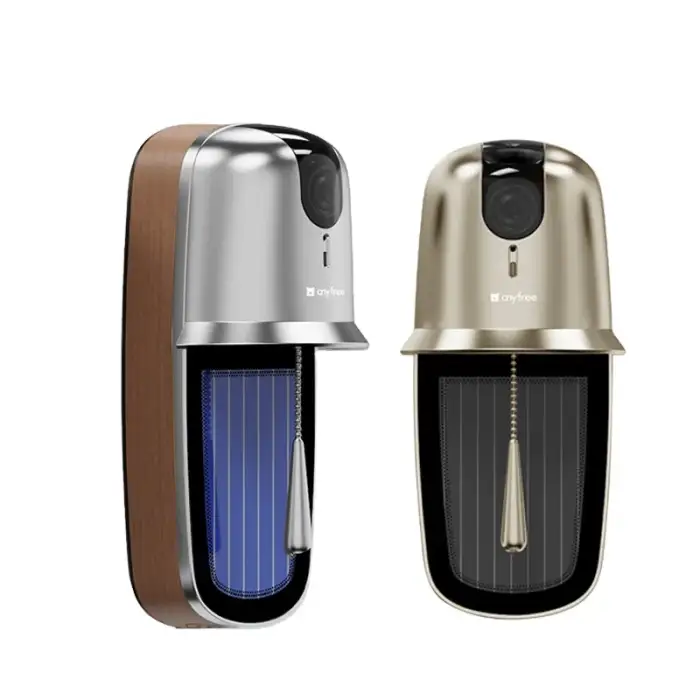
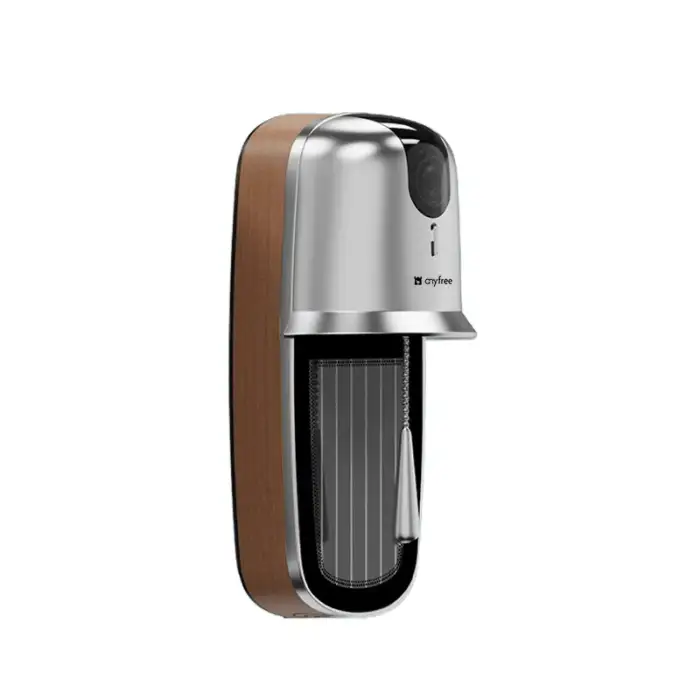
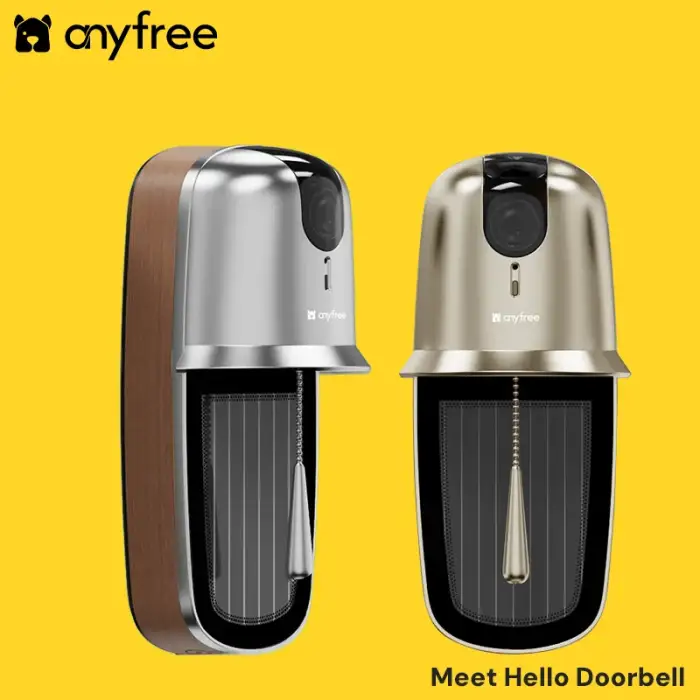
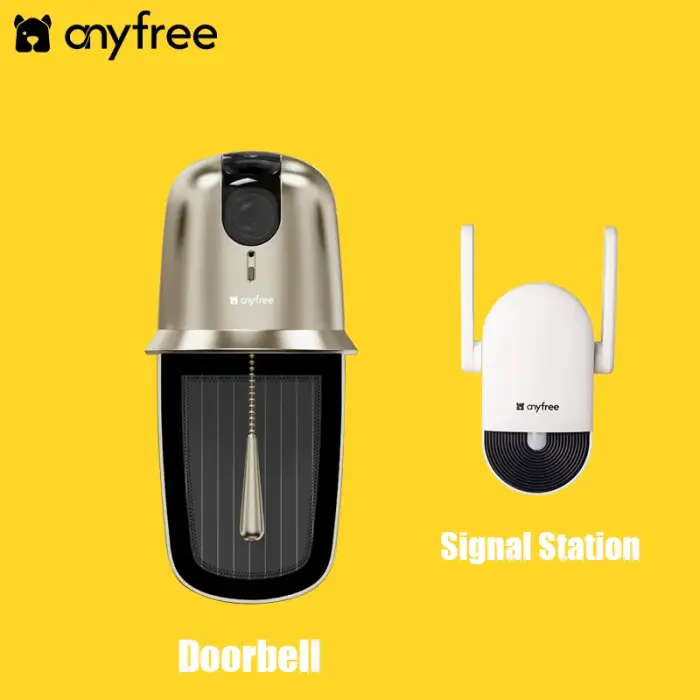
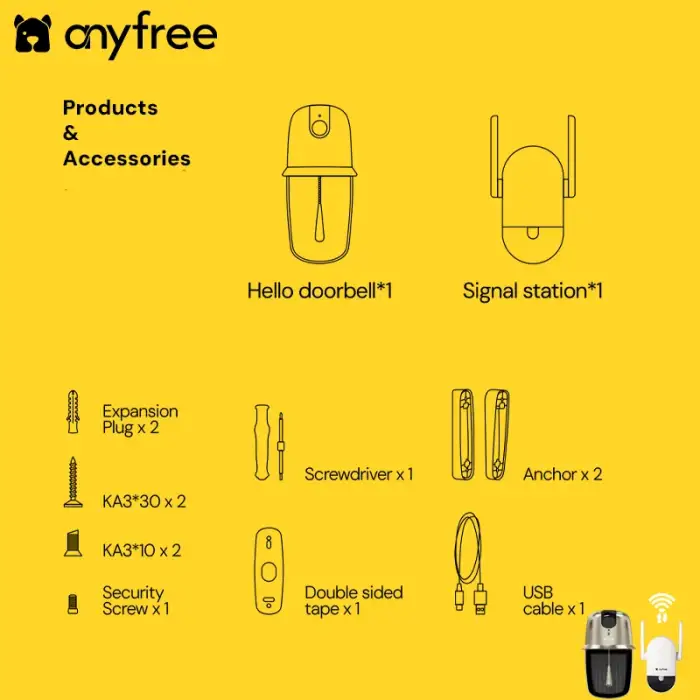
Hallow WiFi Wireless Doorbell with App Remotely Control

- Section : Consumer Electronics
- Category : Smart Electronics
- SKU : 1601242955685

Product Description


- Shipping Timeframes: All orders are processed within 2-5 business days (excluding weekends and holidays). After your order has been processed, the estimated delivery time is before 26 Dec, 2025, depending on customs, Please note that due to high demand, some items may experience longer shipping times, which will be communicated at order confirmation email.
- Order Processing Time: Please allow 2-5 business days for us to process your order before it is shipped . Orders placed after 16:00 on Fridays, or during weekends and public holidays, will begin processing on the next business day. Processing times may be extended during peak seasons or sales events.
- Manufacturing Time: Some products needs manufacturing time, the manufacturing process will take approximately 10-30 business days depending on the product. This timeframe may vary depending on the complexity of the product and current demand. but this will be communicated with you during order confirmation.
- Returns and Exchanges: We offer a 30-day return policy for most items. If you are not completely satisfied with your purchase, you may return it within 30 days of receipt for a refund or exchange. Items must be unused, in their original packaging, and accompanied by proof of purchase. Return shipping costs are the responsibility of the customer, unless the item was damaged or defective upon arrival.
1. What is the Hallow WiFi Wireless Doorbell?
The Hallow WiFi Wireless Doorbell is a smart doorbell that connects to your home WiFi network, allowing you to remotely control and monitor your front door through an app on your smartphone.
2. How do I install the Hallow WiFi Wireless Doorbell?
Installation typically involves mounting the doorbell to your wall using the provided screws and brackets, connecting it to your WiFi network, and setting it up through the accompanying app on your smartphone.
3. What features does the Hallow WiFi Wireless Doorbell offer?
The doorbell features video streaming, two-way audio, motion detection alerts, and remote access through the app, allowing you to see and communicate with visitors from anywhere.
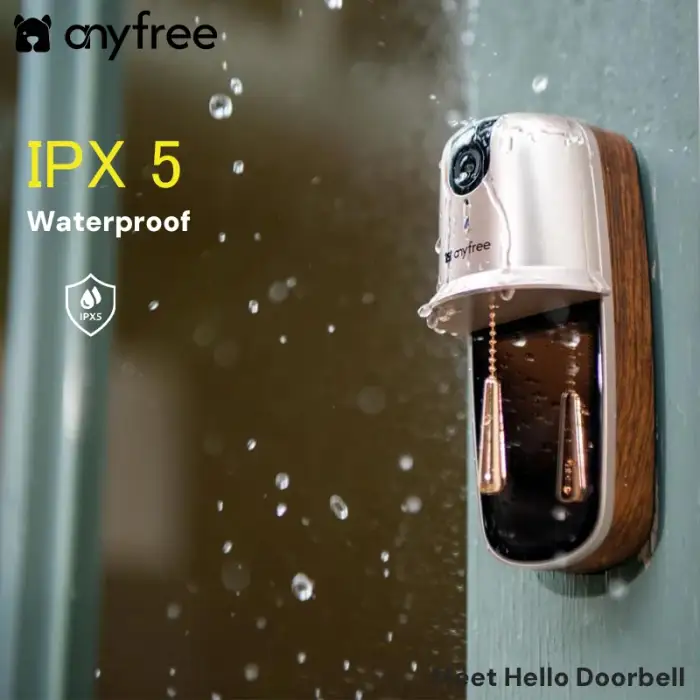
4. Is the Hallow WiFi Wireless Doorbell weatherproof?
Yes, the Hallow doorbell is designed to withstand various weather conditions, making it suitable for outdoor use.
5. Does the Hallow WiFi Wireless Doorbell require a subscription?
Basic functionalities are available without a subscription, but premium features such as cloud storage for video recordings may require a subscription plan.
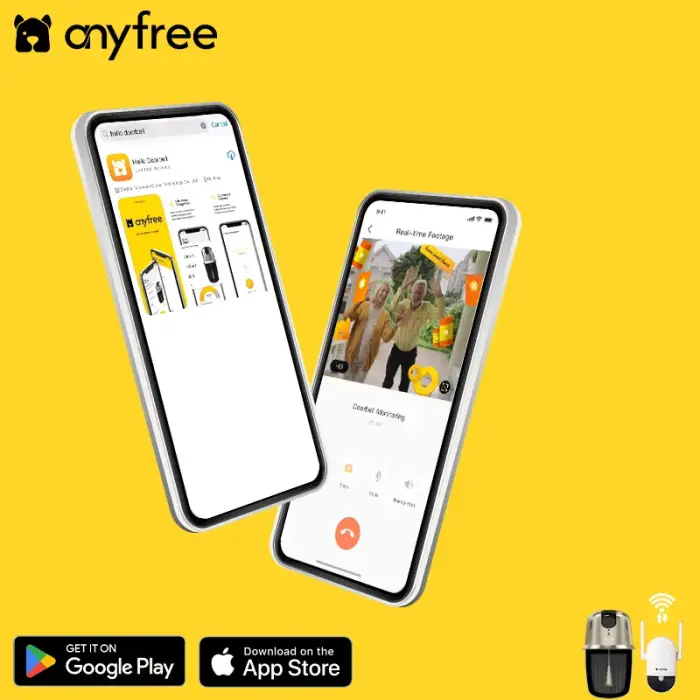
6. Can I use the Hallow WiFi Wireless Doorbell with my smartphone?
Yes, the doorbell can be controlled and monitored through a dedicated app available for both iOS and Android smartphones.
7. What is the range of the WiFi connection for the doorbell?
The effective range of the WiFi connection depends on your home network, but it generally works well within typical residential distances from the router.
8. Does the doorbell have night vision capabilities?
Yes, the Hallow WiFi Wireless Doorbell is equipped with night vision, allowing you to see visitors clearly in low-light conditions.
9. Can multiple users access the Hallow WiFi Wireless Doorbell?
Yes, you can share access to the doorbell with multiple users through the app, allowing family members or trusted friends to monitor the door.
10. What happens if my WiFi goes down?
If your WiFi goes down, the doorbell will not connect, and you will not receive notifications or be able to view the camera feed until your internet connection is restored.
11. How do I troubleshoot connectivity issues?
To troubleshoot connectivity issues, ensure your WiFi signal is strong, restart the doorbell and your router, and check for any app updates that might improve performance.
12. Is the video quality adjustable?
Yes, the app allows you to adjust the video quality settings based on your preferences and internet bandwidth.
13. What type of power source does the doorbell use?
The Hallow WiFi Wireless Doorbell is typically powered by a rechargeable battery, which can be easily replaced or recharged as needed.
14. Can I customize the doorbell chime?
Yes, the app provides various chime sounds that you can choose from to personalize your doorbell alert.
15. What should I do if my doorbell is not responding?
If your doorbell is unresponsive, try resetting it according to the user manual, ensure it is charged or connected to power, and check your WiFi connection.
Latest Order Arrivals
Discover our latest orders

12 Heads Embroidery Machine

Dewatering Pump Machine

Order Collection

Portable Water Drilling Rig

Order Usefully Collected

Batch of Orders

Agriculture Processing Machines

Meat Grinder Machine

Water Pump Equipment

Packaging Machine and accessories

Fabrics Manufacturing Equipment

Mining Equipments

Food Processing Machine

Batch of Orders

Batch of Orders

Latest Orders Labelled

wheel alignment machines

new arrivals

Pre Orders Offloading

Latest Arrivals

Latest Arrivals