B21, China Town Mall, Midrand

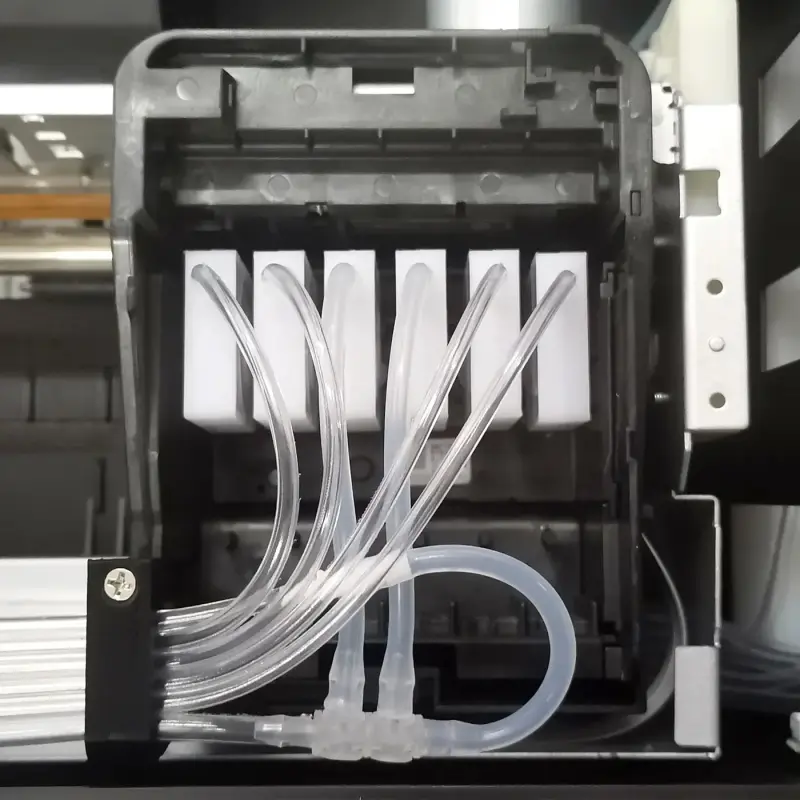
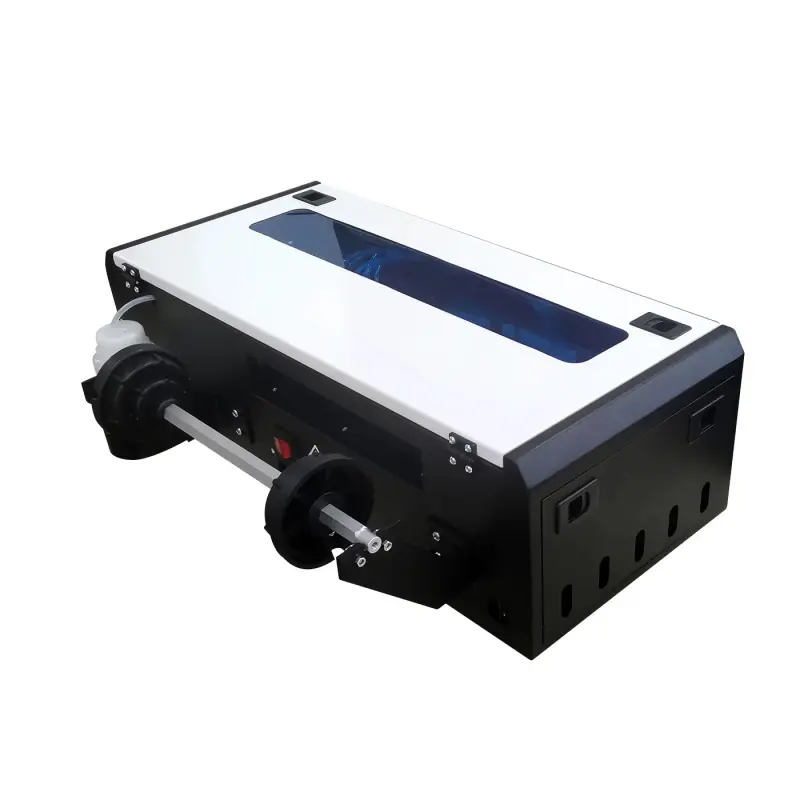
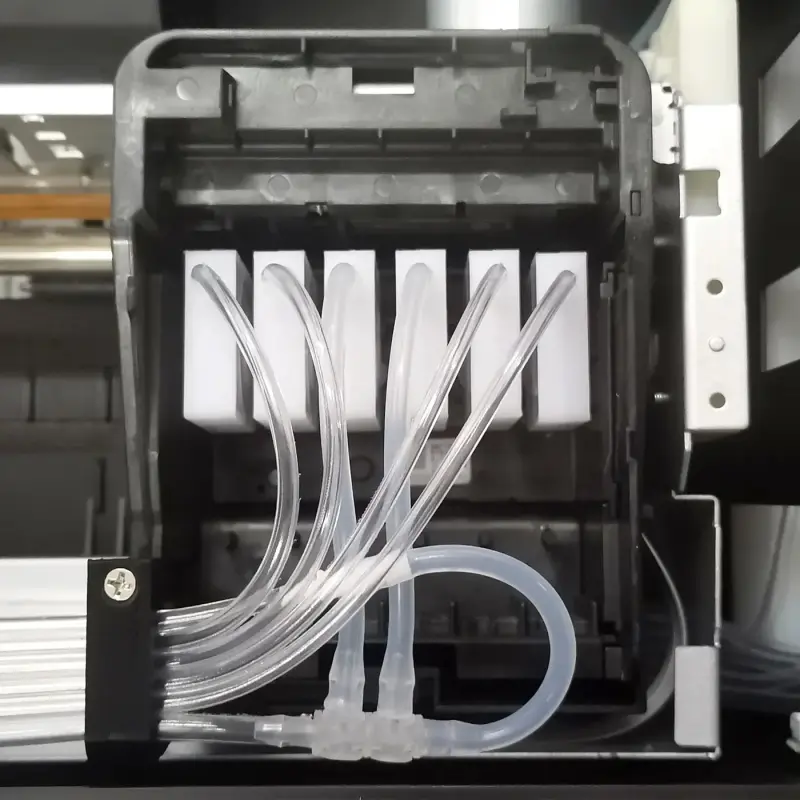
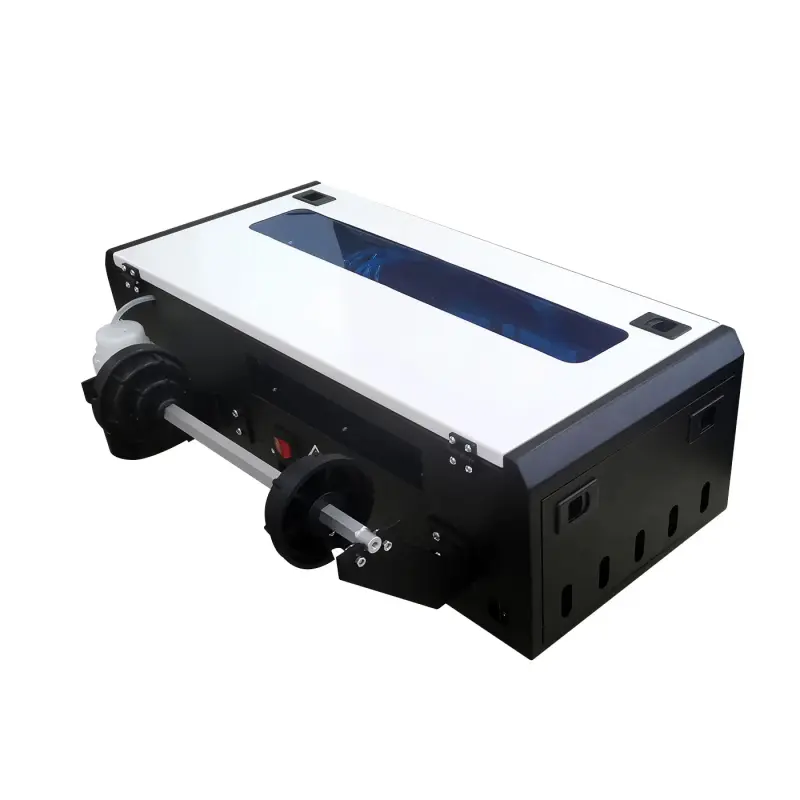
G200 DTF printer print width is 21cm with ink saving function

- Section : Consumer Electronics
- Category : DTF Printers
- SKU : 1600969223586

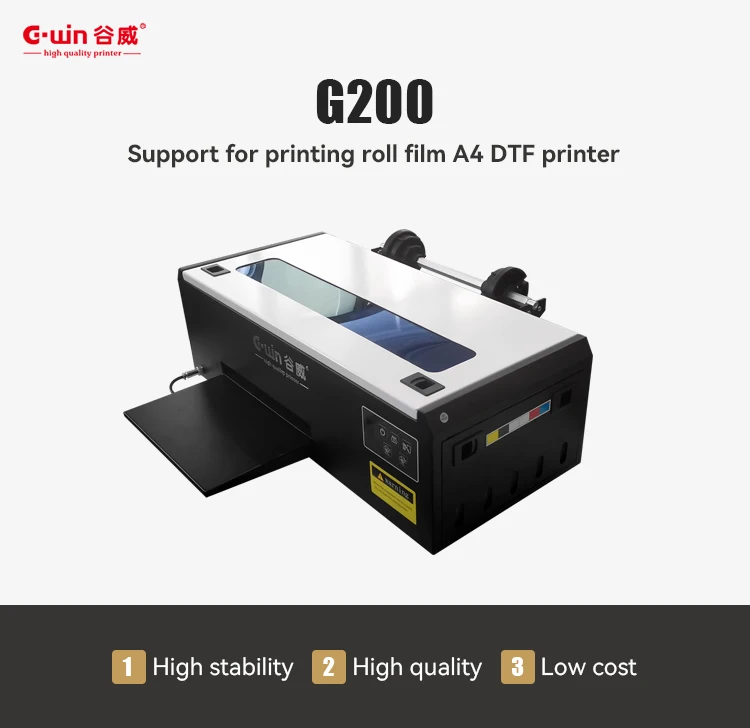
G200 DTF Printer
The G200 DTF Printer is an efficient and affordable solution for high-quality printing on T-shirts and garments. With its advanced textile pigment ink system and ink-saving function, this printer delivers vibrant, durable prints while reducing ink consumption, making it ideal for small businesses or home-based print shops.
Key Features:
- Affordable Printing: Offers high-quality results at a low cost, perfect for budget-conscious businesses.
- Print Dimensions: Supports A4 size prints (210mm width), ideal for creating custom designs on T-shirts and other garments.
- CMYK+White Ink System: Uses a combination of four colors (CMYK) plus white ink for vibrant, sharp, and detailed prints.
- L805 Printhead: Provides high-resolution prints with precise color accuracy.
- Ink-Saving Function: Reduces ink usage, making it cost-effective for high-volume printing.
- Compact Design: With dimensions of 950450820mm, this printer fits comfortably in most workspaces.
- Automatic Operation: Easy to operate, reducing the need for manual intervention.
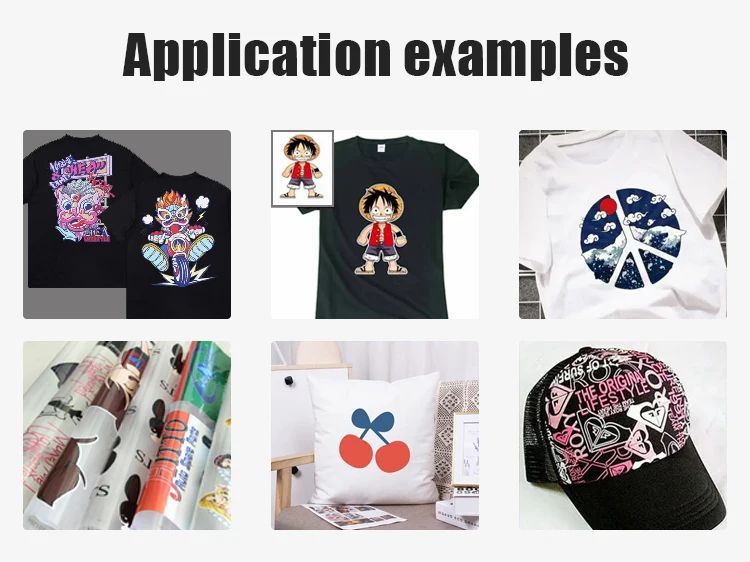
- Compatible with PET Transfer Film: Ideal for producing high-quality fabric transfers on various materials.
| Product Name | A4 DTF G200 |
| Printed Head | 805 |
| Speed | 20*29cm/3minute |
| Voltage | 110/220V |
| Printing Size | A4 |
| Ink | Textile Pigment Ink |
| Ink Color | CMYK+White |
| Media Type | PET film |
The Low Cost G200 DTF Printer is a reliable and economical choice for anyone looking to start or expand their custom garment printing business. It offers efficient printing and high-quality output without the high price tag.
Product Info Gallery
Details Images


- Shipping Timeframes: All orders are processed within 2-5 business days (excluding weekends and holidays). After your order has been processed, the estimated delivery time is before 04 Aug, 2026, depending on customs, Please note that due to high demand, some items may experience longer shipping times, which will be communicated at order confirmation email.
- Order Processing Time: Please allow 2-5 business days for us to process your order before it is shipped . Orders placed after 16:00 on Fridays, or during weekends and public holidays, will begin processing on the next business day. Processing times may be extended during peak seasons or sales events.
- Manufacturing Time: Some products needs manufacturing time, the manufacturing process will take approximately 10-30 business days depending on the product. This timeframe may vary depending on the complexity of the product and current demand. but this will be communicated with you during order confirmation.
- Returns and Exchanges: We offer a 30-day return policy for most items. If you are not completely satisfied with your purchase, you may return it within 30 days of receipt for a refund or exchange. Items must be unused, in their original packaging, and accompanied by proof of purchase. Return shipping costs are the responsibility of the customer, unless the item was damaged or defective upon arrival.
1. What is the maximum print width and printable size of the G200 DTF Printer?
The G200 supports A4-size printing with a maximum print width of 210 mm (21 cm). The official printable area is A4 (210 x 297 mm).
2. What inks does the G200 use and what color channels are supported?
The G200 uses textile pigment ink and supports a CMYK + White ink configuration, allowing full-color prints with a white underbase for transfers to dark fabrics.
3. What is the ink-saving function and how does it affect print quality?
The ink-saving function reduces ink consumption by optimizing ink deposition in low-density or less-detailed areas. It lowers running costs while maintaining good image quality; however, very high-saturation prints may show slightly reduced density, so settings can be adjusted for critical jobs.
4. What printhead does the printer use and what kind of print quality can I expect?
The G200 is equipped with an L805-style printhead designed for high-resolution output. It produces sharp, photo-quality garment graphics when paired with correct RIP settings and proper inks.
5. What media is compatible with the G200 DTF Printer?
The G200 is designed to print onto PET transfer film for DTF workflows. After printing you apply hot-melt powder and cure the transfer before pressing to textiles. It is not intended for direct-to-fabric printing without the transfer process.
6. Can I use the G200 to make transfers for dark-colored garments?
Yes. Because the printer uses white ink as an underbase (CMYK+White), you can produce transfers suitable for both light and dark garments.
7. What is the printing speed of the G200?
Typical performance is around 20 x 29 cm per 3 minutes for a standard job (as specified). That equates to roughly 20 full A4 transfers per hour, depending on image complexity and machine settings.
8. What are the physical size and power requirements of the printer?
The G200 measures approximately 950 x 450 x 820 mm (WxDxH) and supports 110/220V power supply. Check local electrical compatibility and plug type with the seller.
9. Is the G200 easy to operate? Does it require manual intervention?
The G200 features automatic operation and is designed for ease of use, making it suitable for small businesses and home shops. Routine tasks like loading film, applying powder, and curing still require manual handling.
10. What consumables and accessories will I need to run a DTF workflow with this printer?
You will need textile pigment inks (CMYK+White), PET transfer film, hot-melt/adhesive powder, cleaning solutions, spare printhead maintenance kits, and a heat press or curing oven for transfers.
11. Which software and file formats are supported?
The G200 is compatible with common design and RIP workflows. Standard file formats such as PNG, JPG and TIFF (with alpha/transparency for cutouts) are supported. Ask the supplier whether RIP software/drivers are included or recommended.
12. How do I cure DTF transfers printed with the G200?
After printing, apply hot-melt powder to the wet ink, shake off excess, and pre-cure according to the powder manufacturer's instructions. Final transfer to the garment is done with a heat press. Typical DTF transfer settings are commonly in the range of 160–180°C for around 8–15 seconds, but you should perform tests and follow powder and film vendor recommendations.
13. What routine maintenance is required to keep the G200 running reliably?
Regular maintenance includes daily or weekly printhead cleaning cycles, circulating or flushing white ink to prevent settling, using manufacturer-recommended inks, running nozzle checks, and keeping the machine and work area free of dust and debris.
14. How durable are the prints and how should garments be washed?
DTF transfers produced correctly and properly cured are durable and colorfast. For best longevity, wash garments inside-out in cold or warm water on a gentle cycle and avoid bleach or harsh chemicals. Follow curing and care recommendations for optimal results.
15. What warranty and after-sales support are available for the G200?
Warranty terms and after-sales support vary by seller and region. Contact your supplier or reseller for details on warranty coverage, spare parts availability, training, and technical support options.
Latest Order Arrivals
Discover our latest orders

12 Heads Embroidery Machine

Toilet Paper Machine Machine

Order Collection

Cross Border Clients

Order cros border countries Collected

Industrial Machine Cllection

Agriculture Processing Machines

Ready for collection

Water Pump Equipment

Packaging Machine and accessories

Fabrics Manufacturing Equipment

Mining Equipments

Food Processing Machine

Batch of Orders

Batch of Orders

Latest Orders Labelled

wheel alignment machines

new arrivals

Pre Orders Offloading

Latest Arrivals

Latest Arrivals

Latest Arrivals

Loading

Toilet paper making machine

Toilet paper making machine

Toilet paper Rewinding Machine

latest arrivals

offloading

order success

order collection

order offloading