B21, China Town Mall, Midrand

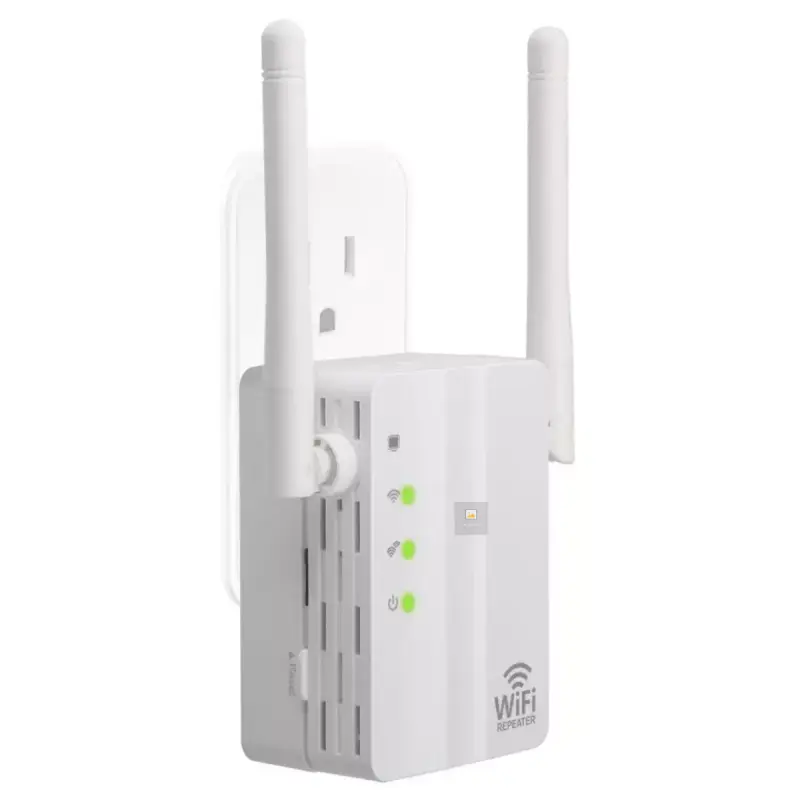
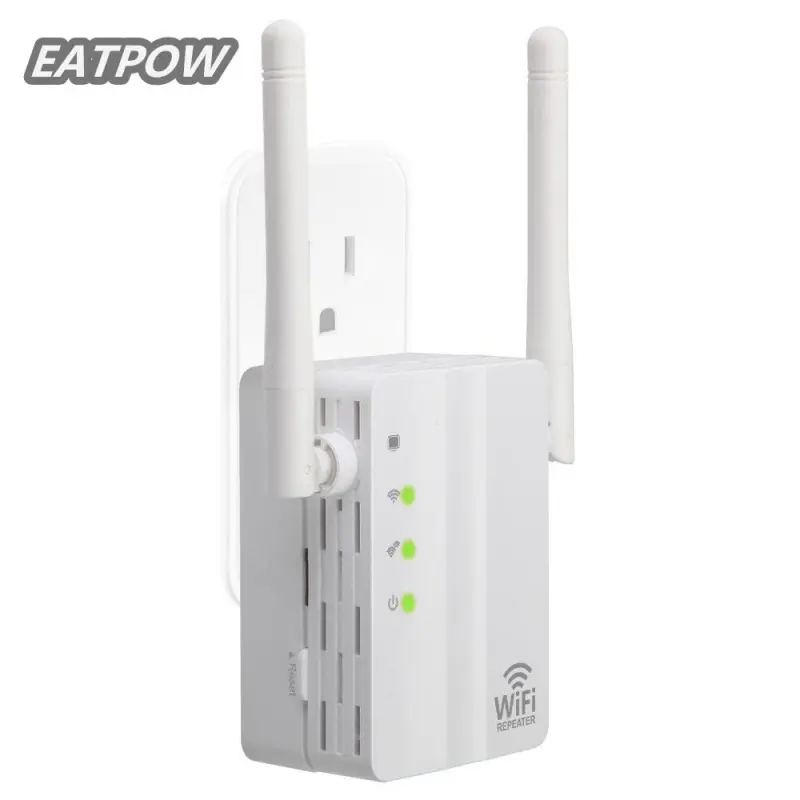
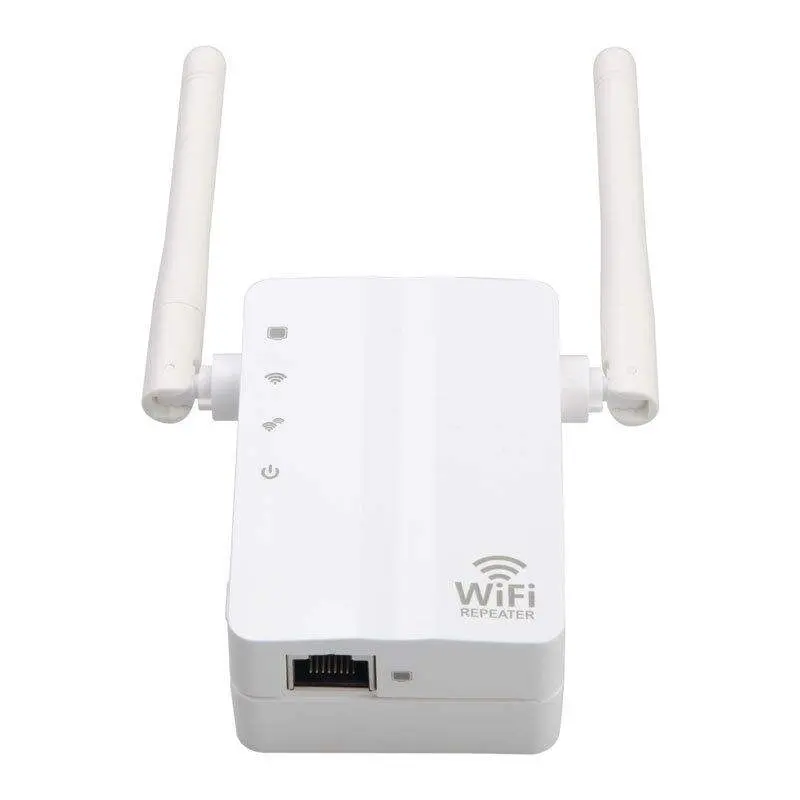
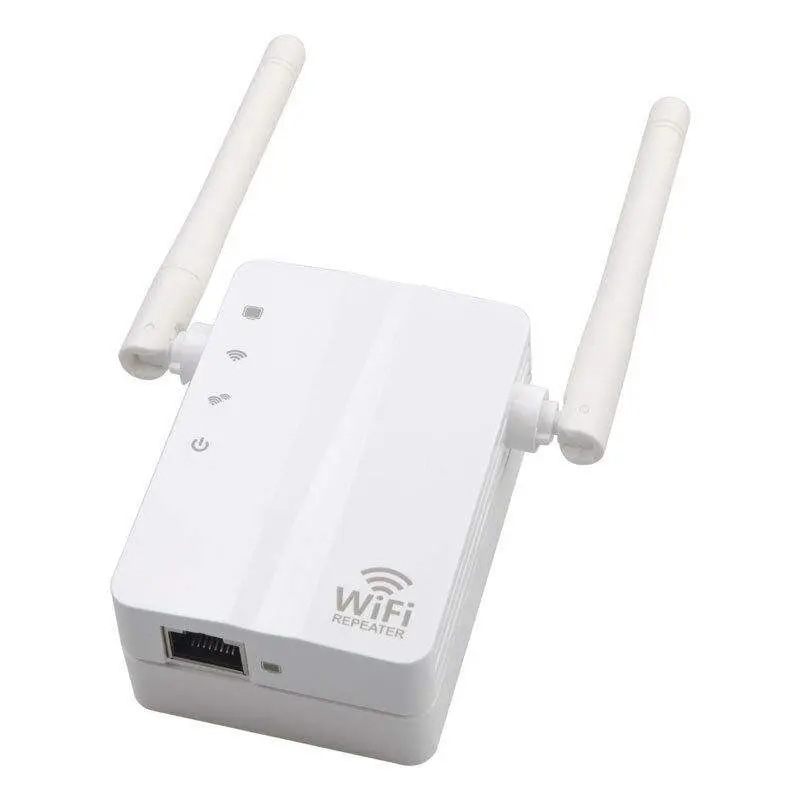
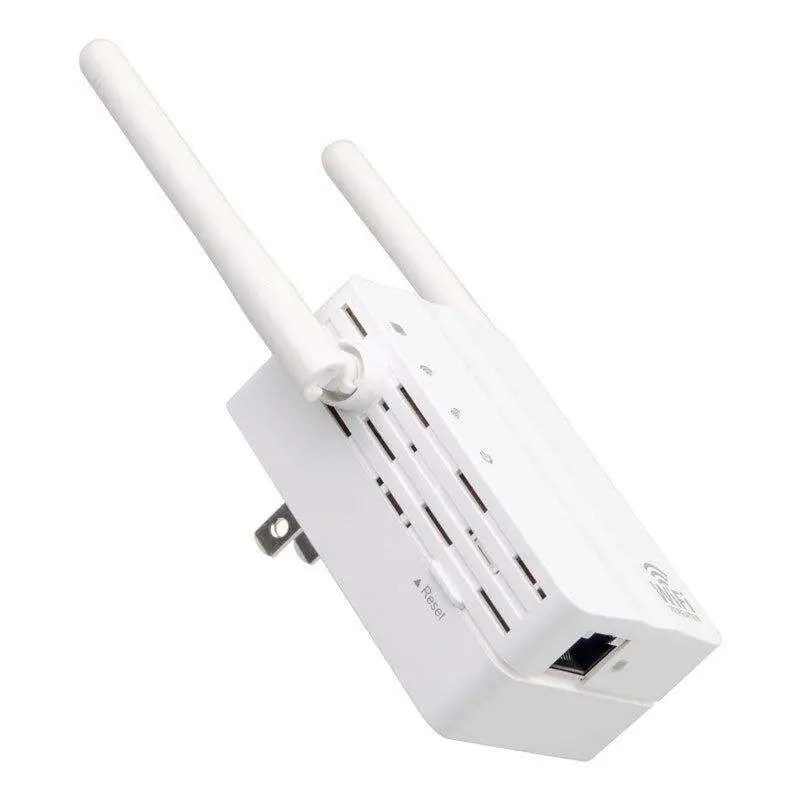
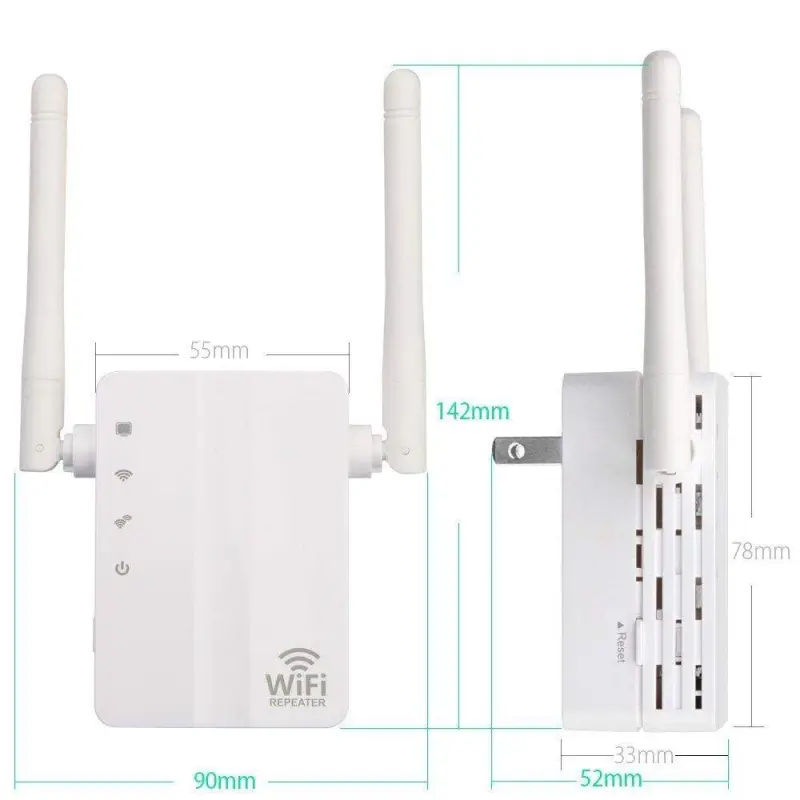
2.4G Wireless Wifi Repeater 802.11N/B/G Network 300Mbps Range Expander Signal Antennas Booster Extend

- Section : Computers
- Category : Routers
- SKU : 1600350581193



Feature
* 5 optional working modes:
* 1. Wireless router mode: create an instant private wireless network and share Internet to multiple Wi-Fi devices.
* 2. Repeater mode: receives and broadcasts your existing wireless signal to extend wireless range.
* 3. Access point mode: connect to a wired network and transform wired Internet access into wireless allowing multiple
devices/users to share the Internet.
* 4. Client mode: connects to another device via Ethernet cable and acts as an external adapter to send/receive wireless signal
from your wireless network.
* 5. Bridge mode: connect to an outdoor WISP (Wireless Internet Service Provider) AP to allow multiple devices/users share the
same wireless internet connection.
Package included:
Mini WiFi router ×1
User's manual ×1
Product Description
| Transmit Power(EIRP) | 100mW |
| Security Mode | Password or WPS |
| SSID | SSID clone or up to 4 |
| Connection Way | WPS one touch or WEB menu |
| Signal Indication | 3 Phase Intelligent LEDs |
Product Photos


Details Images


- Shipping Timeframes: All orders are processed within 2-5 business days (excluding weekends and holidays). After your order has been processed, the estimated delivery time is before 04 Feb, 2026, depending on customs, Please note that due to high demand, some items may experience longer shipping times, which will be communicated at order confirmation email.
- Order Processing Time: Please allow 2-5 business days for us to process your order before it is shipped . Orders placed after 16:00 on Fridays, or during weekends and public holidays, will begin processing on the next business day. Processing times may be extended during peak seasons or sales events.
- Manufacturing Time: Some products needs manufacturing time, the manufacturing process will take approximately 10-30 business days depending on the product. This timeframe may vary depending on the complexity of the product and current demand. but this will be communicated with you during order confirmation.
- Returns and Exchanges: We offer a 30-day return policy for most items. If you are not completely satisfied with your purchase, you may return it within 30 days of receipt for a refund or exchange. Items must be unused, in their original packaging, and accompanied by proof of purchase. Return shipping costs are the responsibility of the customer, unless the item was damaged or defective upon arrival.
1. What is this device and what can it do?
This is a 2.4 GHz mini Wi‑Fi repeater / router (802.11 b/g/n, up to 300 Mbps) that can extend wireless range, create a private Wi‑Fi network, convert wired to wireless, act as a client adapter, or bridge to a WISP AP.
2. Which Wi‑Fi standards and frequency does it support?
It supports 2.4 GHz 802.11 b/g/n Wi‑Fi. The maximum theoretical link rate is up to 300 Mbps (actual throughput depends on environment and devices).
3. What are the available working modes and when should I use each?
It has five modes: 1) Wireless Router — create a new private Wi‑Fi network from a modem/Internet source; 2) Repeater — extend an existing Wi‑Fi network; 3) Access Point — convert a wired LAN into Wi‑Fi; 4) Client — connect a wired device to a wireless network via Ethernet; 5) Bridge — connect to an outdoor WISP AP so multiple users share the same internet.
4. How do I set it up as a repeater?
You can use WPS one‑touch (if the main router supports WPS) or the web setup menu. Typical steps: place the device between router and dead zone, press WPS on both devices or log in to the web interface, choose Repeater mode, scan/select your router's SSID, enter the Wi‑Fi password and save. See the user manual for detailed UI instructions.
5. How do I access the device's web management interface?
The description lists a WEB menu for setup. The exact default IP address/login are provided in the user manual or quick start guide—check the manual that comes in the package or the seller/manufacturer documentation for the default URL and credentials.
6. Does the device support WPS and secure passwords?
Yes — it supports one‑touch WPS setup and standard Wi‑Fi password security. For best security, use WPA2 (or the strongest available WPA option) in the web management interface if supported.
7. What does 'SSID clone or up to 4' mean?
The device can clone the existing router SSID for seamless roaming, and it can broadcast or manage up to four SSIDs as configured in the settings (useful for guest networks or multiple virtual SSIDs).
8. What do the LEDs indicate?
The unit has 3‑phase intelligent LEDs that indicate signal strength and status so you can position the device for the best reception.
9. What is the transmit power of the device?
The transmit power is listed as 100 mW EIRP.
10. Will this work with my existing router or ISP?
Yes, it is compatible with most routers and ISPs that use 2.4 GHz 802.11 b/g/n. Use Repeater mode to extend a home router, Access Point mode to add Wi‑Fi to a wired network, Client mode to give a wired device wireless access, or Bridge mode to connect to a WISP AP.
11. How many client devices can connect at the same time?
The maximum connected clients isn't specified in the product description. Practical limits depend on network load and the device's internal resources; for typical home use it supports multiple users, but performance will vary with the number and type of clients.
12. What's included in the package?
The package includes: 1 × Mini WiFi router and 1 × User's manual.
13. How do I update firmware or get technical support?
Firmware update procedures and support contact info are usually provided in the user manual or on the manufacturer's website. If not available, contact the seller or check the product listing for support links.
14. How can I perform a factory reset?
Factory reset instructions are not detailed in the description. Most mini routers have a reset button you press and hold for several seconds. Check the user manual for the exact reset procedure and default login details.
Latest Order Arrivals
Discover our latest orders

12 Heads Embroidery Machine

Dewatering Pump Machine

Order Collection

Portable Water Drilling Rig

Order Usefully Collected

Batch of Orders

Agriculture Processing Machines

Meat Grinder Machine

Water Pump Equipment

Packaging Machine and accessories

Fabrics Manufacturing Equipment

Mining Equipments

Food Processing Machine

Batch of Orders

Batch of Orders

Latest Orders Labelled

wheel alignment machines

new arrivals

Pre Orders Offloading

Latest Arrivals

Latest Arrivals