B21, China Town Mall, Midrand

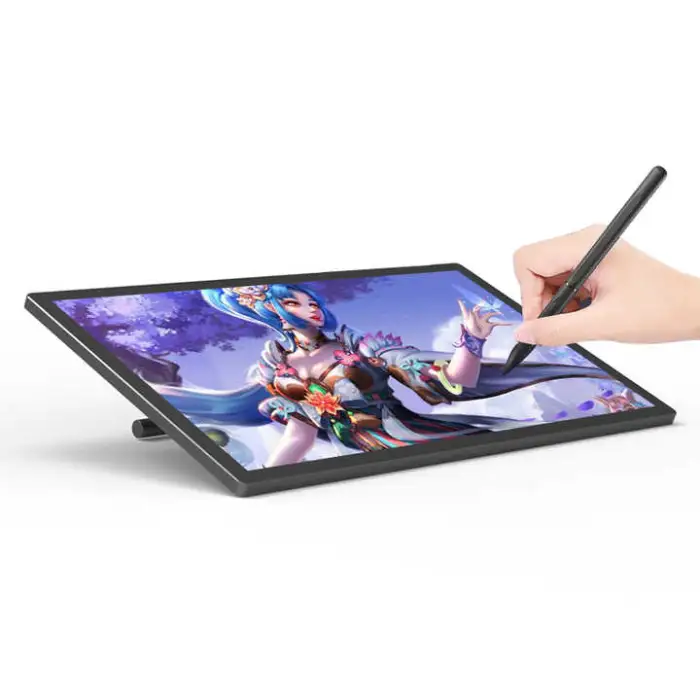
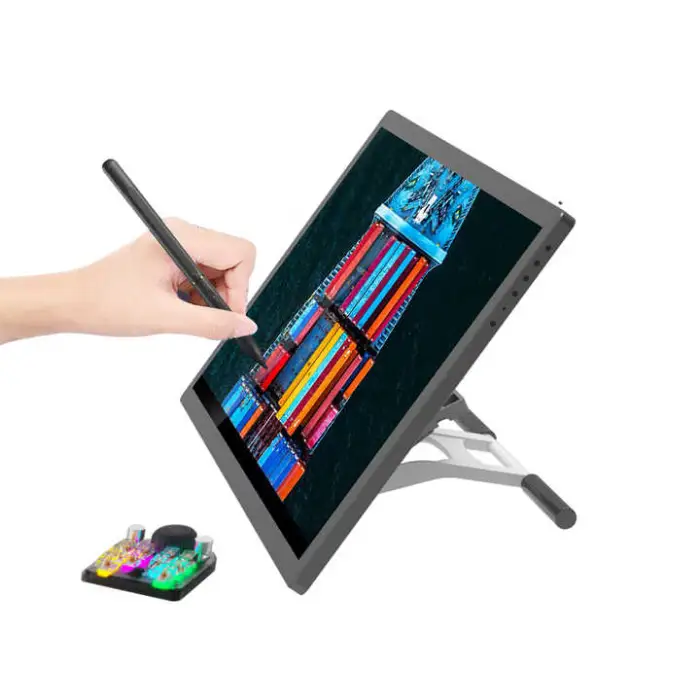
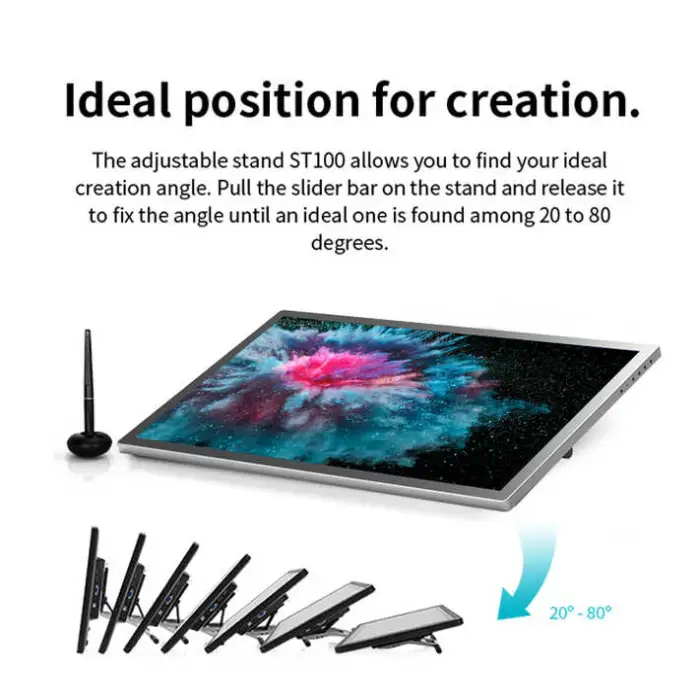
21.5inch Interactive Lcd Pen Touch Display Digital Graphic Drawing Tablet Monitor with Stylus

- Section : Consumer Electronics
- Category : Computer Hardware & Software
- SKU : 1601211169226

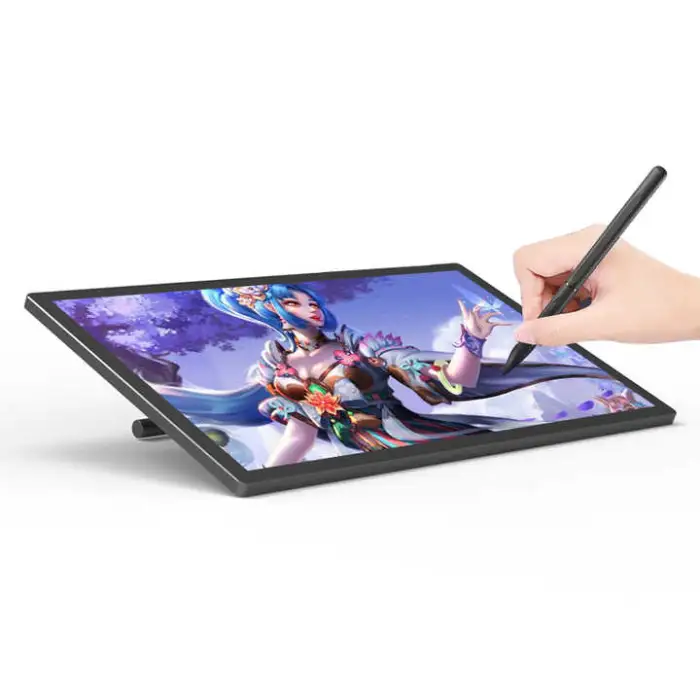
21.5inch Interactive LCD Pen Touch Display Digital Graphic Drawing Tablet Monitor with Stylus
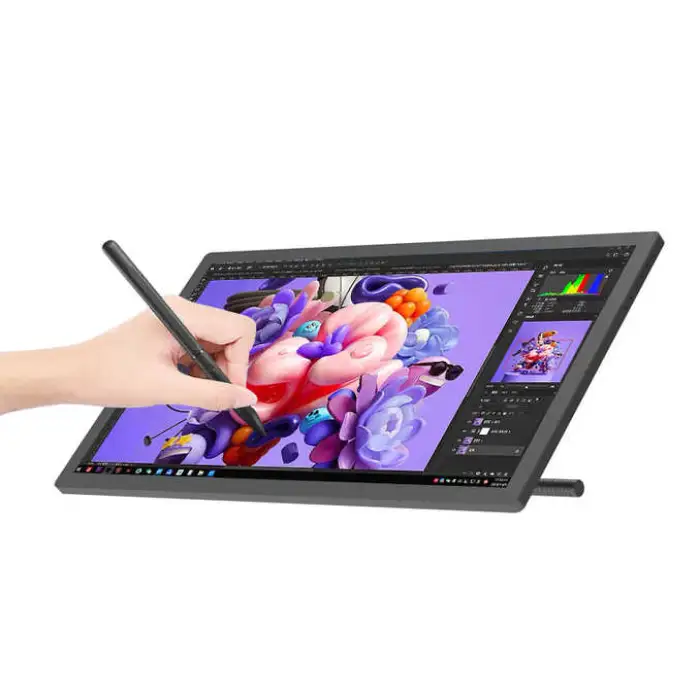
The 21.5inch Interactive LCD Pen Touch Display is your perfect companion for creativity. This digital graphic drawing tablet monitor comes with a stylus that feels just like a real pen. With a large screen and high resolution, you can bring your ideas to life easily and vividly. Whether you are an artist, a designer, or just love to draw, this product will help you create amazing work!
Specifications
| Attribute | Details |
|---|---|
| Pressure Level | 8192 Levels |
| Report Rate (Pen) | >260 PPS |
| Pen Resolution | 5080 LPI |
| Dimensions | 21.5 inch |
| Brand Name | HUILAN |
| Interface | USB-C |
| Model Number | GT1501 |
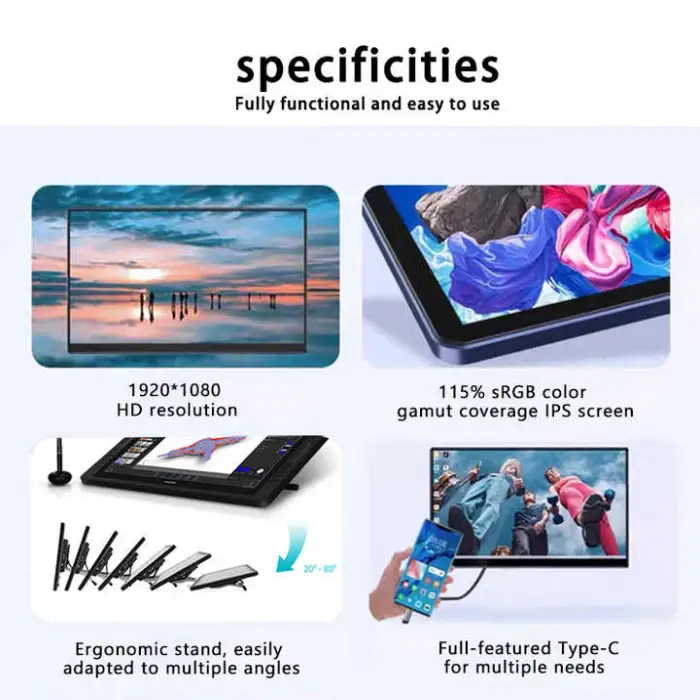
| Resolution | 1920 x 1080 (16:9) |
| LCD Type | IPS |
| Brightness | 250 cd/m² |
| Gamut | 120% sRGB |
| Selling Units | Single item |
| Single Package Size | 53 x 33 x 8 cm |
| Single Gross Weight | 4.500 KG |
Key Features
- Large 21.5-inch display for comfortable drawing.
- 8192 levels of pressure sensitivity for precise control.
- High resolution of 1920 x 1080 for clear images.
- USB-C interface for easy connection to devices.
- Lightweight and portable design for artists on the go.
Applications
- Digital art and illustration.
- Graphic design projects.
- Animation and video game design.
- Photo editing and retouching.
- Educational purposes for teaching art and design.
Product Info Gallery
- Shipping Timeframes: All orders are processed within 2-5 business days (excluding weekends and holidays). After your order has been processed, the estimated delivery time is before 26 Dec, 2025, depending on customs, Please note that due to high demand, some items may experience longer shipping times, which will be communicated at order confirmation email.
- Order Processing Time: Please allow 2-5 business days for us to process your order before it is shipped . Orders placed after 16:00 on Fridays, or during weekends and public holidays, will begin processing on the next business day. Processing times may be extended during peak seasons or sales events.
- Manufacturing Time: Some products needs manufacturing time, the manufacturing process will take approximately 10-30 business days depending on the product. This timeframe may vary depending on the complexity of the product and current demand. but this will be communicated with you during order confirmation.
- Returns and Exchanges: We offer a 30-day return policy for most items. If you are not completely satisfied with your purchase, you may return it within 30 days of receipt for a refund or exchange. Items must be unused, in their original packaging, and accompanied by proof of purchase. Return shipping costs are the responsibility of the customer, unless the item was damaged or defective upon arrival.
1. What are the main specifications of this 21.5inch Interactive LCD Pen Touch Display?
21.5-inch IPS display, 1920 x 1080 resolution (16:9), 250 cd/m² brightness, 120% sRGB gamut, USB-C interface, 8192 levels of pen pressure, >260 PPS report rate, 5080 LPI pen resolution, model GT1501, single item weight ~4.5 kg.
2. Which operating systems are compatible with this drawing monitor?
The tablet is compatible with mainstream desktop OSs — Windows (7/8/10/11) and macOS (recent versions). Some Android devices that support USB-C video output/OTG may also work. For full pen pressure and customization, install the official HUILAN drivers.
3. Does the stylus require charging or batteries?
The product comes with an active stylus designed for pen-like feel. Most pens of this type are battery-free or long-lasting; check the user manual for your exact pen model. If charging or batteries are required, the manual and package contents will explain the procedure.
4. How do I connect the tablet to my computer or device?
Use the included USB-C connection. If your host device does not have a USB-C display/data port, you can use adapters (USB-C to HDMI/DisplayPort + USB for data) but functionality depends on the adapter and host supporting video output and tablet input.
5. Do I need to install drivers, and where can I get them?
Yes — for full pressure sensitivity, pen mapping, and customization install the HUILAN drivers. Drivers should be available from the manufacturer’s website or included media. Always download the latest driver for your OS version.
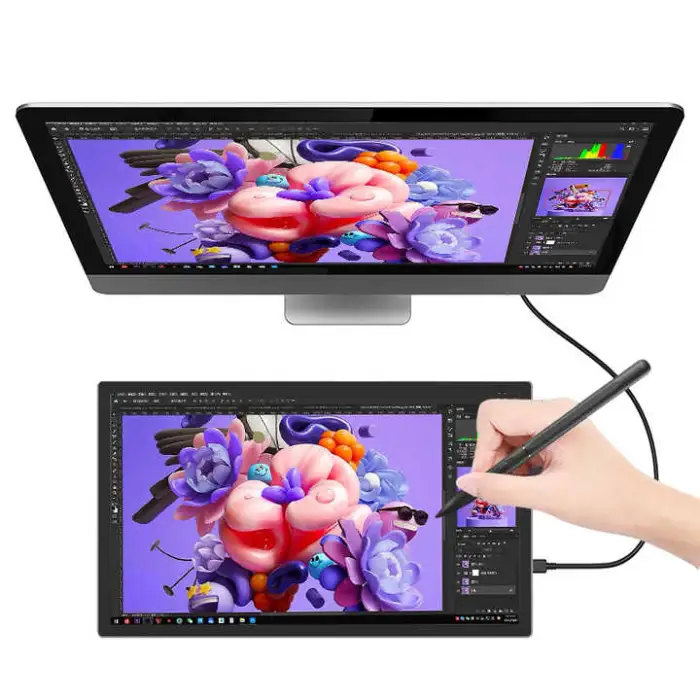
6. Can this monitor be used as a regular external display (secondary monitor)?
Yes — when connected with a compatible video-capable USB-C or adapter setup, it functions as a secondary monitor and also accepts pen input.
7. Does the pen support tilt and high levels of pressure sensitivity?
The pen supports up to 8192 levels of pressure sensitivity for fine control. Tilt support is common in this class of tablet, but check the driver settings and product manual to confirm and enable tilt-related features.
8. Is the color accuracy good for professional photo editing and illustration?
The display covers around 120% sRGB, which provides vivid colors and is suitable for digital art and most photo-retouching tasks. For critical color work, calibrate the display with a hardware colorimeter and check workflow requirements (CMYK proofing, wide gamut needs).
9. Are there programmable shortcut keys or a touch ring on this model?
This model’s listed specifications do not mention built-in programmable express keys or a touch ring. If you need hardware shortcuts, consider using your OS/app hotkeys or a separate shortcut pad.
10. What is included in the box (package contents)?
Typical package contents include the 21.5-inch tablet monitor, stylus, pen nibs and nib remover, USB-C cable (or cables/adapters depending on seller), power adapter if required, quick start guide, and driver/software information. Exact contents may vary by seller — check your product listing.
11. Can I use this tablet with drawing software like Photoshop, Illustrator, Clip Studio, or Procreate?
Yes — once drivers are installed, the pen input and pressure sensitivity will work with most major drawing and editing applications such as Adobe Photoshop, Illustrator, Clip Studio Paint, Krita, and others. Procreate is iPad-only, so it is not compatible unless using an iPad-compatible display.
12. Is the display portable and easy to carry?
At 21.5 inches and roughly 4.5 kg gross weight, the unit is relatively lightweight for its size and can be transported in a suitable padded bag. It’s portable compared with larger studio monitors but not as compact as small drawing tablets.
13. How do I clean and maintain the screen and stylus?
Power off the device and use a soft, lint-free microfiber cloth slightly dampened with water or a mild screen cleaner. Avoid harsh solvents, excessive moisture, and abrasive materials. Replace pen nibs when worn and store the stylus safely to prevent damage.
14. Is there a warranty and where can I get replacement parts (nibs, stylus)?
Warranty terms vary by seller and region — check your purchase documentation for warranty length and support contacts. Replacement nibs and stylus accessories are commonly available through the manufacturer (HUILAN) or third-party suppliers; contact HUILAN support or your retailer.
15. What should I do if the pen pressure or cursor tracking isn't working correctly?
Make sure the latest drivers are installed and the tablet is properly connected. Check app-specific settings to enable pen pressure, re-map the tablet if needed, and test in another application. If issues persist, reinstall drivers, try a different cable/port, and contact HUILAN support for troubleshooting.
Latest Order Arrivals
Discover our latest orders

12 Heads Embroidery Machine

Dewatering Pump Machine

Order Collection

Portable Water Drilling Rig

Order Usefully Collected

Batch of Orders

Agriculture Processing Machines

Meat Grinder Machine

Water Pump Equipment

Packaging Machine and accessories

Fabrics Manufacturing Equipment

Mining Equipments

Food Processing Machine

Batch of Orders

Batch of Orders

Latest Orders Labelled

wheel alignment machines

new arrivals

Pre Orders Offloading

Latest Arrivals

Latest Arrivals