B21, China Town Mall, Midrand


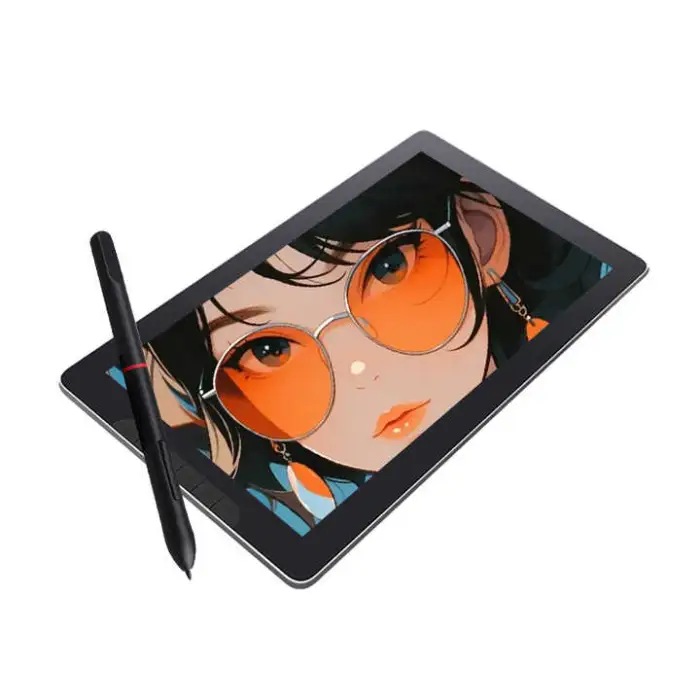
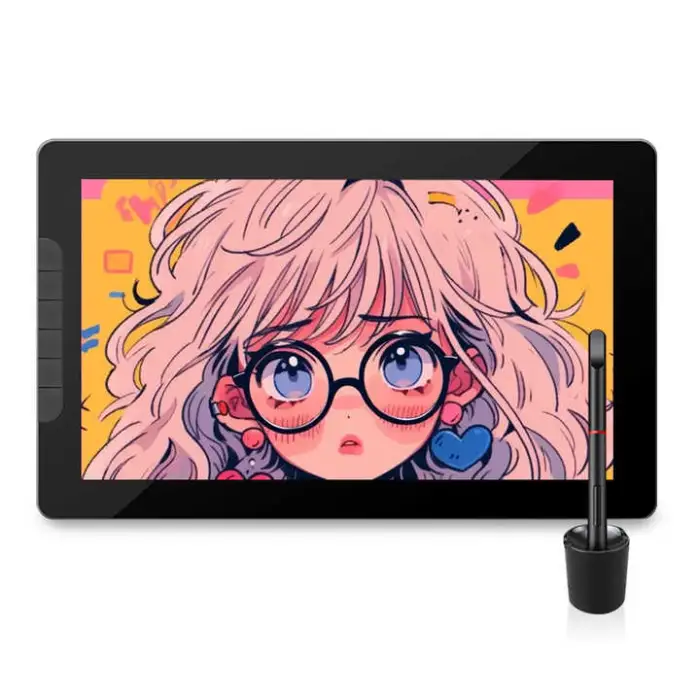
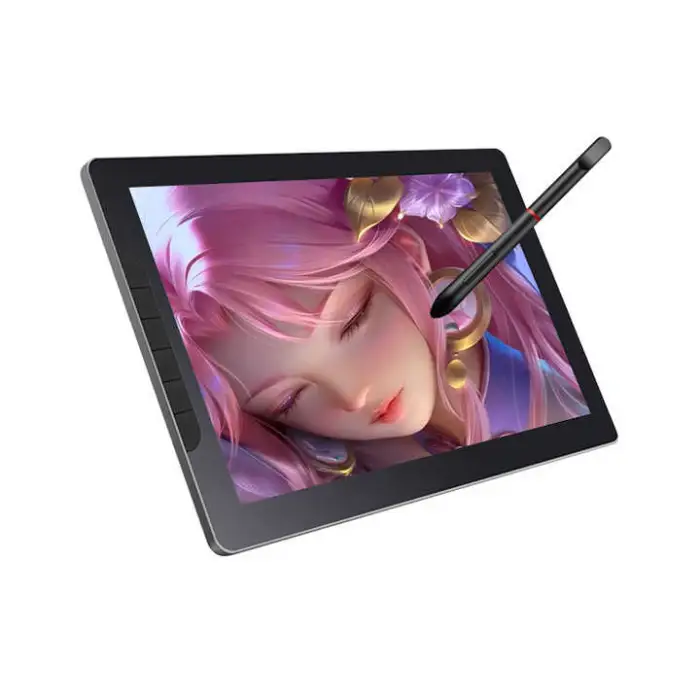

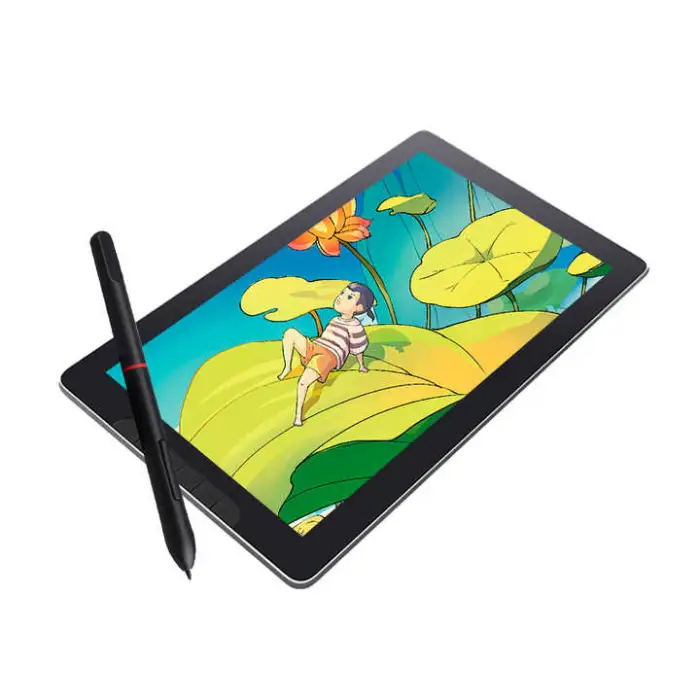
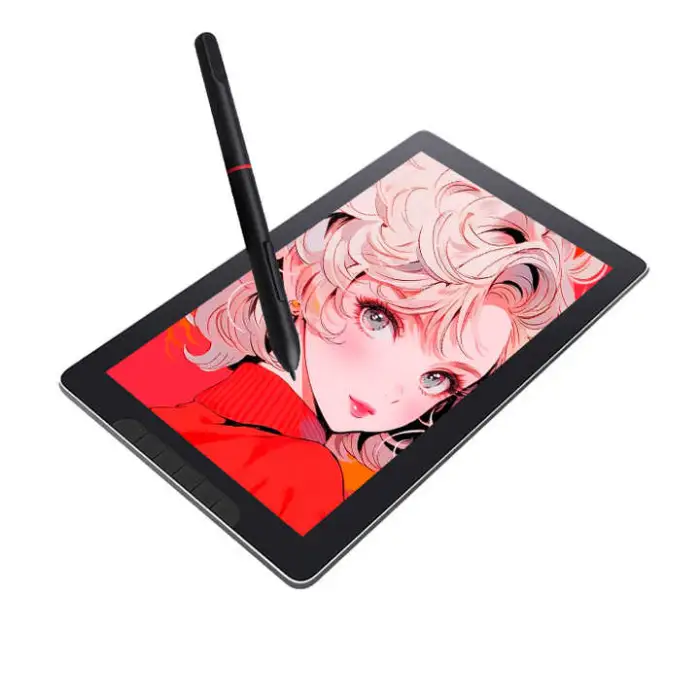
13.3 Inch Anti-glare Full-aminated Screen Tablet Pen Lcd Graphic Tilt Artist Design SRGB Drawing Monitor

- Section : Consumer Electronics
- Category : Computer Hardware & Software
- SKU : 1601132659112

13.3 Inch Anti-glare Full-aminated Screen Tablet Pen LCD Graphic Tilt Artist Design SRGB Drawing Monitor
Discover the ultimate tool for creativity with the 13.3 Inch Anti-glare Full-aminated Screen Tablet Pen LCD Graphic Tilt Artist Design SRGB Drawing Monitor. This versatile drawing monitor is designed for artists, designers, and anyone who loves to create. With its high-quality display and advanced features, you can bring your ideas to life like never before.
Specifications
| Attribute | Details |
|---|---|
| Screen Size | 13.3 Inch |
| Screen Type | Anti-glare Full-aminated |
| Interface Type | Serial, USB |
| Aspect Ratio | 16:9 |
| Service | Call Center and Online Technical Support, Onsite Training and Inspection, Free Spare Parts, Return and Replacement, Repair |
| Package | Yes |
| Gross Weight | 1.400 KG |
| Single Package Size | 38X4.5X23.5 cm |
Key Features
- High-resolution display for sharp and clear images.
- Anti-glare screen for comfortable viewing in any light.
- Supports tilt recognition for natural drawing experiences.
- Lightweight and portable design for artists on the go.
- 1-year warranty for peace of mind.
Applications
- Digital art and illustration.
- Graphic design projects.
- Animation and 3D modeling.
- Photo editing and retouching.
- Education and training in art and design.
The 13.3 Inch Anti-glare Full-aminated Screen Tablet Pen LCD Graphic Tilt Artist Design SRGB Drawing Monitor is your perfect companion for bringing your artistic visions to life. With its user-friendly features and excellent performance, it is ideal for both beginners and professional artists.
Product Info Gallery
- Shipping Timeframes: All orders are processed within 2-5 business days (excluding weekends and holidays). After your order has been processed, the estimated delivery time is before 26 Dec, 2025, depending on customs, Please note that due to high demand, some items may experience longer shipping times, which will be communicated at order confirmation email.
- Order Processing Time: Please allow 2-5 business days for us to process your order before it is shipped . Orders placed after 16:00 on Fridays, or during weekends and public holidays, will begin processing on the next business day. Processing times may be extended during peak seasons or sales events.
- Manufacturing Time: Some products needs manufacturing time, the manufacturing process will take approximately 10-30 business days depending on the product. This timeframe may vary depending on the complexity of the product and current demand. but this will be communicated with you during order confirmation.
- Returns and Exchanges: We offer a 30-day return policy for most items. If you are not completely satisfied with your purchase, you may return it within 30 days of receipt for a refund or exchange. Items must be unused, in their original packaging, and accompanied by proof of purchase. Return shipping costs are the responsibility of the customer, unless the item was damaged or defective upon arrival.
1. What is the 13.3 Inch Anti-glare Full-aminated Screen Tablet Pen LCD Graphic Monitor?
It's a 13.3-inch pen display designed for digital artists and designers featuring an anti-glare, full-laminated screen, tilt recognition, sRGB color support and USB/serial connectivity for use as a drawing monitor.
2. What are the key display features?
The monitor has a 13.3-inch anti-glare, full-laminated screen with a 16:9 aspect ratio, designed to reduce parallax and reflections and to deliver sharp, clear images with sRGB color support for accurate color representation.
3. Does the tablet support pen tilt and pressure sensitivity?
The device supports tilt recognition for a natural drawing experience. For exact pressure sensitivity levels and tilt angle range, please refer to the product manual or contact technical support.
4. Is a pen/stylus included with the tablet?
The product name indicates a pen-enabled tablet. For confirmation about what is included in the box (pen model, extra nibs, charger), check the package contents listed by the seller or contact customer service.
5. Which interfaces does the monitor use to connect to a computer?
The monitor supports Serial and USB interfaces. Use the provided cables and install any required drivers to enable full pen and display functionality.
6. Which operating systems and software work with this drawing monitor?
The monitor is compatible with major creative applications (Photoshop, Illustrator, Clip Studio, Krita, etc.). For OS compatibility (Windows, macOS, Linux) and specific driver downloads, check the manufacturer's instructions or contact support.
7. How portable and durable is the device?
The monitor is lightweight and portable (gross weight approximately 1.4 kg) with a compact package size (38 x 4.5 x 23.5 cm), making it suitable for artists on the go.
8. What warranty and after-sales services are provided?
A 1-year warranty is included. Available services include call center and online technical support, onsite training and inspection, free spare parts, return and replacement, and repair services—contact the seller for details and coverage terms.
9. How do I set up the monitor for the first time?
Connect the monitor to your computer using the supplied USB or serial cables, install the recommended driver/software from the manufacturer, calibrate the pen if prompted, and adjust display settings to your preference. Refer to the quick start guide for step-by-step instructions.
10. How should I clean and care for the anti-glare full-laminated screen?
Use a soft microfiber cloth to gently wipe the screen. Avoid harsh chemicals, abrasive materials, or excessive moisture. For stubborn marks, use a screen-cleaning solution recommended for anti-glare coated displays.
11. Does the screen cover the sRGB color space?
The product name lists sRGB, indicating the display is designed for sRGB color representation. For exact color gamut coverage percentages and color calibration data, consult the product specification sheet or contact support.
12. Can I use the monitor for animation, 3D modeling, or photo retouching?
Yes. The monitor is suitable for digital art, illustration, animation, 3D modeling, and photo editing thanks to its pen input, tilt support and color-focused display—ensure your software and hardware meet performance needs for complex projects.
13. What should I do if the pen or tablet is not working correctly?
First confirm cables are securely connected and drivers are installed. Reboot your system, update drivers, and try different USB ports. If problems persist, contact the product's technical support or use the provided customer service options for troubleshooting and repair.
14. Are spare parts and replacements available?
Yes. The service offerings include free spare parts, return and replacement, and repair. Contact the seller or manufacturer to request parts or arrange a replacement under warranty terms.
15. Where can I find detailed technical specifications and downloads (drivers, manual)?
Detailed specifications, driver downloads, and the user manual are typically available from the manufacturer's website or from the seller's product page. If you cannot locate them, contact customer support for direct assistance.
Latest Order Arrivals
Discover our latest orders

12 Heads Embroidery Machine

Dewatering Pump Machine

Order Collection

Portable Water Drilling Rig

Order Usefully Collected

Batch of Orders

Agriculture Processing Machines

Meat Grinder Machine

Water Pump Equipment

Packaging Machine and accessories

Fabrics Manufacturing Equipment

Mining Equipments

Food Processing Machine

Batch of Orders

Batch of Orders

Latest Orders Labelled

wheel alignment machines

new arrivals

Pre Orders Offloading

Latest Arrivals

Latest Arrivals