B21, China Town Mall, Midrand

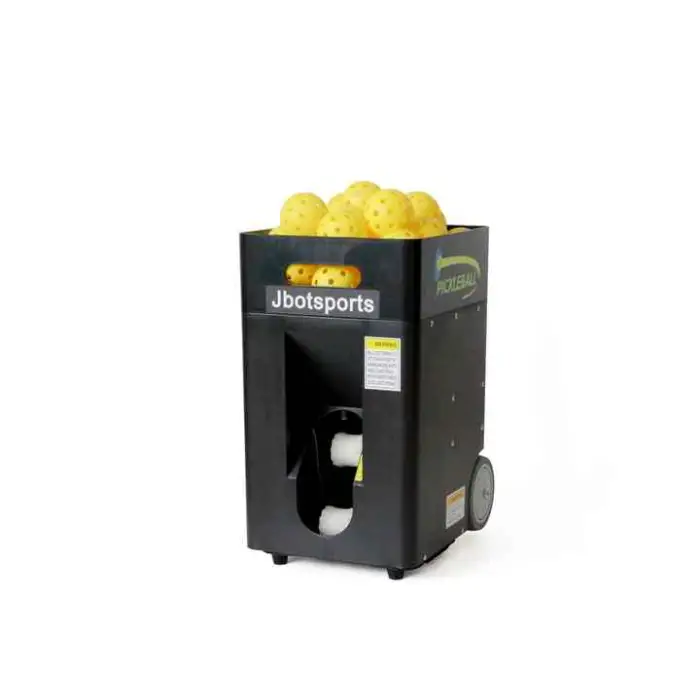
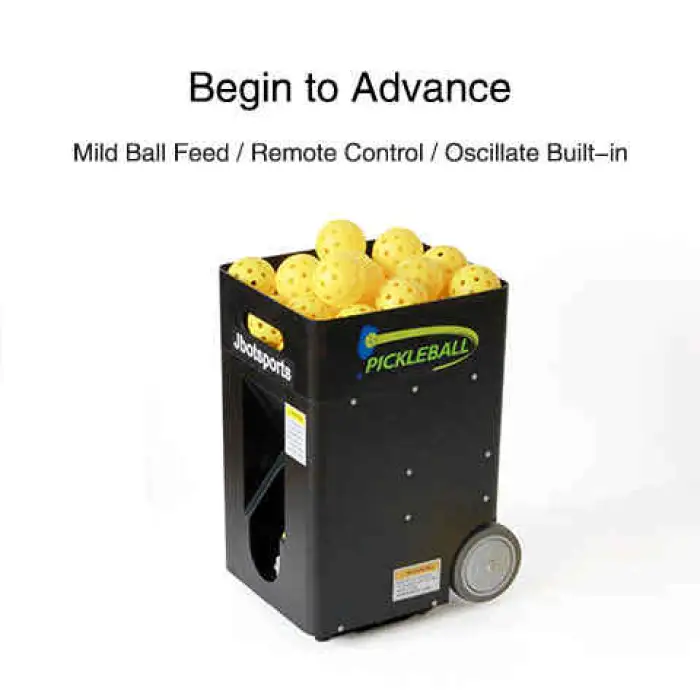
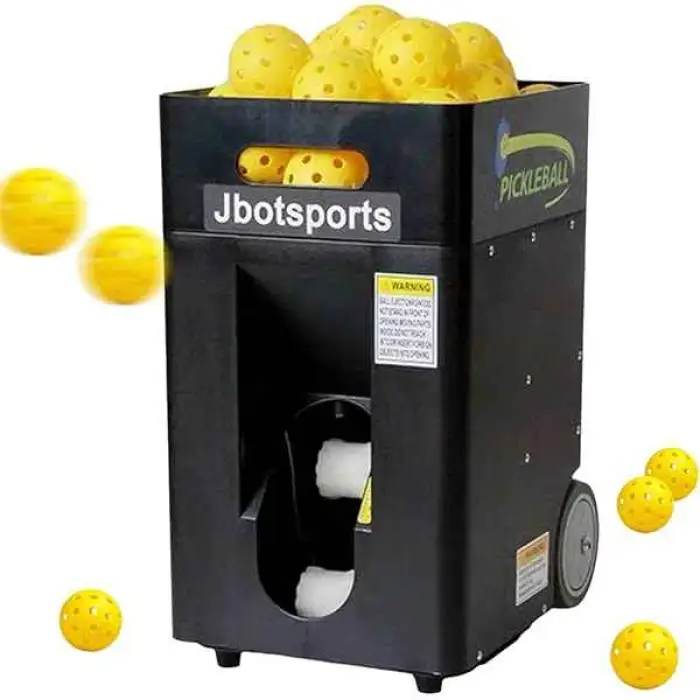
Oscillation Multi-Angle Adjustment Pickleball Ball Shooting Machine with App and Remote Control

- Section : Sports & Entertainment
- Category : Other Sports & Entertainment Products
- SKU : 1601420054214

Oscillation Multi-Angle Adjustment Pickleball Ball Shooting Machine with App and Remote Control
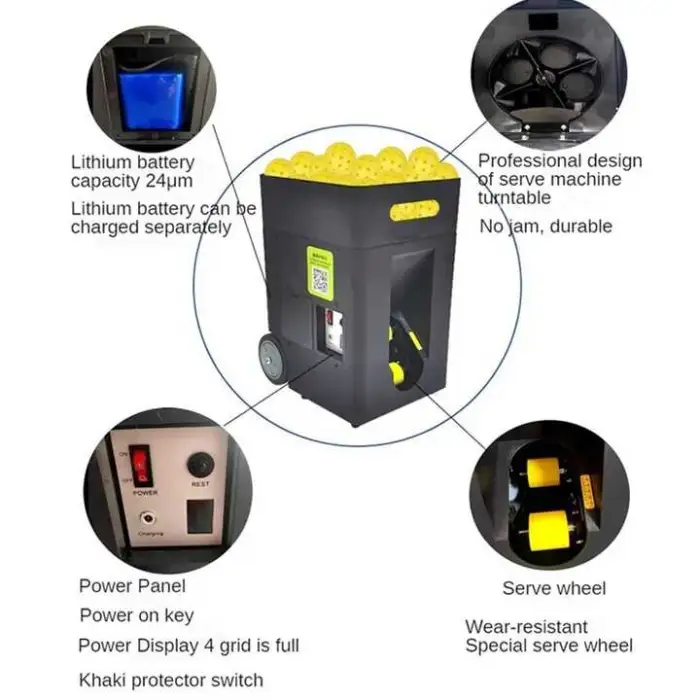
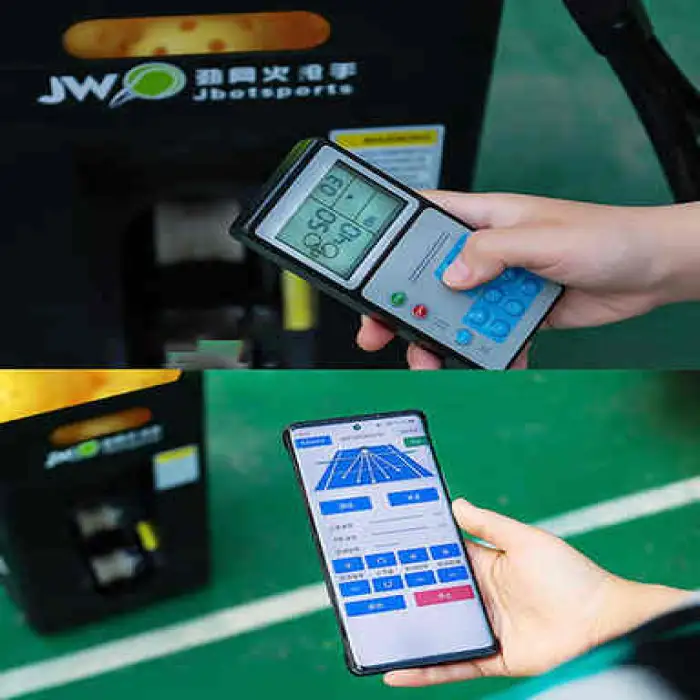
The Oscillation Multi-Angle Adjustment Pickleball Ball Shooting Machine is the perfect tool for players who want to improve their game. This machine is easy to use and can shoot balls in different directions. With the help of an app and remote control, you can adjust settings quickly. Train anywhere with its portable design and enjoy endless practice sessions!
Specifications
| Attribute | Details |
|---|---|
| Model Number | MS-01 |
| Ball Capacity | 40-50 balls |
| Material | Plastic |
| Remote Distance | 12 meters |
| Single Package Size | 54X31X39 cm |
| Single Gross Weight | 13.000 KG |
Key Features
- Portable design for easy transport.
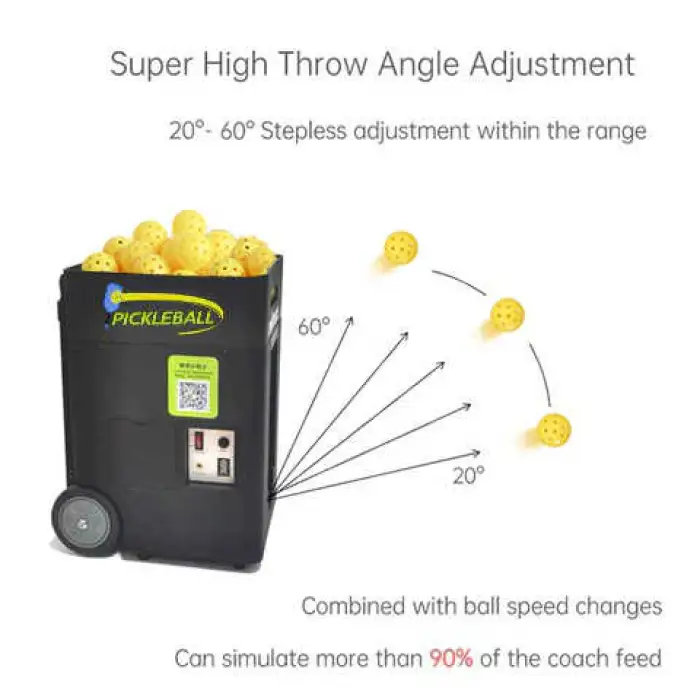
- Adjustable angles for varied practice.
- Control via app and remote for convenience.
- Holds up to 50 pickleballs for continuous play.
- Lightweight with a compact size.
Applications
- Perfect for individual training sessions.
- Great for team practice drills.
- Ideal for pickleball clubs and enthusiasts.
- Useful for developing serving and returning skills.
- Can be used in various outdoor and indoor settings.
Product Info Gallery
- Shipping Timeframes: All orders are processed within 2-5 business days (excluding weekends and holidays). After your order has been processed, the estimated delivery time is before 04 Aug, 2026, depending on customs, Please note that due to high demand, some items may experience longer shipping times, which will be communicated at order confirmation email.
- Order Processing Time: Please allow 2-5 business days for us to process your order before it is shipped . Orders placed after 16:00 on Fridays, or during weekends and public holidays, will begin processing on the next business day. Processing times may be extended during peak seasons or sales events.
- Manufacturing Time: Some products needs manufacturing time, the manufacturing process will take approximately 10-30 business days depending on the product. This timeframe may vary depending on the complexity of the product and current demand. but this will be communicated with you during order confirmation.
- Returns and Exchanges: We offer a 30-day return policy for most items. If you are not completely satisfied with your purchase, you may return it within 30 days of receipt for a refund or exchange. Items must be unused, in their original packaging, and accompanied by proof of purchase. Return shipping costs are the responsibility of the customer, unless the item was damaged or defective upon arrival.
1. What is the model number of this pickleball ball shooting machine?
The model number is MS-01.
2. How many balls does the machine hold?
The hopper holds approximately 40–50 pickleballs (up to 50 balls for continuous play).
3. What features does the machine offer for varied practice?
It offers oscillation and multi-angle adjustment so balls can be shot in different directions and at different angles to simulate real-game shots.
4. How can I control the machine?
You can control the machine using the included remote control (12 meter range) and via the companion mobile app for convenient adjustments.
5. What is the remote control range?
The remote control has an effective range of up to 12 meters.
6. Is the machine portable?
Yes. The machine is designed to be portable and lightweight with a compact package size (54 x 31 x 39 cm) and a single gross weight of about 13.0 kg, making it easy to transport to courts or practice locations.
7. What materials is the machine made from?
The primary construction material is plastic.
8. Can I use the machine indoors and outdoors?
Yes. The machine is suitable for both indoor and outdoor settings; however, avoid using it in heavy rain or extreme weather and store it indoors when not in use to prolong its life.
9. What type/size of balls should I use?
Use standard pickleballs. Avoid oversized or damaged balls, as they may affect feeding and shooting performance.
10. How do I load and operate the machine?
Place up to 40–50 pickleballs into the hopper, power the machine on, then use the remote or app to select oscillation, angle and shooting settings. Refer to the user manual for detailed loading and operation steps.
11. What power supply or batteries does the machine require?
Power supply details are not specified in this description. Check the product listing or user manual for information on included adapters, batteries or external power requirements.
12. How much assembly or setup is required?
The machine is designed for quick setup with minimal assembly. Exact steps and estimated setup time are provided in the user manual included with the product.
13. How should I maintain and clean the machine?
Regularly remove dust and debris, clean the plastic housing with a dry or lightly damp cloth, empty the hopper after use, and inspect moving parts for wear. Always disconnect power before cleaning or maintenance. Refer to the manual for detailed maintenance instructions.
14. Are there safety precautions I should follow?
Yes. Keep hands and loose clothing away from the ball feed and wheel areas while the machine is powered, disconnect power before servicing, use on a stable surface, and supervise young players during operation.
15. What support or warranty options are available?
Warranty and support details are not included in this description. For warranty period, spare parts, or technical support, contact the seller or check the product documentation provided at purchase.
Latest Order Arrivals
Discover our latest orders

12 Heads Embroidery Machine

Toilet Paper Machine Machine

Order Collection

Cross Border Clients

Order cros border countries Collected

Industrial Machine Cllection

Agriculture Processing Machines

Ready for collection

Water Pump Equipment

Packaging Machine and accessories

Fabrics Manufacturing Equipment

Mining Equipments

Food Processing Machine

Batch of Orders

Batch of Orders

Latest Orders Labelled

wheel alignment machines

new arrivals

Pre Orders Offloading

Latest Arrivals

Latest Arrivals

Latest Arrivals

Loading

Toilet paper making machine

Toilet paper making machine

Toilet paper Rewinding Machine

latest arrivals

offloading

order success

order collection

order offloading