B21, China Town Mall, Midrand

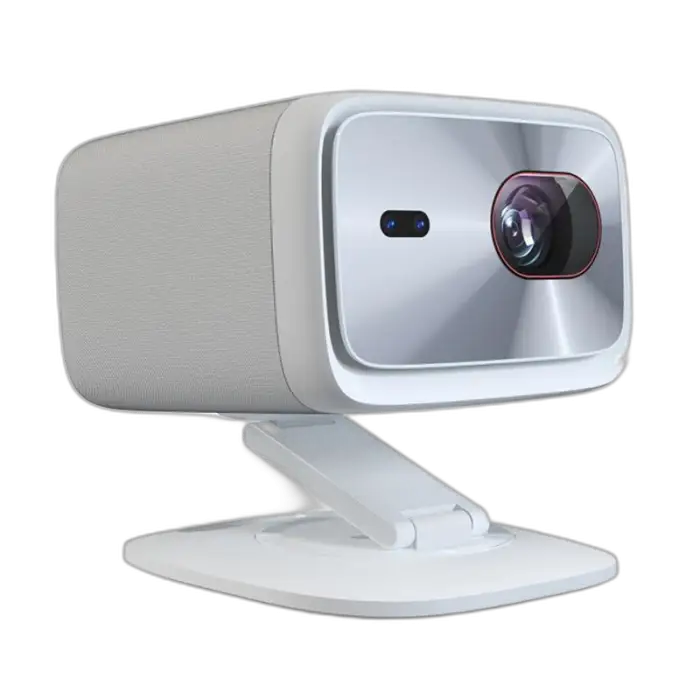
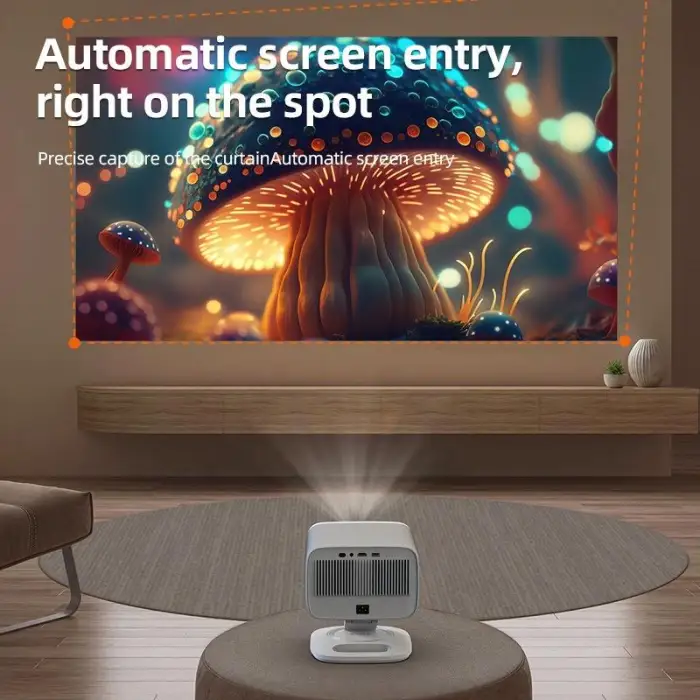
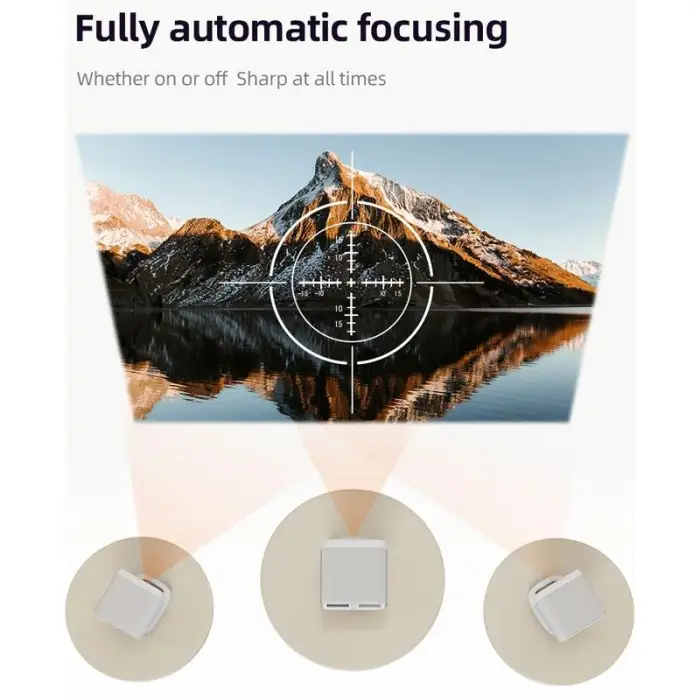
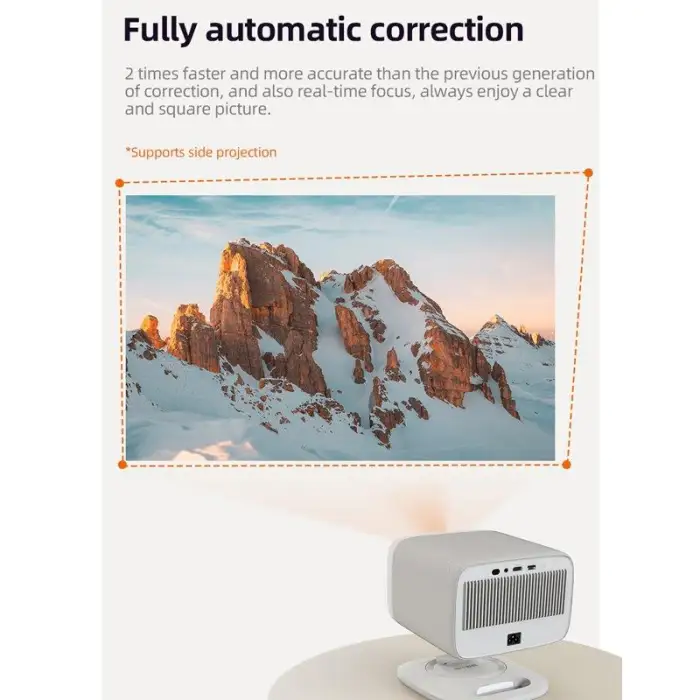
Original Lenovo HD Home Commercial Projector bluetooth Wifi TV Phone Portable Android Mini Gaming Video Projector 1080p 4k

- Section : Consumer Electronics
- Category : Projectors & Presentation Equipments
- SKU : 1601297035966

Original Lenovo HD Home Commercial Projector Bluetooth Wifi TV Phone Portable Android Mini Gaming Video Projector 1080p 4k
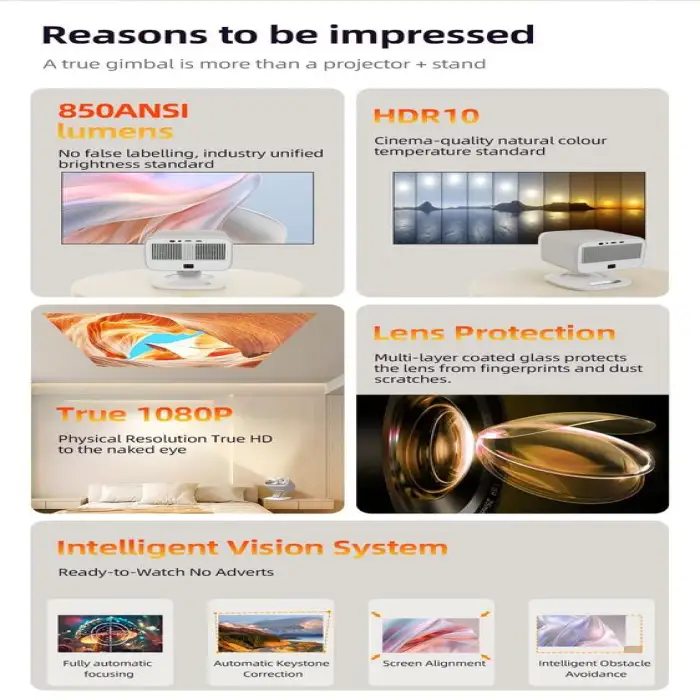
The Original Lenovo HD Home Commercial Projector is a versatile and portable projector designed for both home and commercial use. With stunning 1080p resolution and support for 4K, this mini projector brings your videos and games to life. Its Bluetooth and WiFi capabilities make it easy to connect to your favorite devices, including TVs and phones. Whether you're hosting a movie night or playing games, this projector is the perfect choice for a big-screen experience.
Specifications
| Attribute | Details |
|---|---|
| Feature | Home Theater |
| Built-In Speakers | Yes |
| Physical Resolution | 1080p |
| ANSI Lumens | 850 Lumens |
| Contrast Ratio | Other |
| Projector Type | LCD |
| Maximum Support Resolution | 1080p |
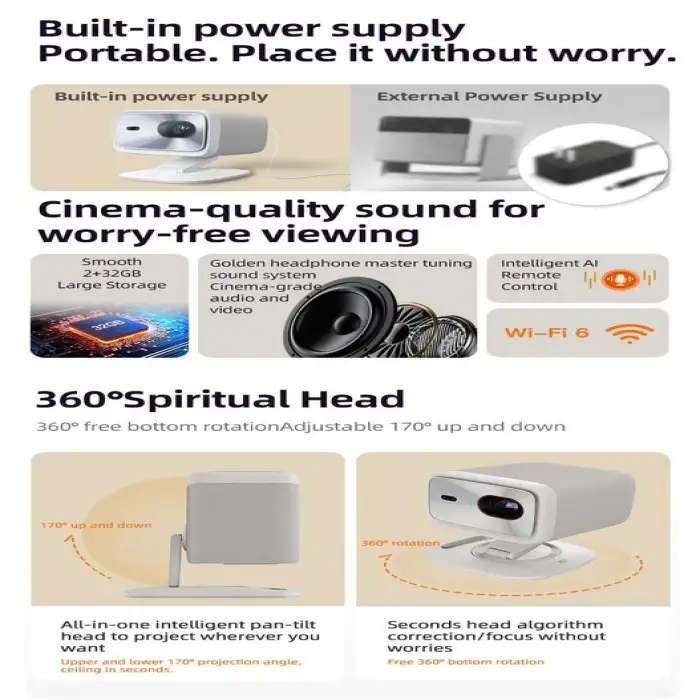
| Build in Battery | No |
| Portable | Yes |
| Operation System | ZEASN OTT eco-system |
| RAM | 2GB |
| Storage | 32GB |
| Selling Units | Single item |
| Single Package Size | 23X20X19 cm |
| Single Gross Weight | 5.000 KG |
Key Features
- Portable design for easy transport.
- High-quality 1080p resolution for clear images.
- Bluetooth and WiFi connectivity for device pairing.
- Built-in speakers for great sound.
- Supports 4K resolution for enhanced viewing.
Applications
- Home movie nights with family and friends.
- Presentations in small offices or classrooms.
- Gaming sessions for an immersive experience.
- Outdoor events and parties.
- Streaming your favorite shows and movies.
Product Info Gallery
- Shipping Timeframes: All orders are processed within 2-5 business days (excluding weekends and holidays). After your order has been processed, the estimated delivery time is before 03 Feb, 2026, depending on customs, Please note that due to high demand, some items may experience longer shipping times, which will be communicated at order confirmation email.
- Order Processing Time: Please allow 2-5 business days for us to process your order before it is shipped . Orders placed after 16:00 on Fridays, or during weekends and public holidays, will begin processing on the next business day. Processing times may be extended during peak seasons or sales events.
- Manufacturing Time: Some products needs manufacturing time, the manufacturing process will take approximately 10-30 business days depending on the product. This timeframe may vary depending on the complexity of the product and current demand. but this will be communicated with you during order confirmation.
- Returns and Exchanges: We offer a 30-day return policy for most items. If you are not completely satisfied with your purchase, you may return it within 30 days of receipt for a refund or exchange. Items must be unused, in their original packaging, and accompanied by proof of purchase. Return shipping costs are the responsibility of the customer, unless the item was damaged or defective upon arrival.
1. What is the native resolution of this Lenovo projector?
The projector's physical (native) resolution is 1080p (Full HD).
2. It says 4K — does this projector play 4K content?
The unit supports 4K input (can accept 4K video sources) but downscales the image to its native 1080p display.
3. How bright is the projector and where does it work best?
Brightness is rated at 850 ANSI lumens. It performs best in dim or dark rooms and may be less visible in bright daylight or well-lit spaces.
4. Does it have built-in speakers?
Yes — the projector includes built-in speakers suitable for casual viewing. For fuller or louder sound, use external Bluetooth speakers or a sound system.
5. Is the projector portable and does it have a built-in battery?
The projector is designed to be portable, but it does not have a built-in battery — it requires an external power source.
6. What wireless features does it offer (Bluetooth/WiFi)?
It includes both WiFi and Bluetooth for wireless connectivity — you can cast or stream content over WiFi and pair Bluetooth devices for audio.
7. What operating system does it run and can I install apps?
The projector runs the ZEASN OTT ecosystem. It has 2GB of RAM and 32GB of storage, allowing installation of supported apps available through the ZEASN platform; available apps may vary by region and firmware.
8. Is it good for gaming?
Yes — it’s suitable for casual and immersive gaming with large-screen visuals at 1080p. Input lag and performance for competitive gaming aren’t specified, so for fast-paced esports you may want a low-latency wired connection and to test responsiveness first.
9. What ports and wired connections are available?
Port types are not explicitly listed in the provided specs. The projector supports wireless connectivity; many projectors also include common wired inputs such as HDMI and USB—check the product listing or user manual for the exact port layout on your unit.
10. How large an image can the projector produce and how far should it be placed?
Exact throw distance and maximum screen size are not provided in the spec sheet. Image size depends on the unit’s throw ratio; refer to the user manual or product page for throw-distance guidance and recommended screen sizes.
11. What about contrast ratio and picture quality settings?
The contrast ratio is listed as 'Other' (not specified). The projector offers standard picture settings via its menu—adjust brightness, contrast, aspect ratio, and picture modes for best results in your environment.
12. How do I connect my phone or TV to the projector?
You can connect wirelessly using WiFi/casting or pair Bluetooth for audio. For wired connections, check for HDMI or MHL ports on the unit and use the corresponding cable. Specific connection steps depend on your phone/TV model and the projector’s available ports.
13. How do I update firmware or troubleshoot WiFi/Bluetooth issues?
Firmware updates and troubleshooting options are typically available in the projector’s system settings (ZEASN OTT menu). Restart the device, ensure your router and phone are on the same network for casting, and re-pair Bluetooth devices if needed. Consult the user manual or seller support for firmware update files and step-by-step guidance.
14. What maintenance does the projector need (lens, vents, lamp)?
Keep the lens clean using a soft, lint-free cloth and avoid abrasive cleaners. Ensure vents are unobstructed to maintain cooling. Specific lamp or LED life and filter cleaning intervals should be referenced in the user manual.
15. Is there warranty and support information included?
Warranty and support details are not included in the provided description. Check the retailer or Lenovo’s official product page for warranty terms, regional support contacts, and return policies before purchase.
Latest Order Arrivals
Discover our latest orders

12 Heads Embroidery Machine

Dewatering Pump Machine

Order Collection

Portable Water Drilling Rig

Order Usefully Collected

Batch of Orders

Agriculture Processing Machines

Meat Grinder Machine

Water Pump Equipment

Packaging Machine and accessories

Fabrics Manufacturing Equipment

Mining Equipments

Food Processing Machine

Batch of Orders

Batch of Orders

Latest Orders Labelled

wheel alignment machines

new arrivals

Pre Orders Offloading

Latest Arrivals

Latest Arrivals