B21, China Town Mall, Midrand

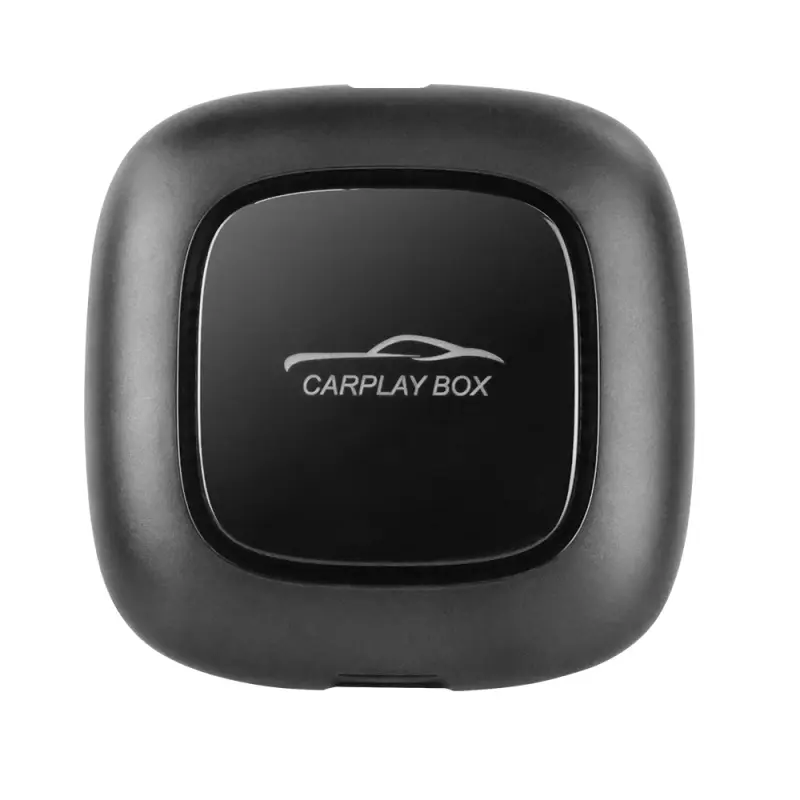
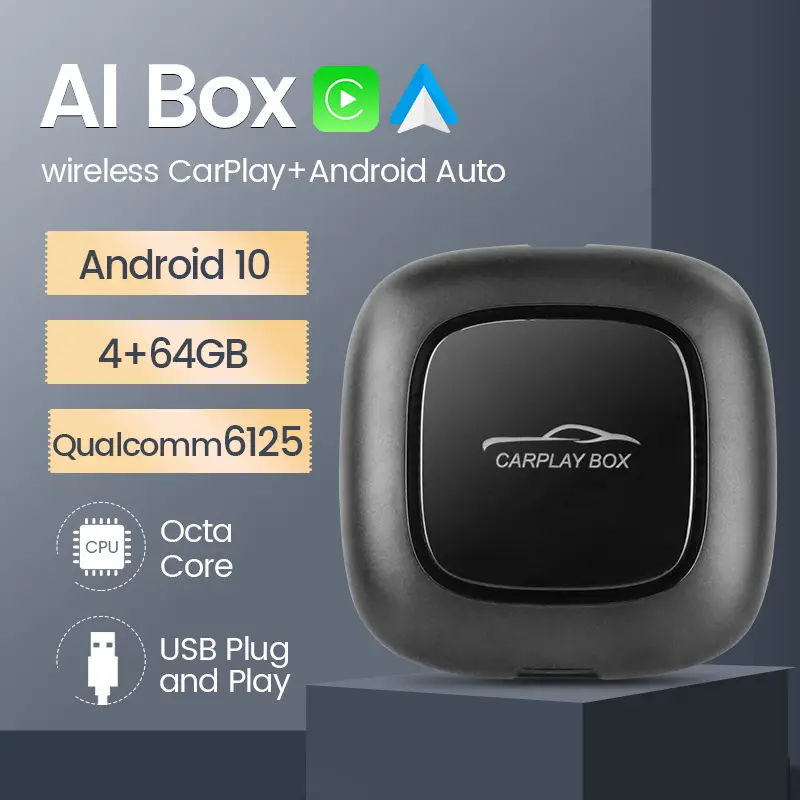
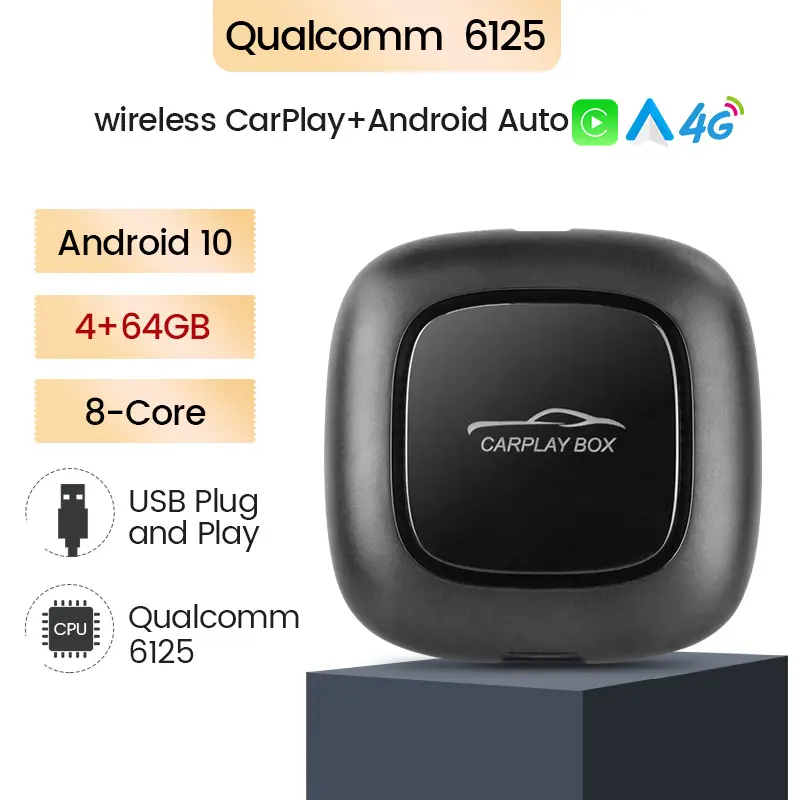
MEKEDE MINI Android AI box Suit for car with carplay support auto split screen 4G WIFI Car audio

- Section : Sports & Entertainment
- Category : Car Electronics
- SKU : 1600727020348

Product details
- Shipping Timeframes: All orders are processed within 2-5 business days (excluding weekends and holidays). After your order has been processed, the estimated delivery time is before 03 Feb, 2026, depending on customs, Please note that due to high demand, some items may experience longer shipping times, which will be communicated at order confirmation email.
- Order Processing Time: Please allow 2-5 business days for us to process your order before it is shipped . Orders placed after 16:00 on Fridays, or during weekends and public holidays, will begin processing on the next business day. Processing times may be extended during peak seasons or sales events.
- Manufacturing Time: Some products needs manufacturing time, the manufacturing process will take approximately 10-30 business days depending on the product. This timeframe may vary depending on the complexity of the product and current demand. but this will be communicated with you during order confirmation.
- Returns and Exchanges: We offer a 30-day return policy for most items. If you are not completely satisfied with your purchase, you may return it within 30 days of receipt for a refund or exchange. Items must be unused, in their original packaging, and accompanied by proof of purchase. Return shipping costs are the responsibility of the customer, unless the item was damaged or defective upon arrival.
1. What is the MEKEDE MINI Android AI box for car?
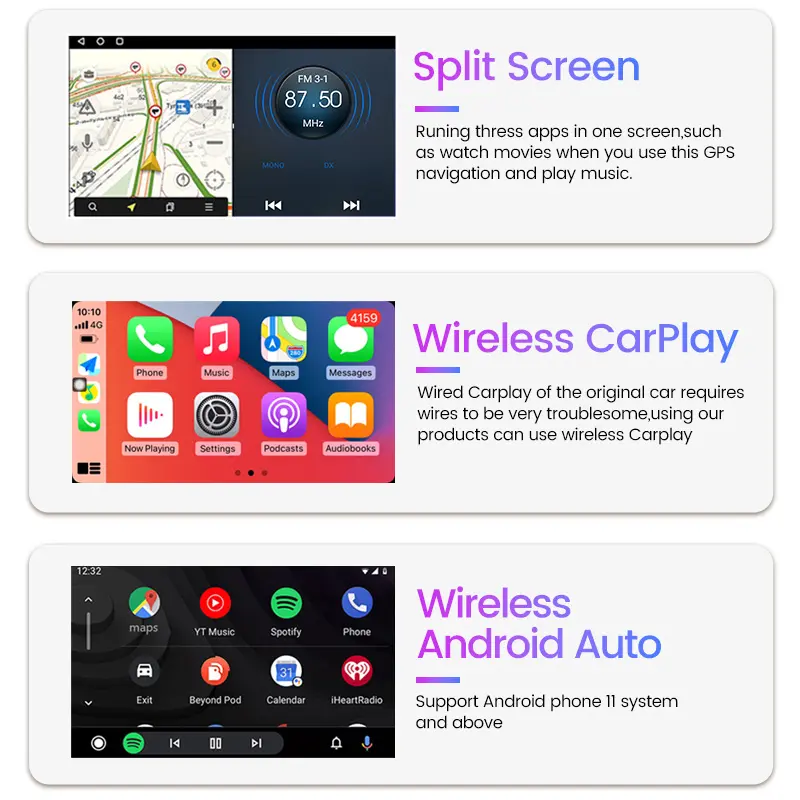
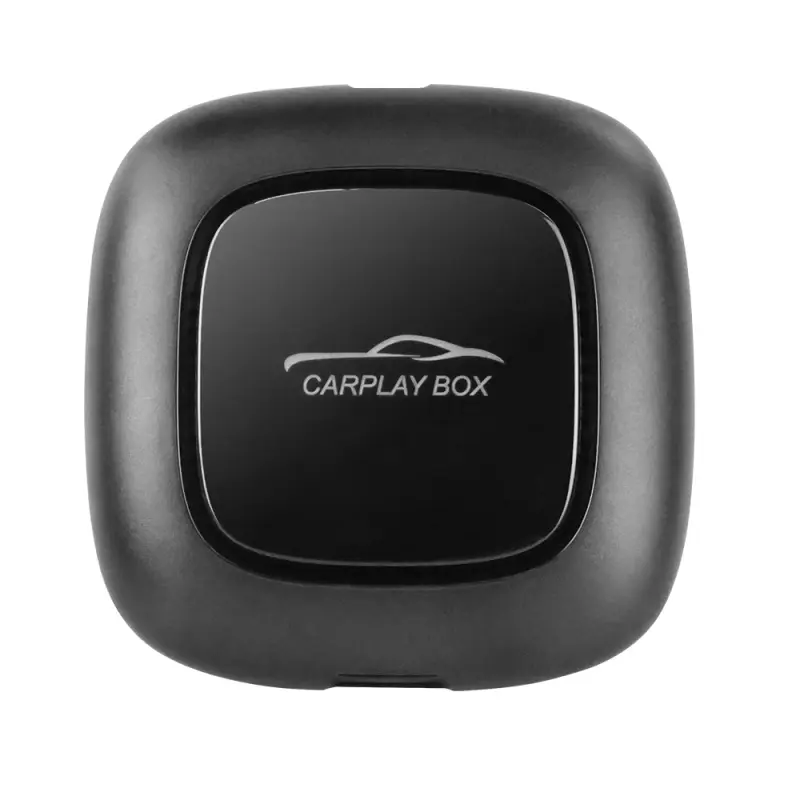
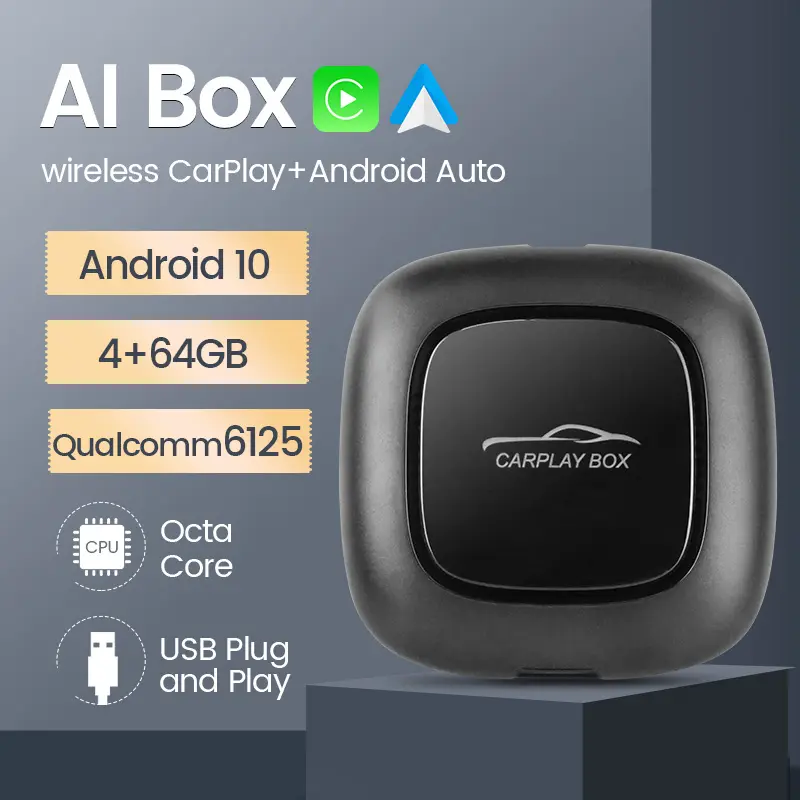
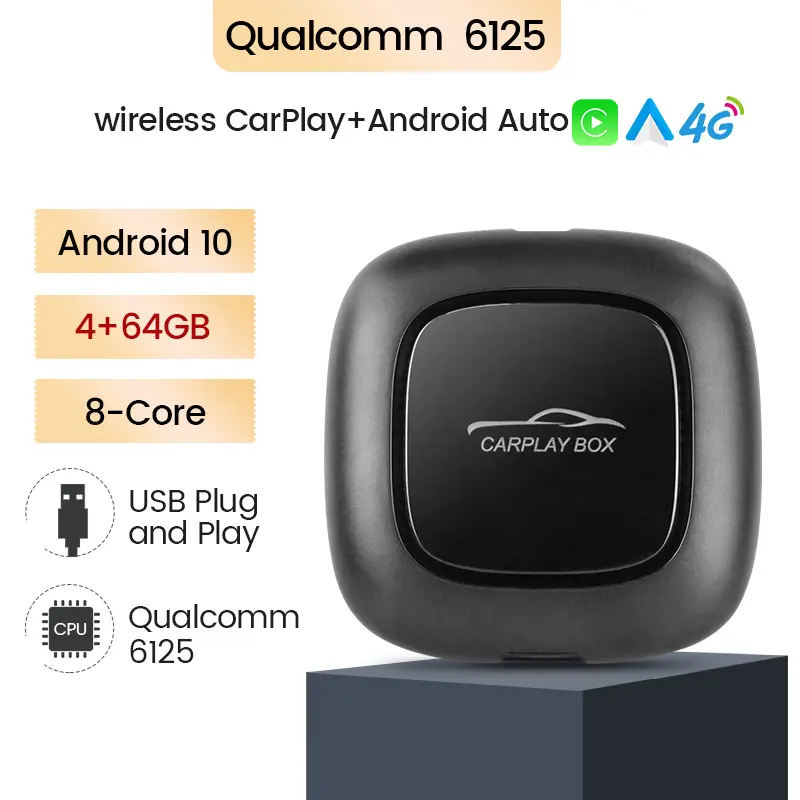
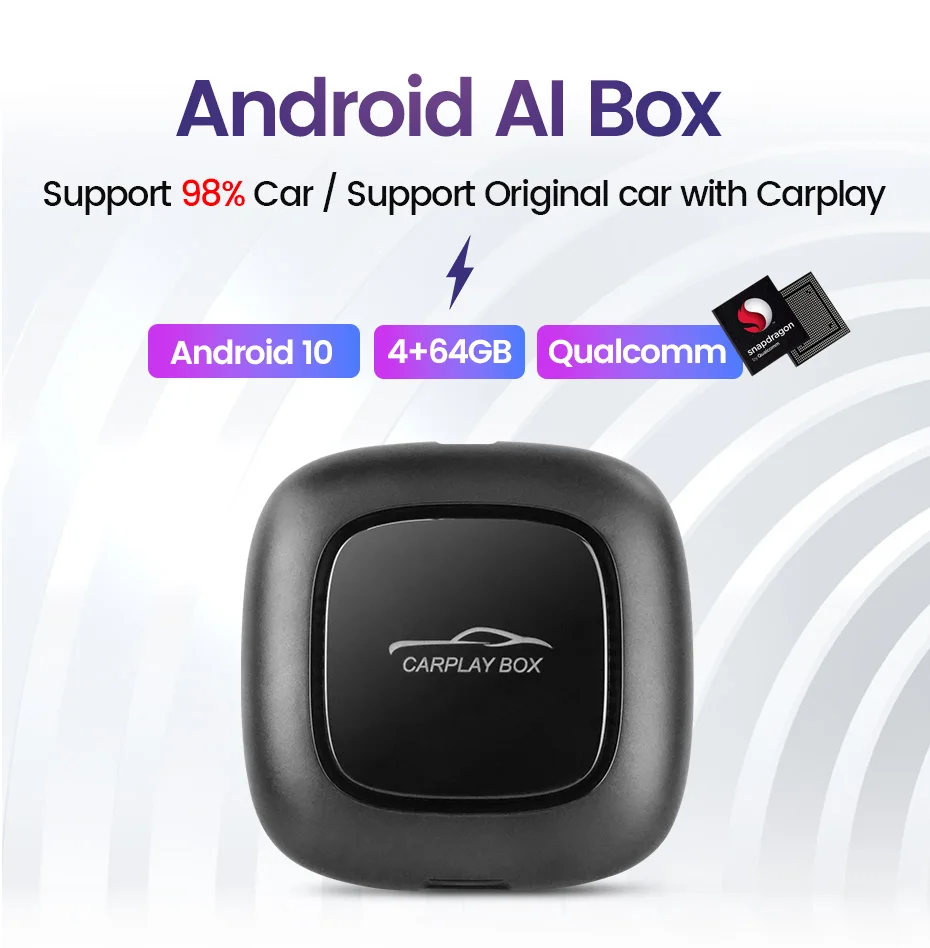
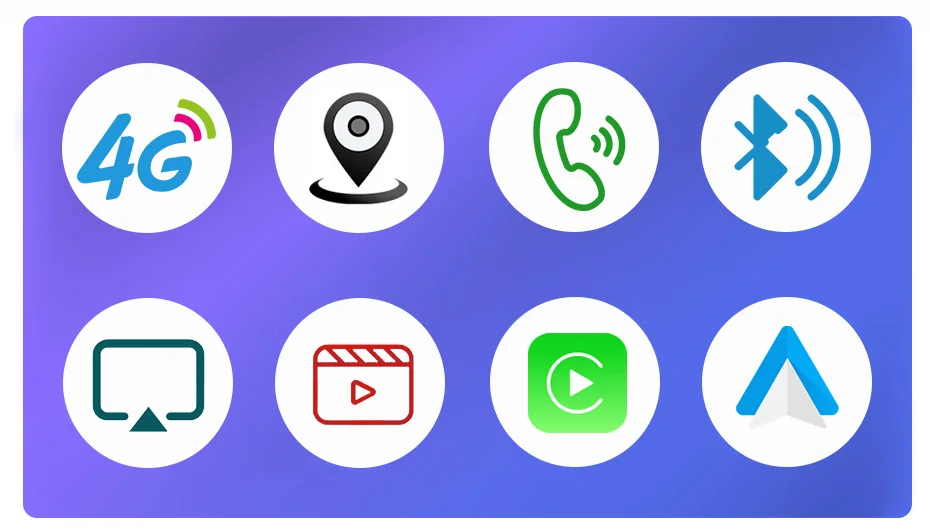
The MEKEDE MINI is a compact Android-based multimedia and AI box designed to add smart features to a car infotainment system — including CarPlay support, auto split-screen display, internet connectivity (4G/Wi‑Fi), Bluetooth audio/phone, and Android apps.
2. Which vehicles and head units is it compatible with?
It is designed to work with most vehicles that have an external display or aftermarket/factory head unit that accepts USB/HDMI/AV input or supports external Android boxes. Compatibility depends on the car's connector types and dashboard space — check the product listing/manual for vehicle-specific compatibility and required adapters.
3. Does it support Apple CarPlay and Android Auto?
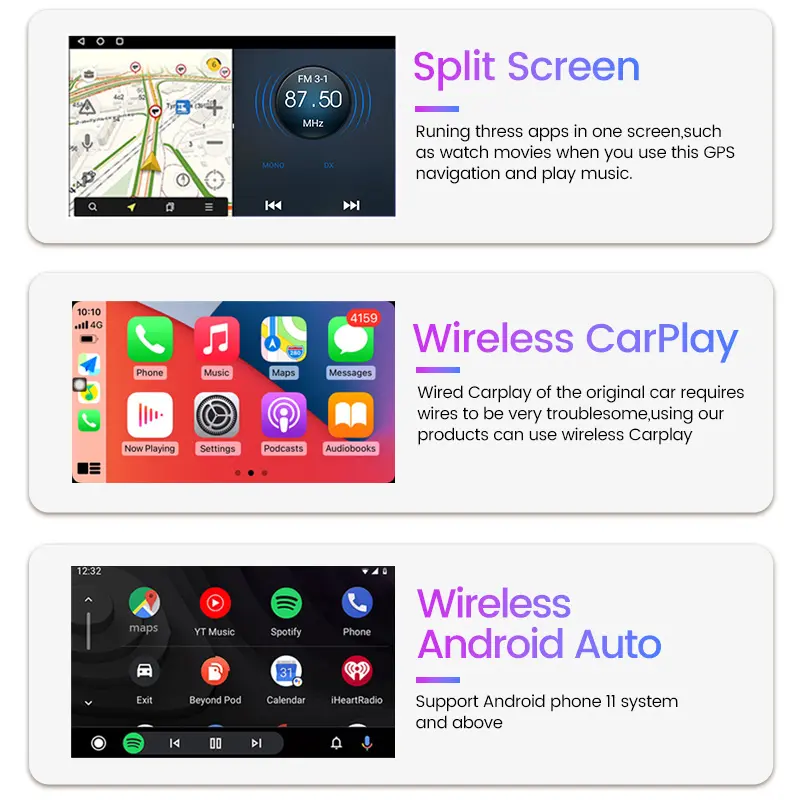
The unit supports Apple CarPlay (to mirror and run CarPlay apps on your car screen). For Android Auto functionality you can install Android Auto apps on the Android OS, but exact behavior can vary by model — consult the product page for whether wireless or wired CarPlay/Android Auto is supported.
4. Is CarPlay wireless or wired?
Some MEKEDE MINI variants support wireless CarPlay while others use a wired (USB) connection. Which mode is available depends on the specific SKU and your head unit — check the product specifications before purchase.
5. What does 'auto split screen' mean?
Auto split screen lets the display show two apps or sources at once (for example, navigation on one side and music or CarPlay on the other), so you can view directions and media simultaneously without switching screens.
6. How does it connect to the internet — 4G or Wi‑Fi?
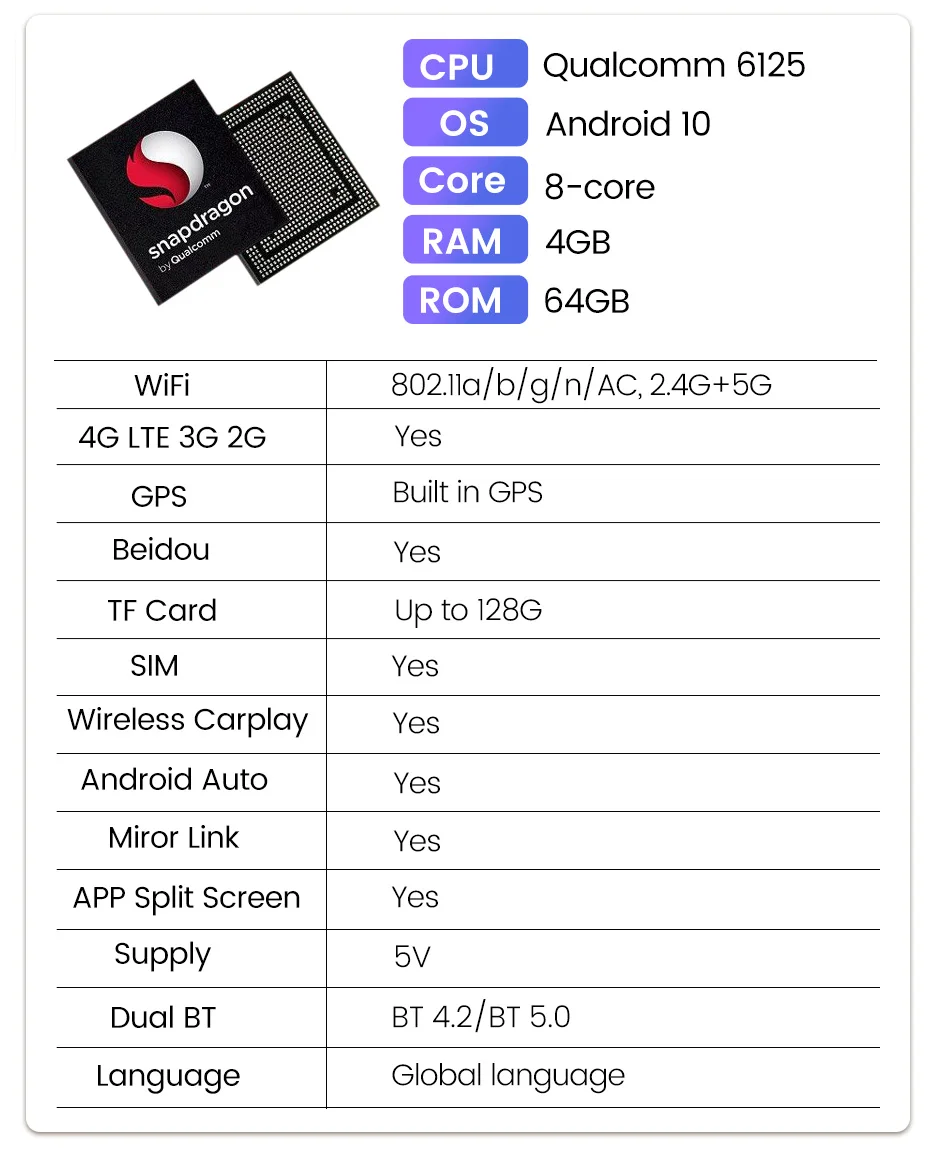
The MEKEDE MINI supports Wi‑Fi for internet access. Some versions include a built‑in 4G modem and SIM slot for mobile data; other versions can use a phone hotspot or external 4G dongle. Verify the exact connectivity options listed for the unit you are buying.
7. Can I insert my own SIM card for mobile data?
If you buy a variant with a built‑in 4G modem and SIM slot, then yes — you can use a compatible SIM card and data plan. If the variant lacks a modem, you can still use internet via Wi‑Fi or a phone hotspot.
8. Does it support Bluetooth hands‑free calling and audio streaming?
Yes — the device typically provides Bluetooth for phone calls and audio streaming. A built‑in or external microphone is generally required for hands‑free calling; check whether a microphone is included in the package.
9. How does it integrate with my car's existing audio system?
Audio integration methods depend on your head unit and the MEKEDE model: common options include USB audio passthrough, AUX/RCA outputs, or CAN‑BUS/line‑level connections via an adapter. Some installations may require an interface harness to retain factory amplifiers and steering wheel controls.
10. Is installation difficult? Do I need a professional?
Installation is usually plug‑and‑play for some setups, but many vehicles require wiring, adapter harnesses, or mounting behind the dash. Professional installation is recommended if you are not experienced with car electronics to ensure proper fit, stable connections, and to avoid voiding warranties.
11. Does the device include a voice assistant or AI features?
The box runs Android and typically supports voice assistants such as Google Assistant or the unit's AI features. Voice command functionality depends on whether a microphone is connected and which assistant apps are installed.
12. Can I install Android apps like navigation, music, or streaming services?
Yes — because it runs Android, you can install apps from the Google Play Store (or sideload APKs) subject to available storage and hardware capability. Performance may vary by app and the unit's hardware specs.
13. Does it have GPS/navigation support?
Many units provide GPS support either via an internal GPS module or an external GPS antenna. This enables use of offline or online navigation apps. Confirm GPS availability in the product specifications for the exact model.
14. How are software updates handled (firmware/OS updates)?
Software updates are typically provided via OTA updates over Wi‑Fi or by manual firmware update through USB. Update procedures and frequency vary by manufacturer; follow the instructions in the user manual or the seller's support resources.
15. What warranty and customer support are available?
Warranty terms vary by seller and region. Check the product listing for warranty length (commonly 6–12 months), return policy, and how to contact technical support. Keep your purchase receipt and document installation details for warranty claims.
Latest Order Arrivals
Discover our latest orders

12 Heads Embroidery Machine

Dewatering Pump Machine

Order Collection

Portable Water Drilling Rig

Order Usefully Collected

Batch of Orders

Agriculture Processing Machines

Meat Grinder Machine

Water Pump Equipment

Packaging Machine and accessories

Fabrics Manufacturing Equipment

Mining Equipments

Food Processing Machine

Batch of Orders

Batch of Orders

Latest Orders Labelled

wheel alignment machines

new arrivals

Pre Orders Offloading

Latest Arrivals

Latest Arrivals