B21, China Town Mall, Midrand

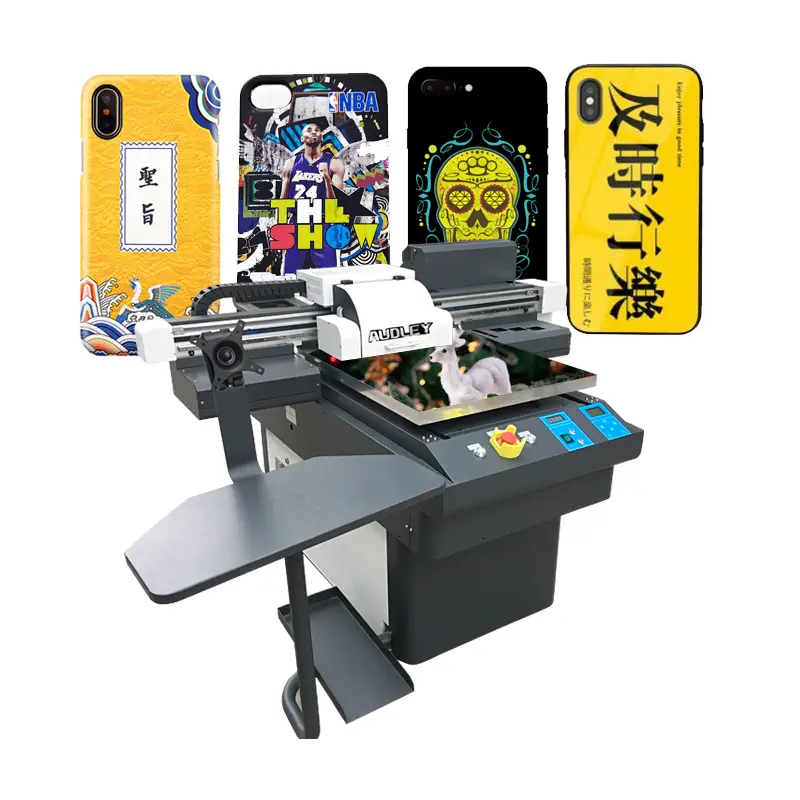
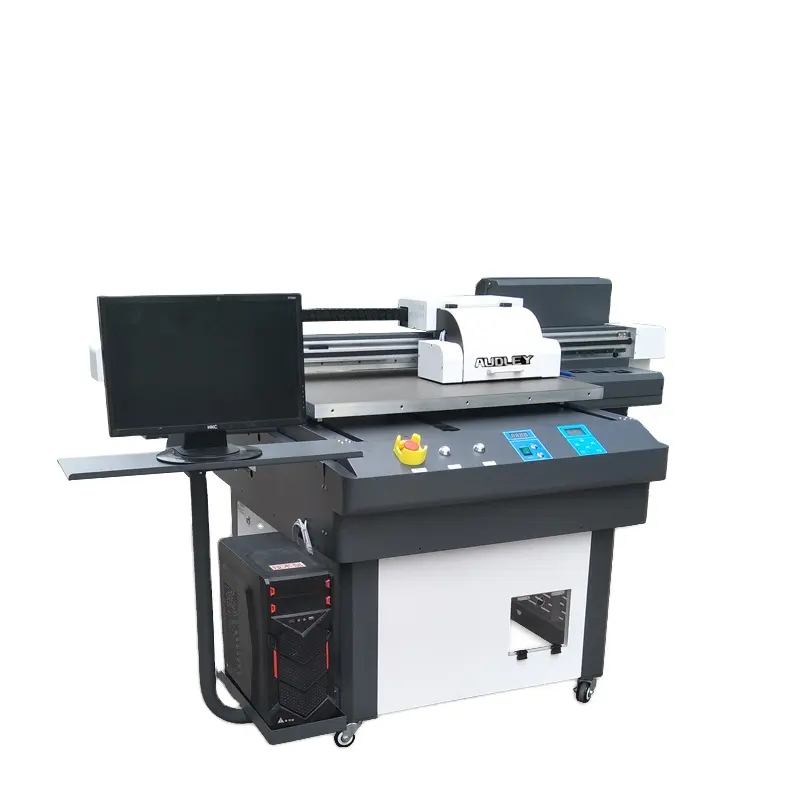
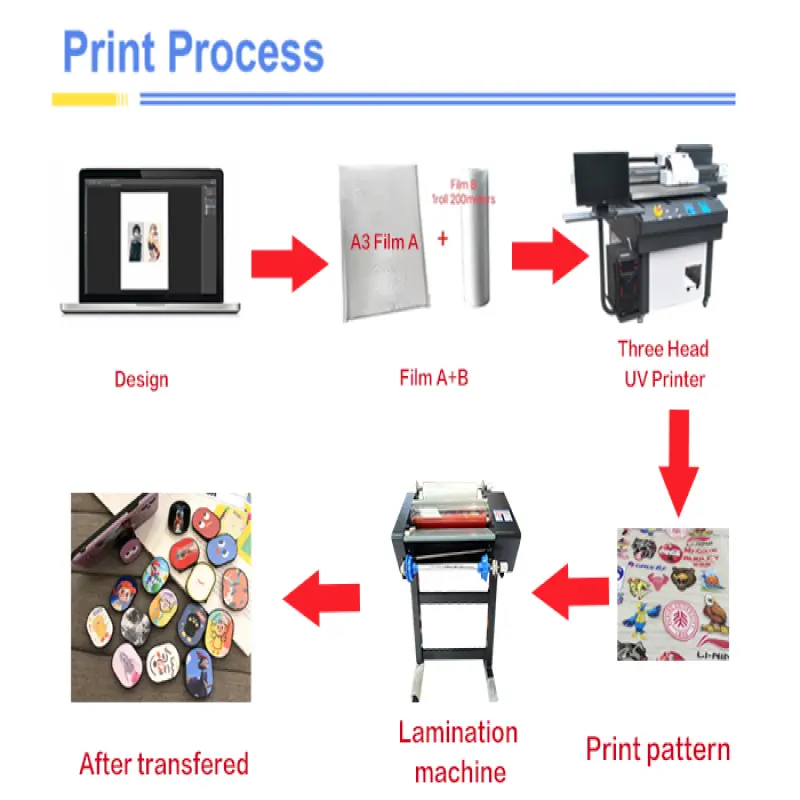
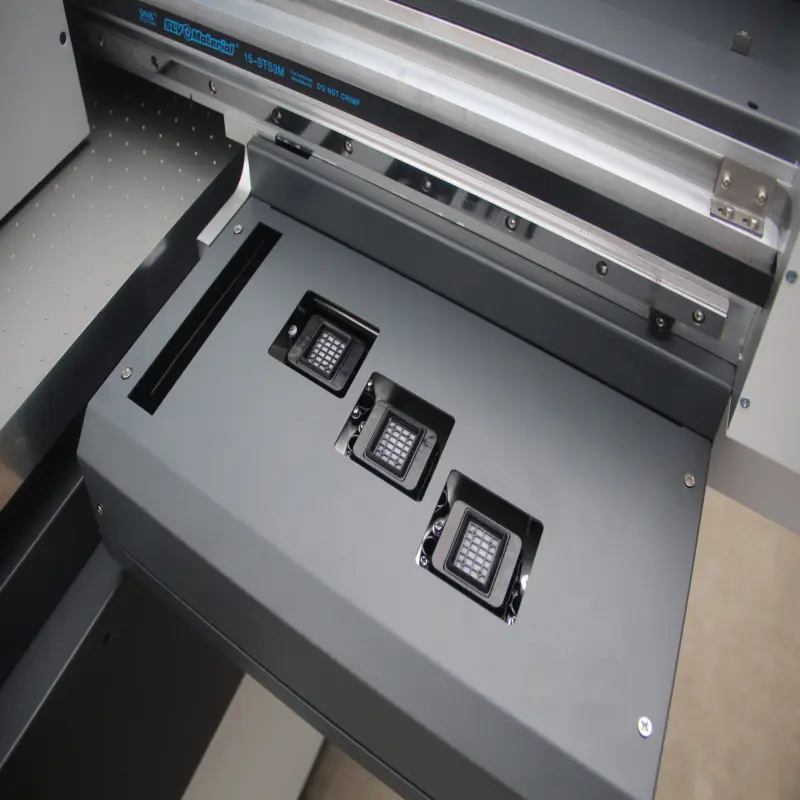
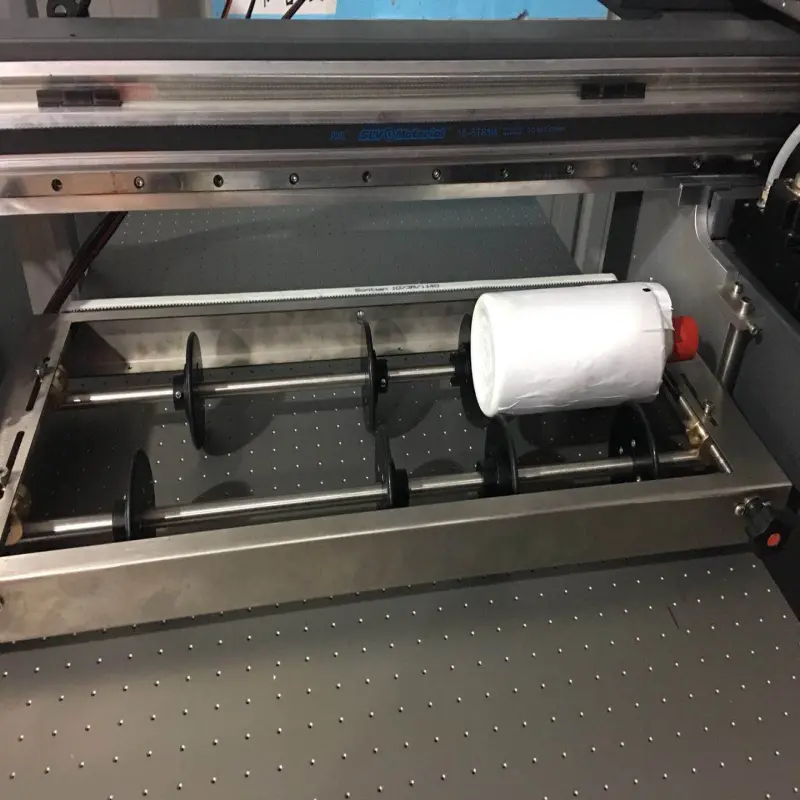
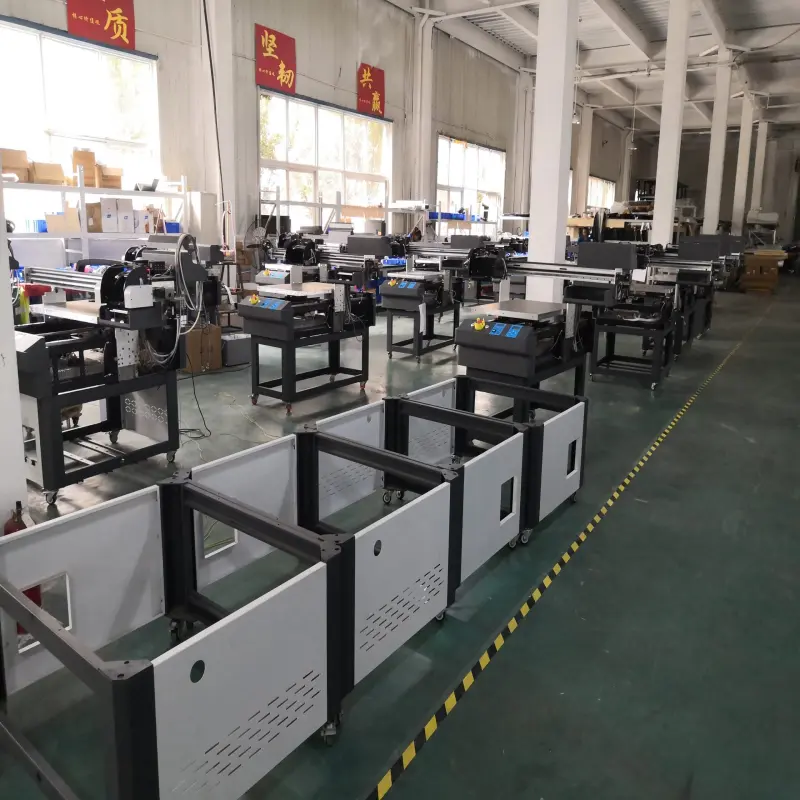
Digital inkjet UV printing Embossing 3D effect UV printer with UV dtf technology
Asset finance available
Do you want funding for this equipment?
Afrimart can connect you with trusted funding partners who specialise in asset finance for businesses like yours. Compare options and apply in minutes — final approval is subject to provider review.
Check funding options
Secure & no obligation
- Section : Consumer Electronics
- Category : Digital Printers
- SKU : 1600446184503

- Product Description

- Shipping Timeframes: All orders are processed within 2-5 business days (excluding weekends and holidays). After your order has been processed, the estimated delivery time is before 04 Aug, 2026, depending on customs, Please note that due to high demand, some items may experience longer shipping times, which will be communicated at order confirmation email.
- Order Processing Time: Please allow 2-5 business days for us to process your order before it is shipped . Orders placed after 16:00 on Fridays, or during weekends and public holidays, will begin processing on the next business day. Processing times may be extended during peak seasons or sales events.
- Manufacturing Time: Some products needs manufacturing time, the manufacturing process will take approximately 10-30 business days depending on the product. This timeframe may vary depending on the complexity of the product and current demand. but this will be communicated with you during order confirmation.
- Returns and Exchanges: We offer a 30-day return policy for most items. If you are not completely satisfied with your purchase, you may return it within 30 days of receipt for a refund or exchange. Items must be unused, in their original packaging, and accompanied by proof of purchase. Return shipping costs are the responsibility of the customer, unless the item was damaged or defective upon arrival.
1. What is a digital inkjet UV printer?
A digital inkjet UV printer uses ultraviolet light to cure or dry the ink as it is printed, allowing for vibrant colors and high-quality prints on various materials.
2. What is the 3D effect in printing?
The 3D effect in printing refers to a technique that creates a raised, textured surface on the printed material, giving it a three-dimensional appearance.
3. What materials can I print on with this UV printer?
This UV printer can print on a wide range of materials, including paper, plastic, glass, metal, wood, and more, making it versatile for various applications.
4. What is UV DTF technology?
UV DTF (Direct to Film) technology allows for high-quality prints on films that can then be transferred onto various surfaces, providing flexibility and efficiency in printing.
5. Is the printer suitable for commercial use?
Yes, this printer is designed for both commercial and industrial use, ideal for businesses looking to produce high-quality prints in bulk.
6. What are the advantages of using UV printing?
UV printing offers several advantages, including faster drying times, more vibrant colors, eco-friendly inks, and the ability to print on non-porous materials.
7. Does this printer require special inks?
Yes, the printer requires UV-curable inks specifically designed for UV printing to ensure optimal performance and print quality.
8. Can I print white ink with this printer?
Yes, this UV printer is capable of printing with white ink, allowing for designs on darker surfaces and achieving greater contrast.
9. How does the embossing effect work?
The embossing effect is achieved by layering the ink to create a raised texture on the surface of the printed material, enhancing the visual and tactile experience.
10. What is the maximum print size for this printer?
The maximum print size can vary by model, but it typically accommodates larger formats, making it suitable for signage, banners, and more.
11. Is this printer easy to operate?
Yes, the printer is designed with user-friendly software and controls, making it accessible for both beginners and experienced operators.
12. What maintenance is required for this UV printer?
Regular maintenance includes cleaning the print heads, ensuring the ink supply is adequate, and performing routine software updates to keep the printer functioning optimally.
13. What type of warranty comes with the printer?
The printer typically comes with a manufacturer's warranty that covers defects and parts, and the specifics can vary, so it's best to check the warranty details at the time of purchase.
14. Can I use this printer for small-scale projects?
Absolutely, this printer can handle both large and small-scale projects, giving you the flexibility to print according to your needs.
15. How do I set up the printer?
Setting up the printer involves following the manufacturer's instructions, which usually include assembling the printer, installing the software, and connecting to your computer or network.
Latest Order Arrivals
Discover our latest orders

12 Heads Embroidery Machine

Toilet Paper Machine Machine

Order Collection

Cross Border Clients

Order cros border countries Collected

Industrial Machine Cllection

Agriculture Processing Machines

Ready for collection

Water Pump Equipment

Packaging Machine and accessories

Fabrics Manufacturing Equipment

Mining Equipments

Food Processing Machine

Batch of Orders

Batch of Orders

Latest Orders Labelled

wheel alignment machines

new arrivals

Pre Orders Offloading

Latest Arrivals

Latest Arrivals

Latest Arrivals

Loading

Toilet paper making machine

Toilet paper making machine

Toilet paper Rewinding Machine

latest arrivals

offloading

order success

order collection

order offloading