B21, China Town Mall, Midrand

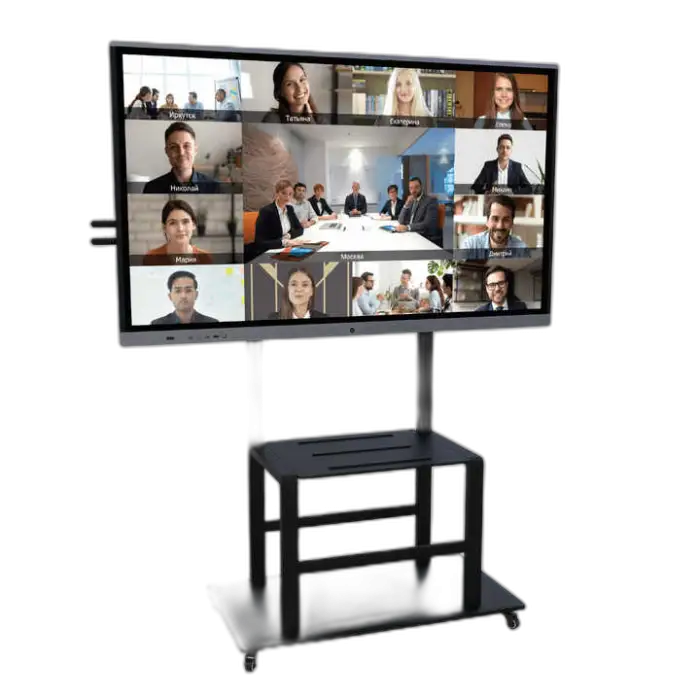
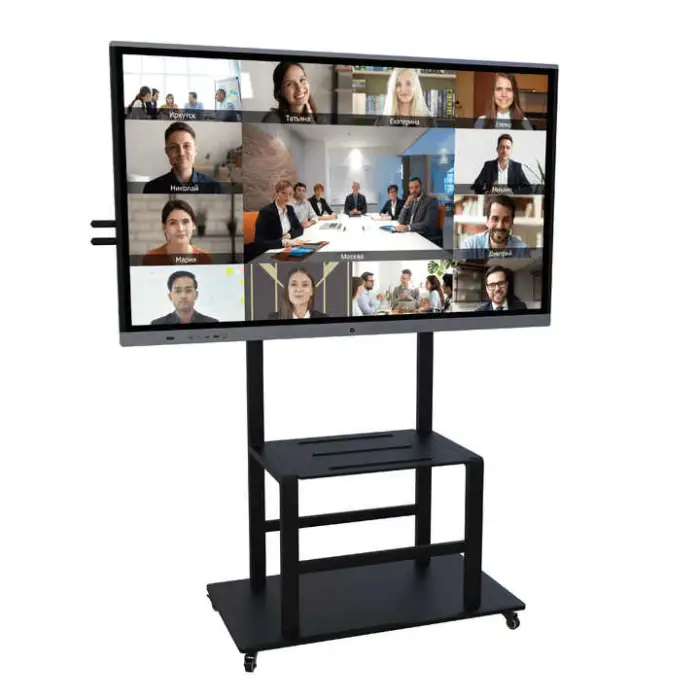
86 Inch 4K Digital Smart Whiteboard Digital Interactive LCD Big Panel Monitor Signage Kiosk for Meeting and Teaching

- Section : Machinery
- Category : Chemical Storage Equipment
- SKU : 1601412173610

86 Inch 4K Digital Smart Whiteboard Digital Interactive LCD Big Panel Monitor Signage Kiosk for Meeting and Teaching
The 86 Inch 4K Digital Smart Whiteboard is a powerful tool for teachers, students, and business professionals. This large interactive LCD monitor makes meetings and lessons more engaging. With its stunning 4K resolution and user-friendly features, it is perfect for classrooms, offices, and community centers.
Specifications
| Attribute | Details |
|---|---|
| Panel Style | LCD |
| Color | Black, White, Customizable |
| Whiteboard Type | Interactive Whiteboard |
| Aspect Ratio | 5000:1 |
| Contrast Ratio | 5000:1 |
| Weight | 76 kg |
| Writing Method | Pen/Finger Touch |
| Product Dimensions | 1968mm x 1177.5mm x 92.9mm |
| Maximum Resolution | 3840 x 2160 |
| Input Type | USB, HDMI, VGA |
| Orientation | Horizontal |
| Screen Refresh Rate | 60Hz |
| Recommended Use | School, Office, Community Center, PUB, Gym, Home, Restaurant |
| Installation | Floor Standing / Wall-mounted |
Key Features
- Large 86-inch display for an immersive experience.
- Stunning 4K resolution for clear visuals.
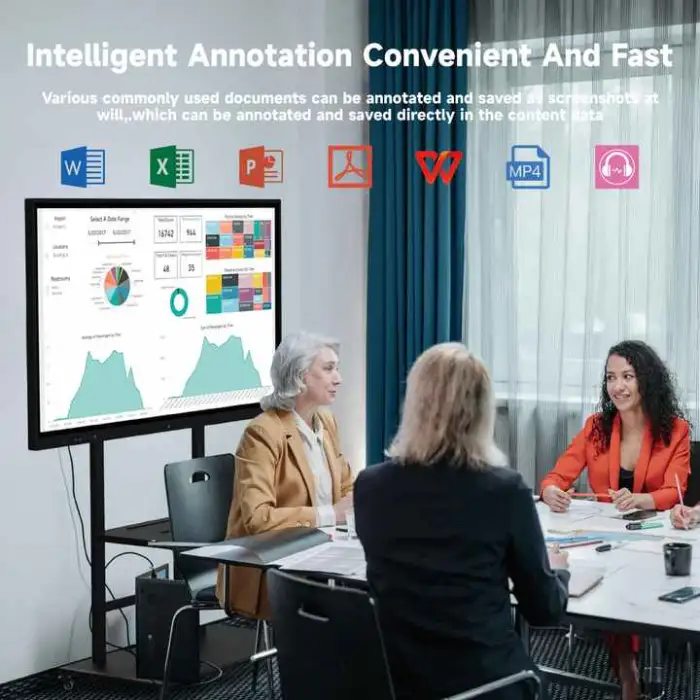
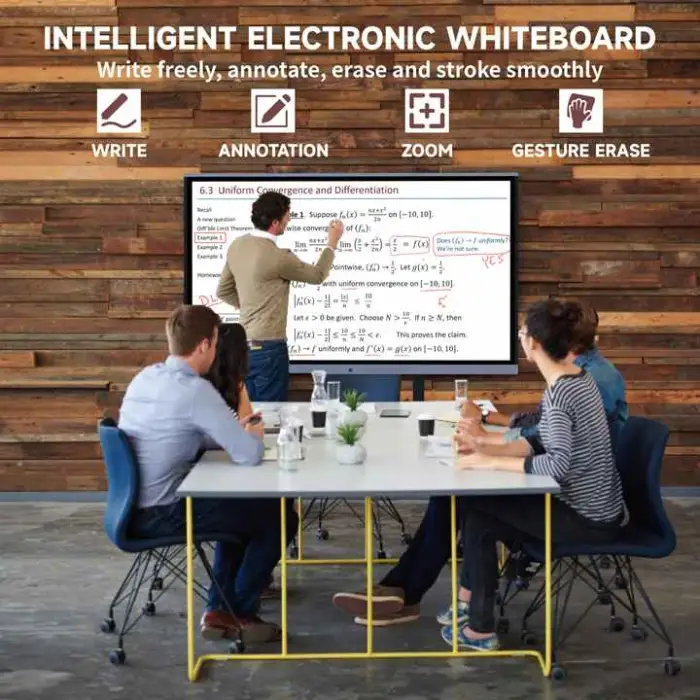
- Interactive touch capabilities with pen or finger.
- Multiple input options: USB, HDMI, VGA.
- Versatile installation options: floor standing or wall-mounted.
Applications
- Ideal for classrooms and educational institutions.
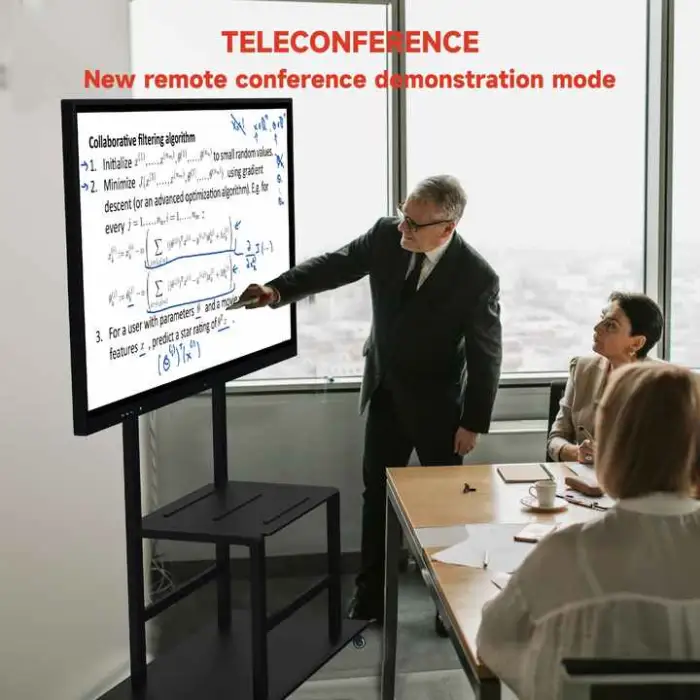
- Perfect for business meetings and presentations.
- Great for community centers and public spaces.
- Useful in gyms and fitness centers for instructions.
- Enhances dining experience in restaurants with menu displays.
Product Info Gallery
- Shipping Timeframes: All orders are processed within 2-5 business days (excluding weekends and holidays). After your order has been processed, the estimated delivery time is before 01 Sep, 2026, depending on customs, Please note that due to high demand, some items may experience longer shipping times, which will be communicated at order confirmation email.
- Order Processing Time: Please allow 2-5 business days for us to process your order before it is shipped . Orders placed after 16:00 on Fridays, or during weekends and public holidays, will begin processing on the next business day. Processing times may be extended during peak seasons or sales events.
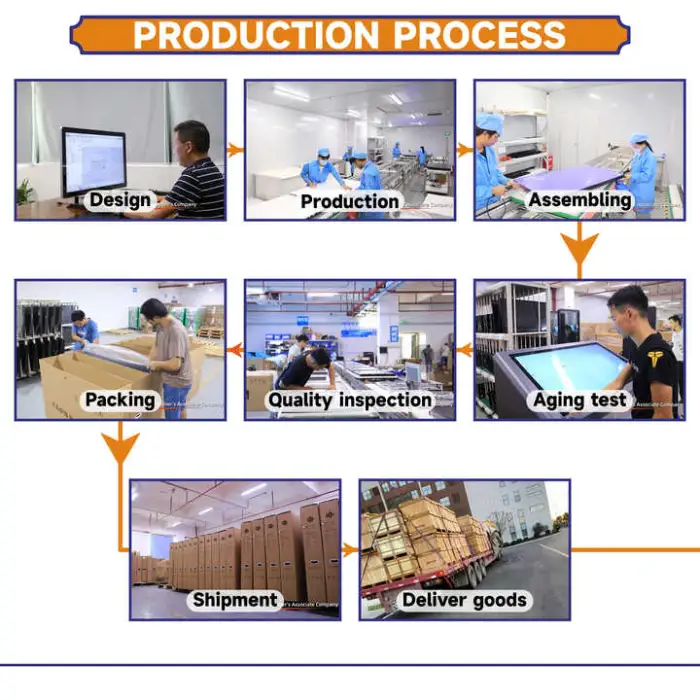
- Manufacturing Time: Some products needs manufacturing time, the manufacturing process will take approximately 10-30 business days depending on the product. This timeframe may vary depending on the complexity of the product and current demand. but this will be communicated with you during order confirmation.
- Returns and Exchanges: We offer a 30-day return policy for most items. If you are not completely satisfied with your purchase, you may return it within 30 days of receipt for a refund or exchange. Items must be unused, in their original packaging, and accompanied by proof of purchase. Return shipping costs are the responsibility of the customer, unless the item was damaged or defective upon arrival.
1. What is the display size and resolution of this smart whiteboard?
The display is 86 inches diagonal with a maximum resolution of 3840 x 2160 (4K) and a 60 Hz screen refresh rate.
2. What touch input methods does the panel support?
The unit supports interactive touch input via pen and finger for writing and annotation.
3. How many simultaneous touch points does the display support?
The number of simultaneous touch points is not specified in the provided description. Please check the product datasheet or contact the seller for exact multi-touch capability.
4. Which video and data inputs are available?
The panel provides USB, HDMI and VGA inputs. For 4K at higher frame rates, use an HDMI cable rated for 4K@60Hz (HDMI 2.0 or higher) or an appropriate adapter when connecting other sources.
5. Can I wall-mount the 86-inch display or does it have to be floor-standing?
You can either floor-mount or wall-mount the display. The product weight is about 76 kg and dimensions are 1968 mm x 1177.5 mm x 92.9 mm, so professional installation and confirmation of compatible wall hardware (VESA pattern/weight rating) are recommended.
6. What are the recommended installation and safety considerations?
Because the display is large and heavy (≈76 kg), use certified mounts and qualified installers, ensure the mounting surface supports the weight, and follow the manufacturer’s installation instructions and local building codes.
7. Is an internal computer/operating system included?
The product description does not state whether a built-in PC or specific operating system is included. Contact the seller for details about built-in Android/Windows modules or optional OPS PCs.
8. Does the panel include built-in speakers and audio outputs?
Audio capabilities and outputs are not listed in the provided specifications. Please verify with the seller or the full datasheet if built-in speakers, line-out or HDMI audio support are required.
9. What colors are available and can the exterior be customized?
The product is available in Black and White, and customizable color options are offered—contact the vendor for available customization choices and lead times.
10. Is interactive whiteboard software included for annotation and saving notes?
The description identifies the product as an interactive whiteboard but does not list included software. Many models include annotation software or support third-party apps—confirm software availability and features with the supplier.
11. What maintenance and cleaning procedures are recommended?
Use a soft microfiber cloth and a mild screen cleaner or a little water. Do not use abrasive cleaners, solvents, or paper towels. Power the display off before cleaning and avoid pressing hard on the screen surface.
12. Can I connect laptops, document cameras, or other AV equipment?
Yes — you can connect laptops and other AV sources using the available USB, HDMI or VGA inputs. For best 4K performance, use a compatible HDMI cable/capable output on the source device.
13. Is there information on power requirements and energy consumption?
Power consumption and voltage requirements are not provided in the description. Check the product manual or ask the vendor for the electrical specifications before installation.
14. What environments is this display best suited for?
It’s well suited for classrooms, offices, meeting rooms, community centers, gyms, restaurants and public spaces where a large interactive display enhances presentations, instruction, or signage.
15. What should I do if I need additional accessories or service (mounts, pens, warranty)?
Accessory inclusion (pens, remote, mounts) and warranty/service details are not listed. Contact the seller or distributor to confirm what’s included, available accessory bundles, warranty terms and after-sales support options.
Latest Order Arrivals
Discover our latest orders

12 Heads Embroidery Machine

Toilet Paper Machine Machine

Order Collection

Cross Border Clients

Order cros border countries Collected

Industrial Machine Cllection

Agriculture Processing Machines

Ready for collection

Water Pump Equipment

Packaging Machine and accessories

Fabrics Manufacturing Equipment

Mining Equipments

Food Processing Machine

Batch of Orders

Batch of Orders

Latest Orders Labelled

wheel alignment machines

new arrivals

Pre Orders Offloading

Latest Arrivals

Latest Arrivals

Latest Arrivals

Loading

Toilet paper making machine

Toilet paper making machine

Toilet paper Rewinding Machine

latest arrivals

offloading

order success

order collection

order offloading